
Free tool · No sign-up
QR code sign maker for the tables and the welcome sign
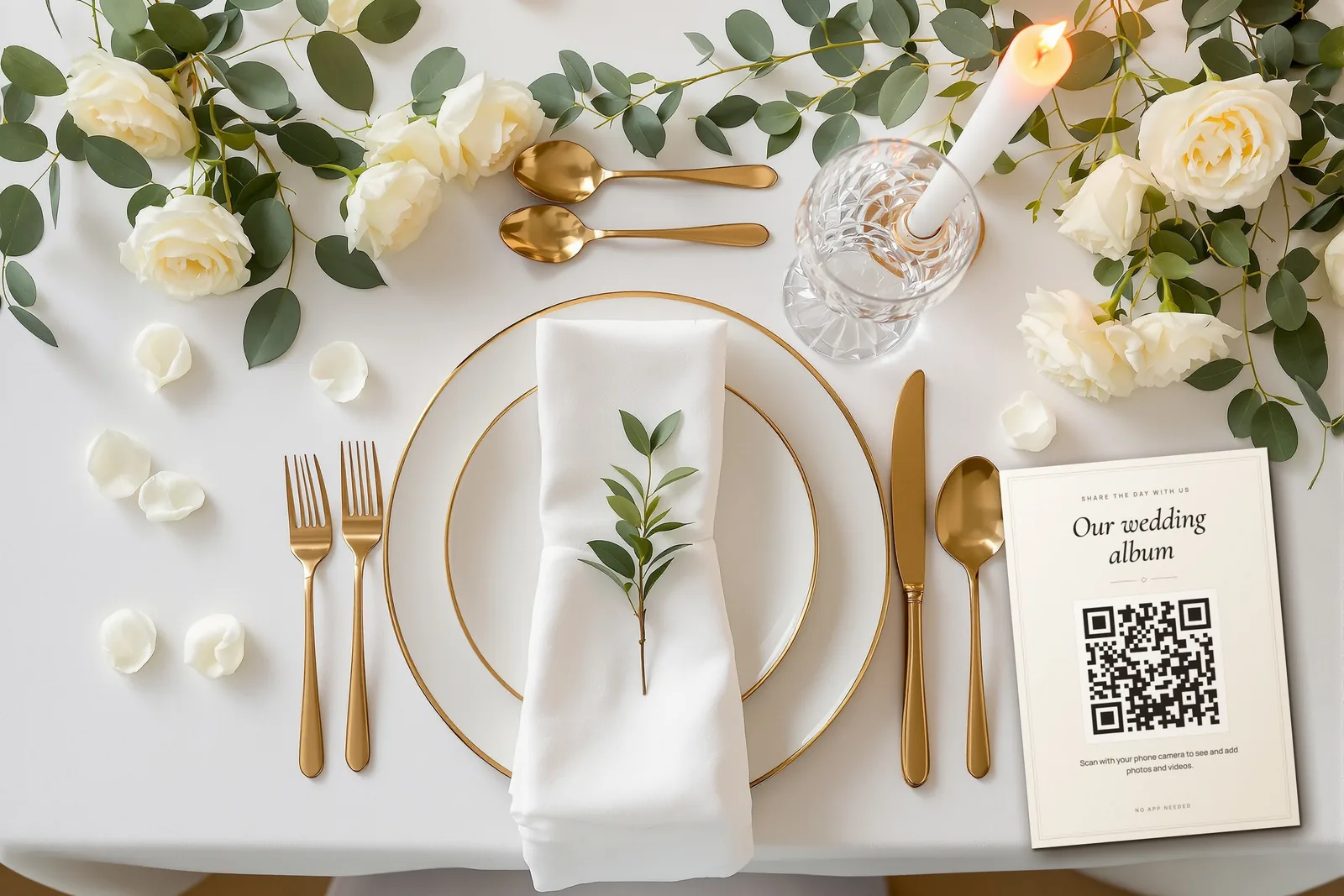
Pick a template for a sign, a save the date, a thank-you card or a photo challenge, change the words, fonts and colors, and download a print-ready PDF: one to a page, several to a sheet, or with bleed for a print shop.
Your sign is made in your browser. Nothing you add is uploaded.
Printing your sign
How to print a QR code sign guests actually scan
- 01
Pick the size by where it stands
A6 or 4 × 6 in fits a table. Use A5 or 5 × 7 in for the bar or the guest book, and A3 or a poster at the entrance. A code reads from about ten times its own width.
- 02
Print on matte card
Card of 250–300 gsm stands up on its own. Glossy paper and glass frames reflect the lights, and a glare spot on the code stops phones reading it.
- 03
Print at actual size
Choose 100% or “Actual size” in the print dialog, not “Fit to page”. For a dozen tables, a print shop is often cheaper: take them the PDF with bleed.
- 04
Scan a test print
Print one sign and scan it with two phones from where a guest would sit. Then open the link on a phone that isn't signed in, the way your guests will see it.
Your guests' photos
Need a QR code for your guests' photos? Make one in a minute.
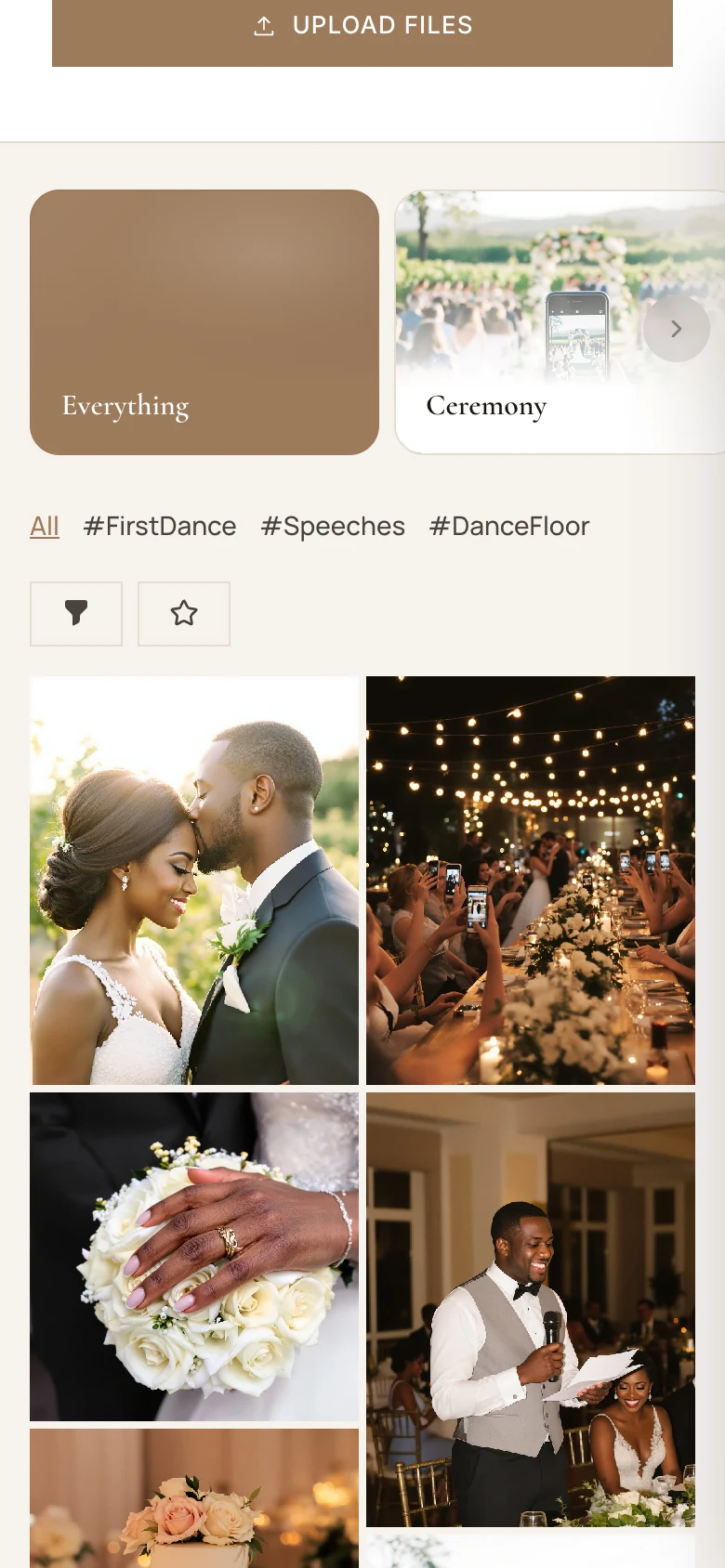
With Chivent, guests scan the code on your sign and add their photos and videos to one album. No app, no sign-up for them.
- One QR code for the whole day, ready for your sign
- Photos land in the album as guests take them
- Download everything in full quality afterwards
QR code sign questions
Is the sign maker really free?
Yes. Make and download as many signs as you like, with any link, as a PDF or a PNG. There's no account and no watermark.
Can I make more than signs?
Yes. There are save the dates whose code opens your event page, thank-you cards whose code opens the photos after the day, and photo challenges such as I spy and photo bingo that send guests looking for moments to photograph. They print the same way as the signs.
What link should the QR code open?
Any web address: your photo album, your wedding website, a registry or a menu. With a Chivent album, guests scan the code and add their photos and videos straight away, no app needed.
How big should the QR code be?
At least 2.5 to 3 cm (about 1 inch) on a table card, and bigger on signs people read from further away: a code reads from about ten times its own width. The sign maker tells you when the code is too small.
Will the QR code stop working?
No. The link is stored in the code itself, with no redirect through us, so it works for as long as the link does.
How do I print the sign at home?
Download the PDF and print it at 100% (“Actual size”), not “Fit to page”. Small cards like A6 or 4 × 6 in can come several to an A4 or Letter sheet, with lines to cut along.
What is bleed, and do I need it?
Bleed is an extra 3 mm of background around the sign, so a print shop's cut leaves no white edge. Tick it when a shop prints your sign; leave it off at home.
Is anything I add uploaded?
No. The sign is made in your browser and kept there for next time. Your link, words and pictures never reach our servers.
More answers in the Help Center(opens in a new tab)