
For holiday homes, boats, tours and venues
One QR code. A private album for every group.
Leave it where guests arrive. Each group shares photos privately, and everyone gets them all by email when they leave.

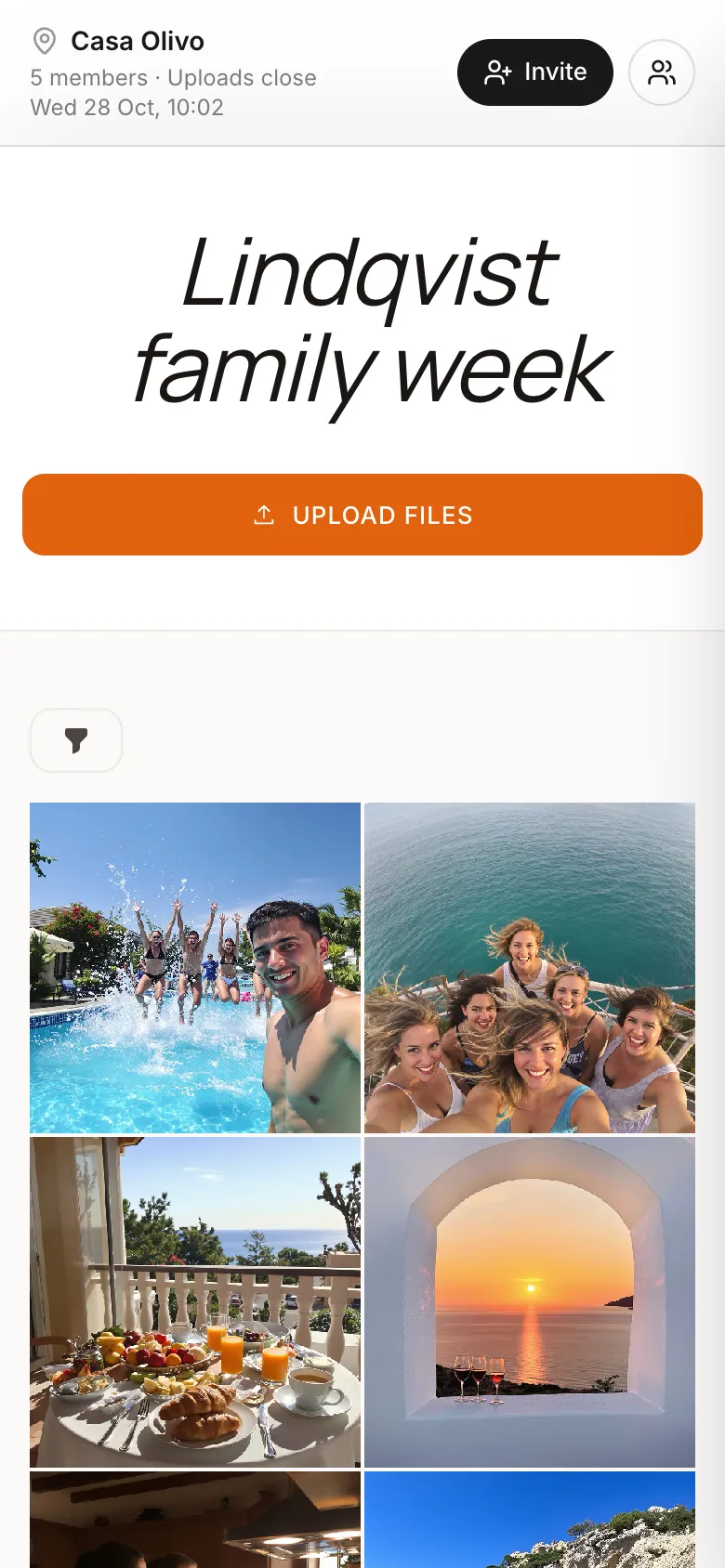
Made for places people visit
One permanent QR code per place. Every new group gets its own album.

Holiday homes
Villas, cabins and apartments

Boats
Sailing trips and day charters

Campervans
One album for every road trip

Tours
Walking, food and city tours
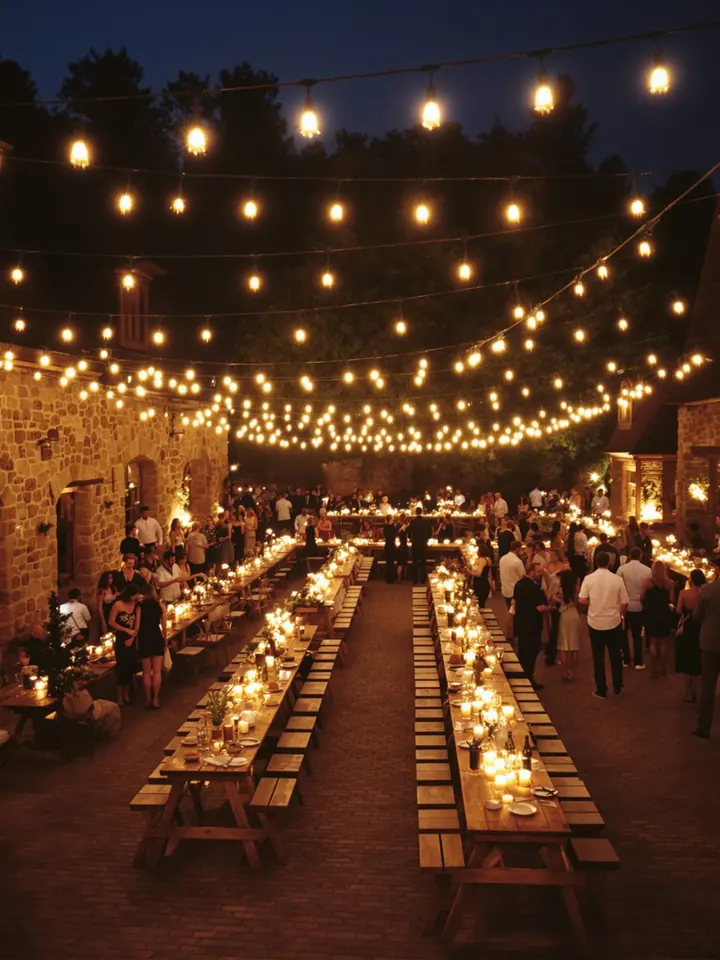
Venues
Barns, rooftops and party rooms
Your card
Leave it where guests arrive
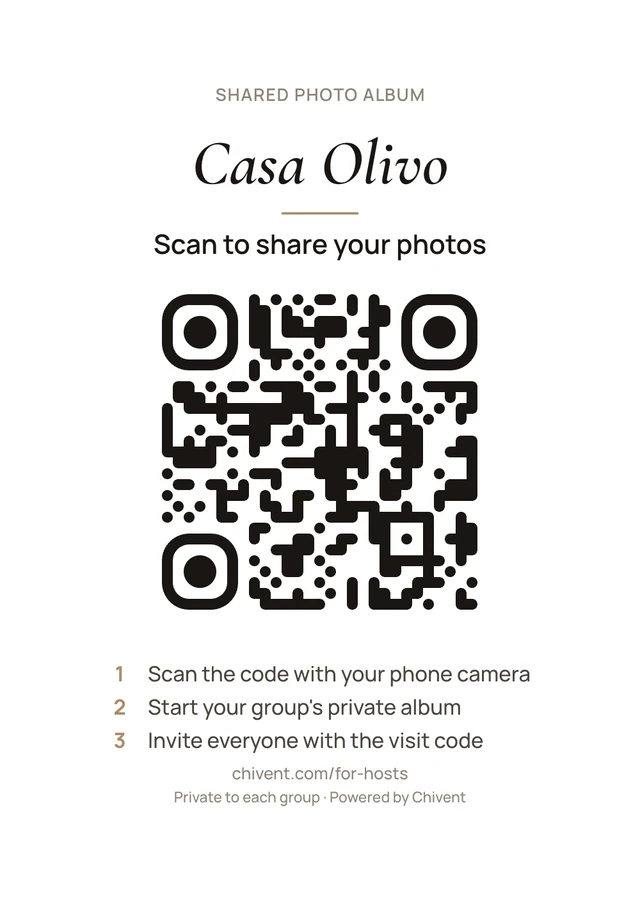
Print the card once. Every group that walks in scans the same code and starts its own private album.
By the door
On the console or the hall table, next to the keys.
In the welcome book
Beside the Wi-Fi password and the house rules.
Wherever the trip starts
By a boat's helm, inside a campervan door or at a tour's meeting point.
Download an A6 or A5 card ready to print, or the QR code as a PNG for your own design. The link never changes, so the card keeps working when you edit the place.

How a visit works
Guests do it all on their phones. No app, no account, no help from you.
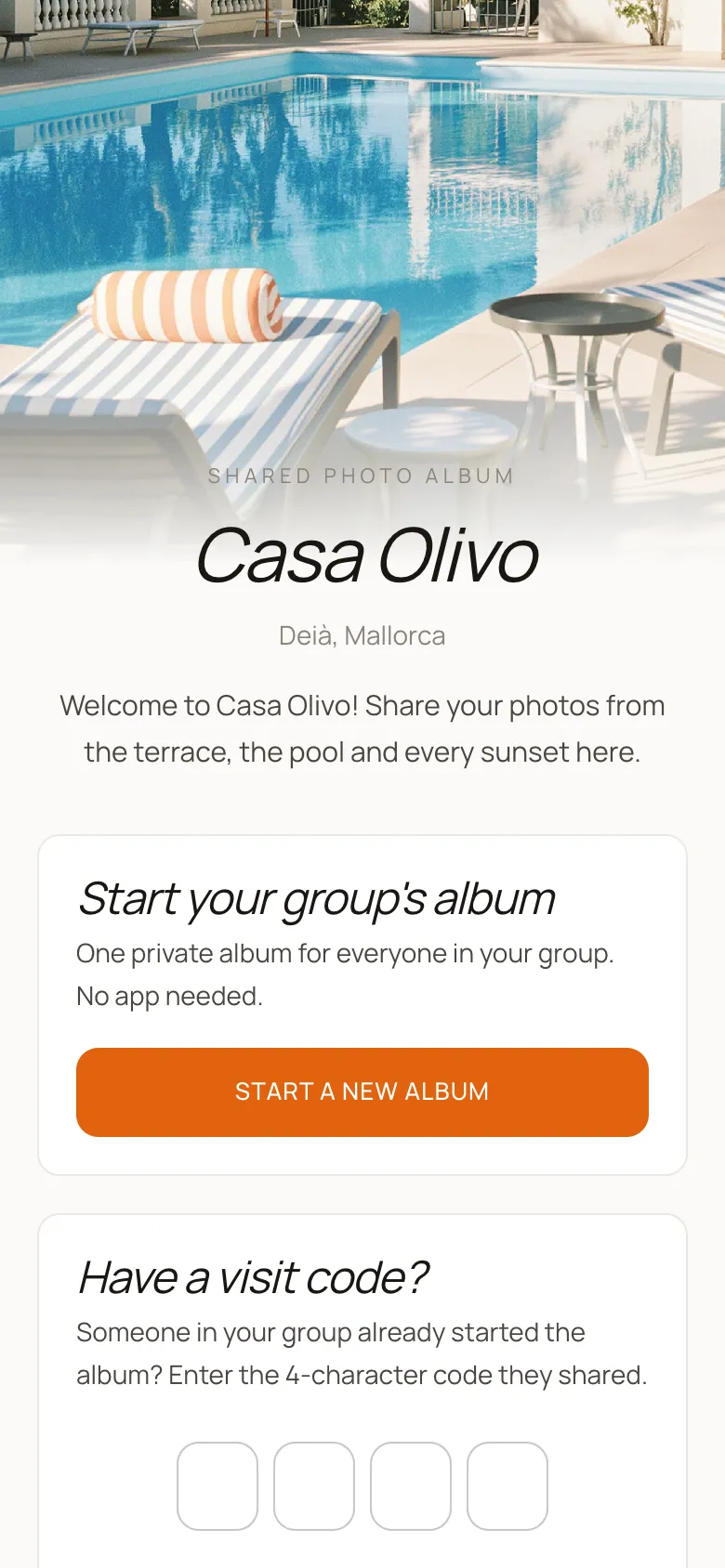
Arrive and scan
Guests scan your card with their phone camera and land on your place's page, in their own language.
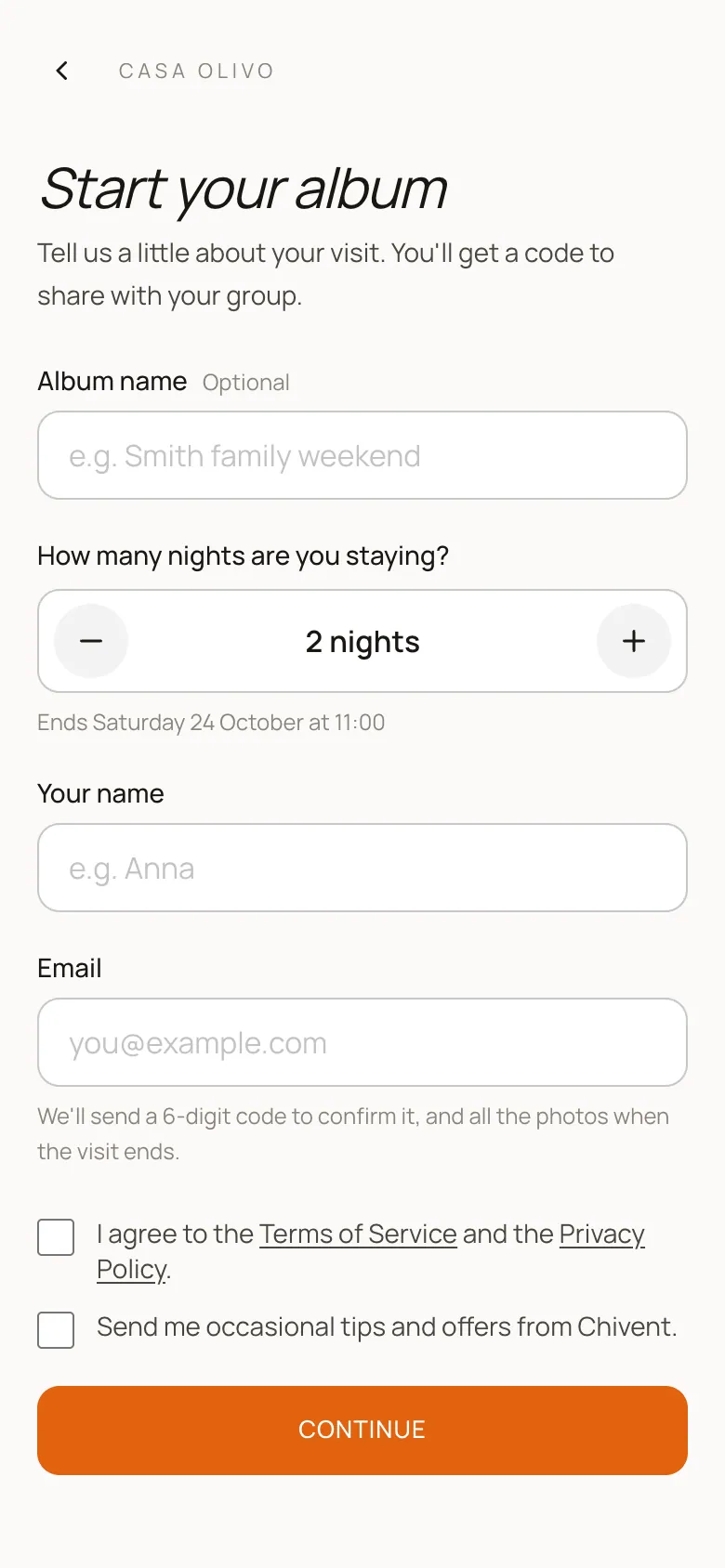
Start the album
One guest starts the album for the group with a name and email, and confirms it with a 6-digit code.
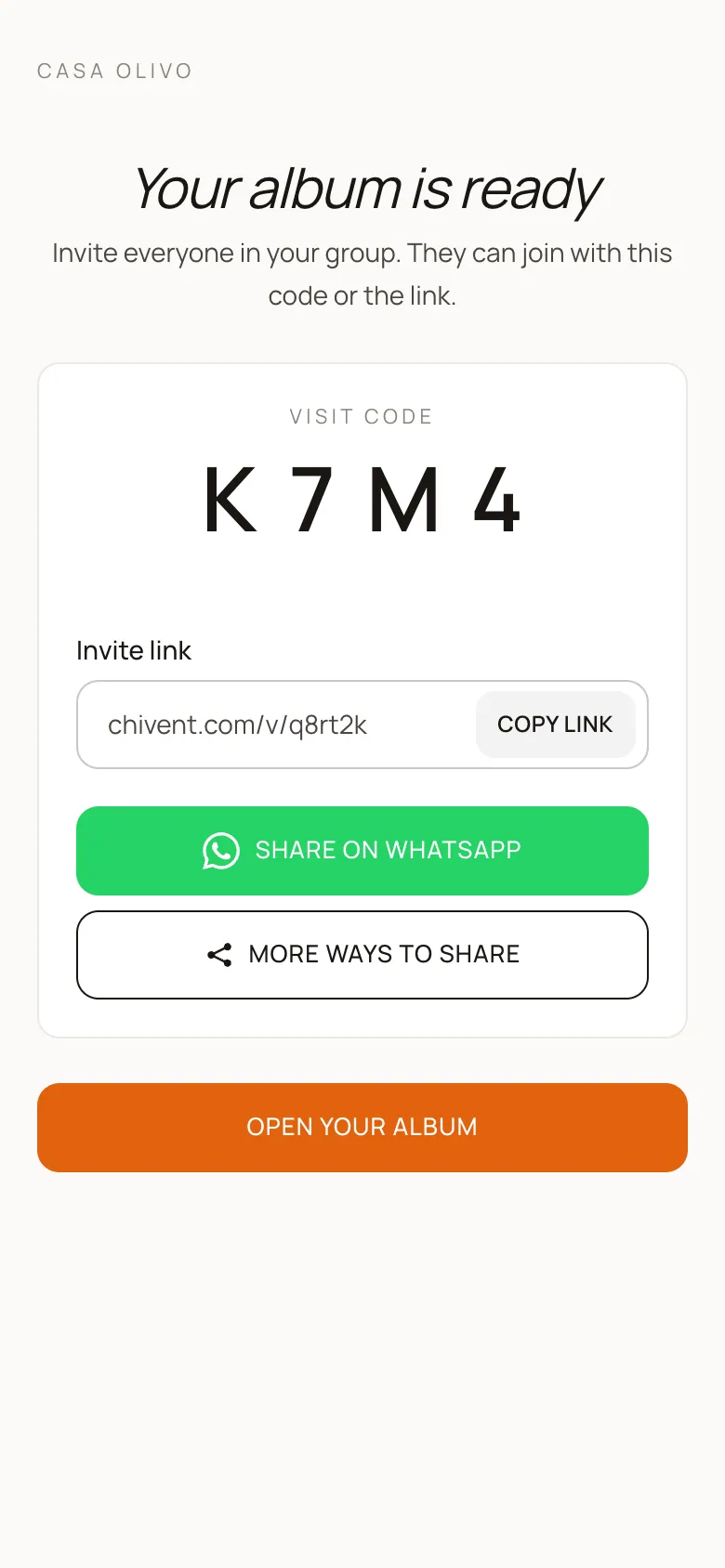
Bring everyone in
They share a 4-character visit code or an invite link, for example in the group's WhatsApp.
Share, then take it all home
Everyone adds photos and videos during the visit. When it ends, guests with a confirmed email get a link to download the whole album.
Private for guests. Simple for you.
You never see their photos.
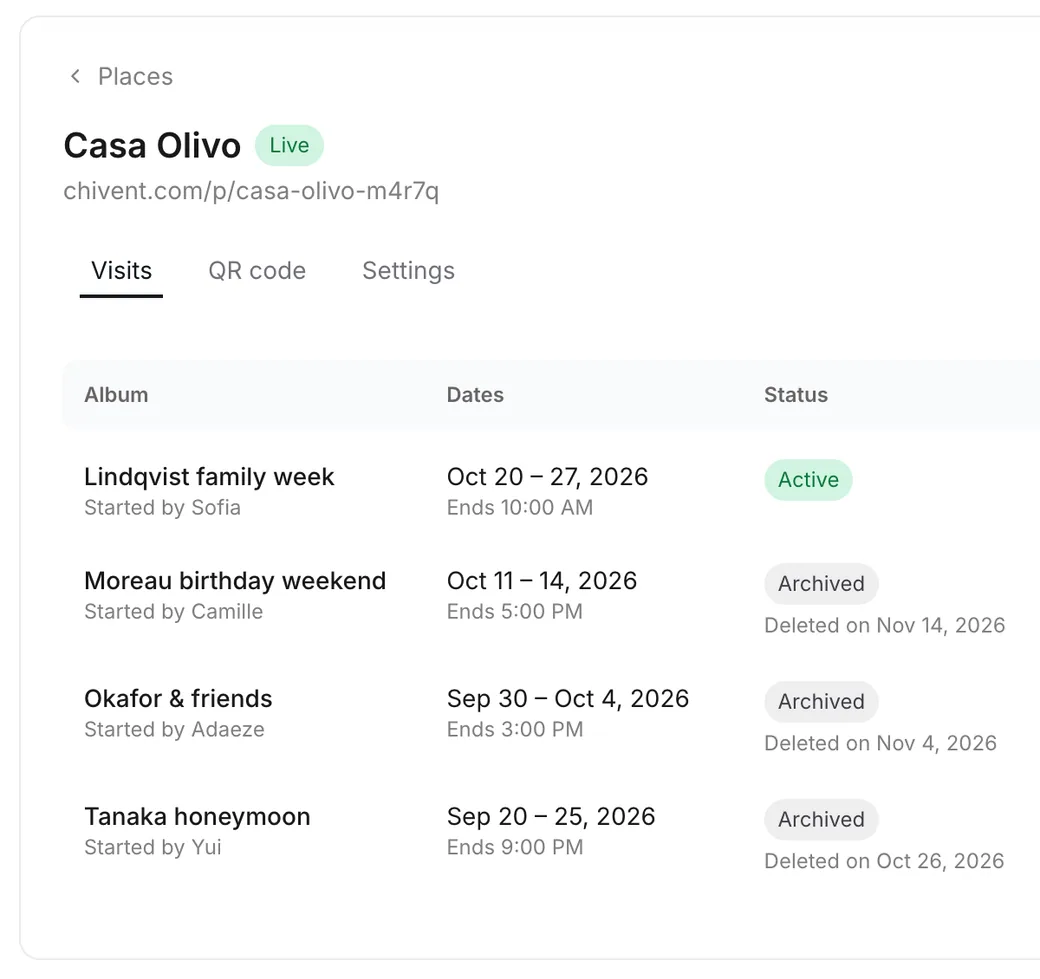
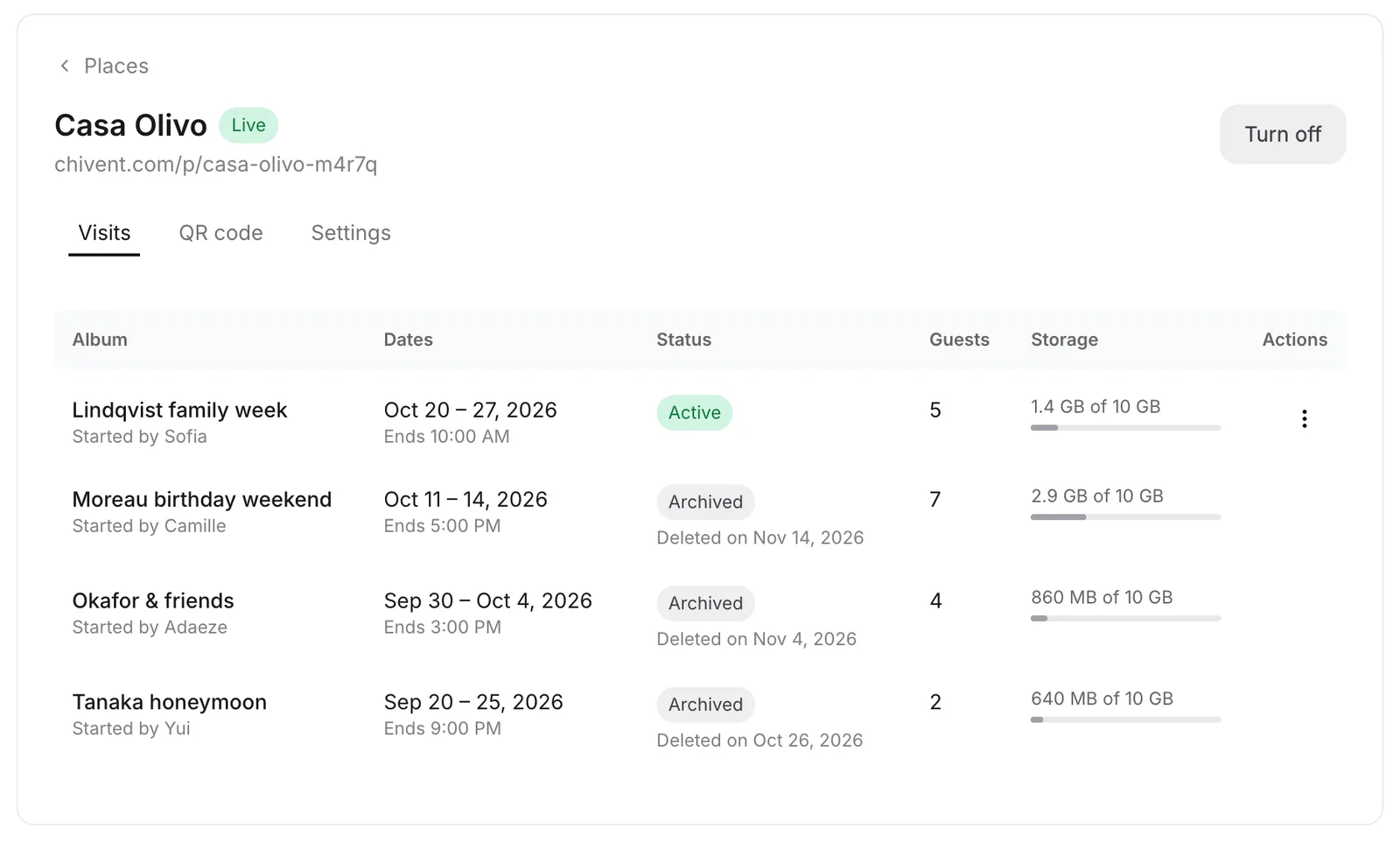
Each album belongs to the group that started it. You see its name, dates, guest count and storage. Nothing more.

No app to install.
Guests open the album in their browser, straight from your card.
Delivered, then deleted.
- The visit ends. Guests can still upload for a short while.
- Uploads close and everyone with a confirmed email gets a download link.
- The album is deleted 30 days later.
In 12 languages.
Guest pages follow the language of each guest's phone.
- English
- Deutsch
- Nederlands
- Svenska
- Français
- Italiano
- Español
- Português
- Türkçe
- עברית
- 日本語
- 한국어
You stay in control
Follow every visit from your dashboard, or handle it with one tap from our emails.
- Approve new albums
- Let new albums start on their own, or check each group first.
- End or move a visit
- End a visit early or change its end date, right from the email we send you.
- Storage per visit
- Decide how much of your storage each visit can use.
- Pause a place
- Turn new albums off and on anytime. The printed card keeps working.
Get set up today
From sign-up to a printed card in four short steps.
Create your account
Sign up with Google, Apple or your email.
Start a subscription
Places come with every Chivent subscription, from $39.99 a month.
Add your place
Add its name, address, welcome text and visit times. Reuse one of your event designs if you like.
Print the card
Download the A6 or A5 card and leave it where guests arrive.
Places are a subscription feature. They aren't included in the free trial or in one-time event plans.
Pricing
One subscription for every place
Unlimited places and visits. Plans differ only in storage.
50 GB storage
$39.99/ month
- Unlimited places and visits
- Unlimited events, too
- Visits use storage until their album is deleted
- Cancel anytime
250 GB storage
$99.99/ month
- Unlimited places and visits
- Unlimited events, too
- Visits use storage until their album is deleted
- Cancel anytime
Not included in the free trial or in one-time event plans.
Questions hosts ask
More answers in the Help Center.
Is this included in the free trial?
No. Places are a subscription feature. The free trial and one-time event plans don't include them.
Can I see my guests' photos?
No. Each album is private to the group that started it. You only see details like its name, dates, number of guests and the storage it uses.
Do guests need an app or an account?
No. They scan your card with their phone camera and use the album in the browser. The guest who starts the album confirms their email, and the others can add theirs to get the download link.
What if the next group arrives before the last one has left?
One visit holds a place at a time. If a new group scans your card before the previous visit has ended, they can still request their album. We email you, and once you end the previous visit they can start right away.
How long are photos kept?
Guests can keep uploading for a wrap-up window after the visit ends, 24 hours by default. Then everyone with a confirmed email gets a download link, and the album is deleted 30 days later.
Can I use my own design?
Yes. Pick one of your Chivent events and every new visit copies its look, albums, hashtags and pages.
Can I add more than one place?
Yes, as many as you like. Each place gets its own permanent QR code, and all visits share your subscription's storage.
Which languages do guest pages speak?
English, German, Dutch, Swedish, French, Italian, Spanish, Portuguese, Turkish, Hebrew, Japanese and Korean. Pages follow the language of each guest's phone.
Print one card. Give every group its album.
Start a subscription, add your place and you're ready for your next guests.