A QR code on every table
Download your code and print it on table cards, signs or invitations. Free printable templates help you start.
Browse the templates
Event photo sharing · No app needed
Guests scan it and add photos and videos from their own phones, in original quality. No app, no sign-up. You watch it all come together in one album.
Free for 7 days. No credit card.
Create your album
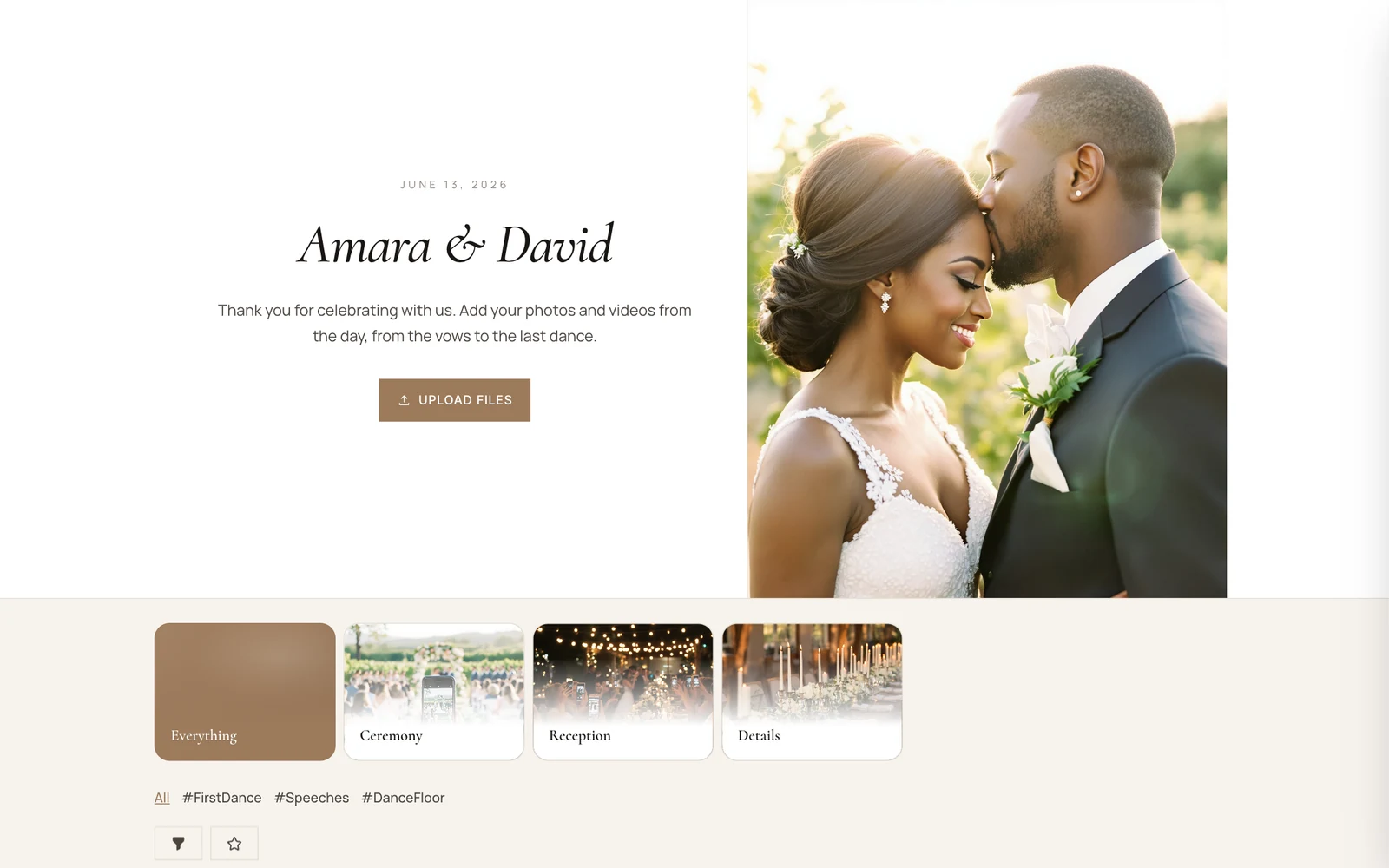
Name it, pick a design and get your QR code and link. It takes a few minutes, and you can set it up long before the day.
Trusted by schools, companies and communities
















For guests
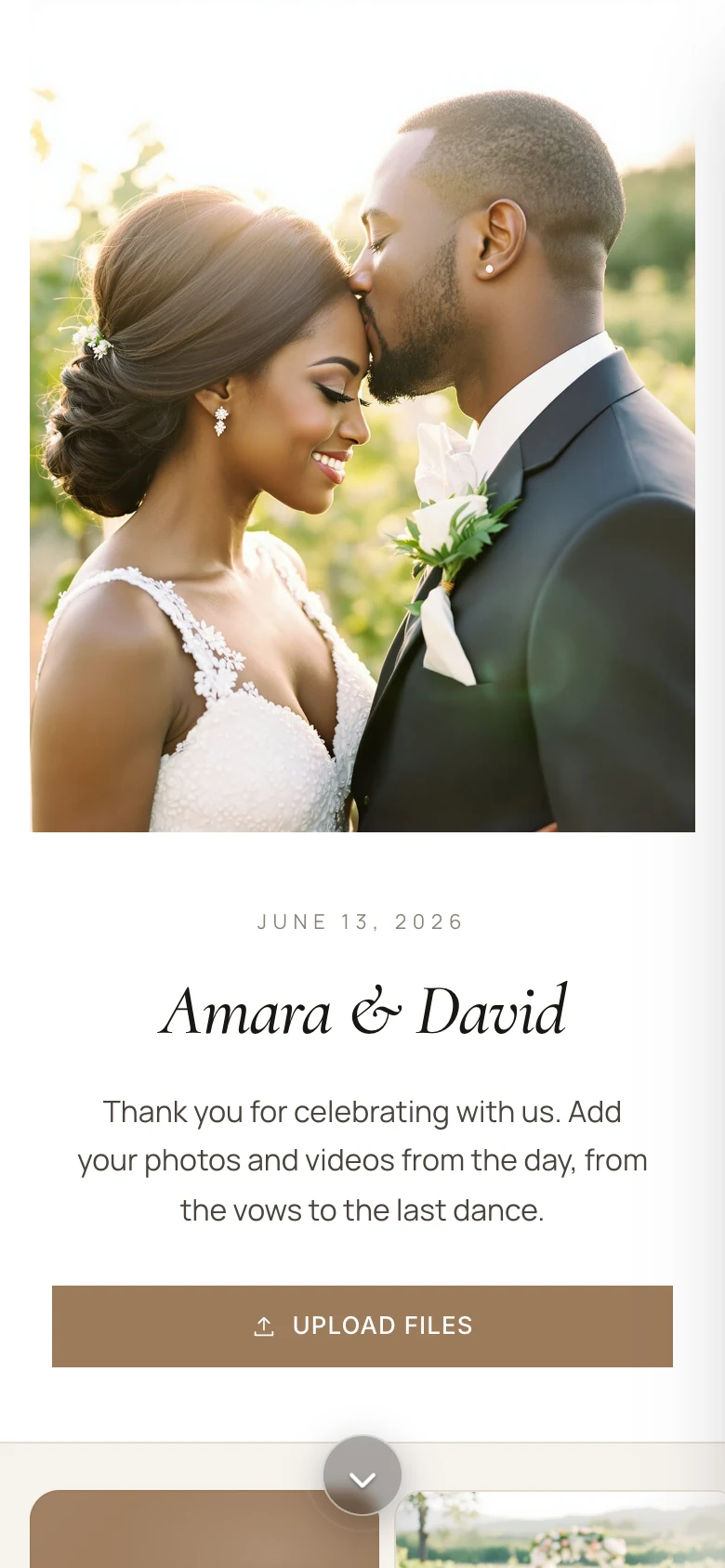
Guests use the camera they already have. The album opens in their browser, and what they share goes straight in.
With the phone's own camera, or by tapping your link.
Right in the browser. No app to install, no account to make.
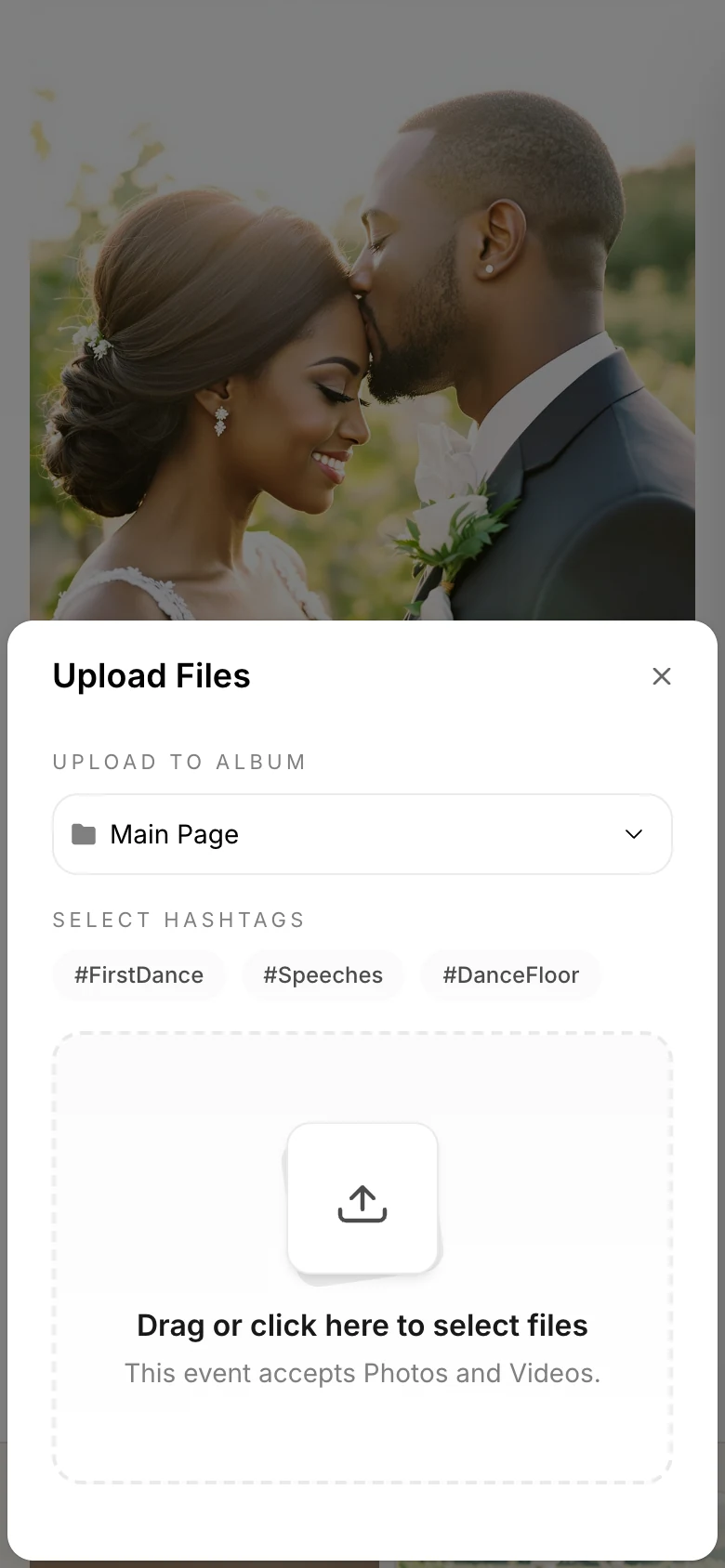
Up to 500 at a time and 3 GB per file.
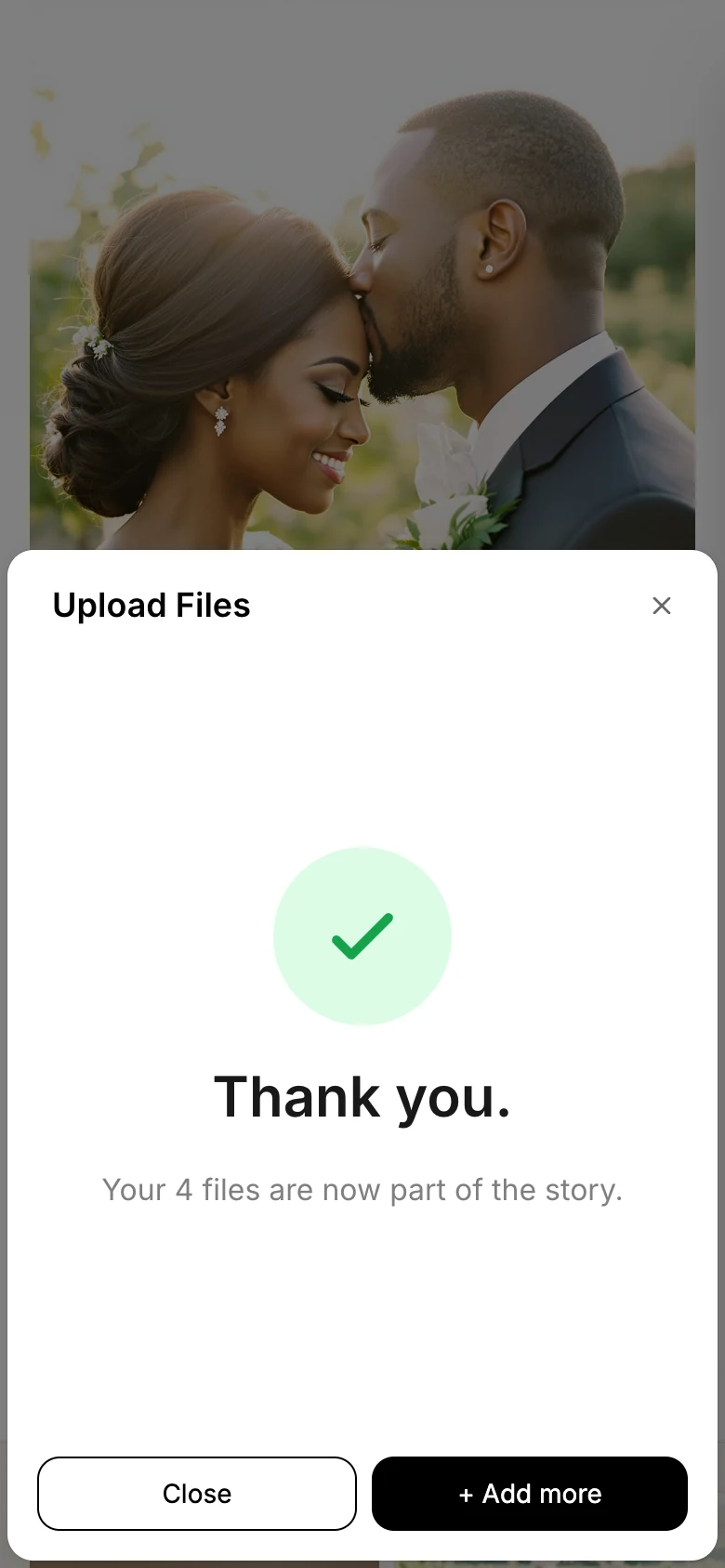
Their files join the album in original quality.
Sharing the code
Download your code and print it on table cards, signs or invitations. Free printable templates help you start.
Browse the templatesSend
Post your album link wherever your guests already talk, before, during and after the event.
How guests join
chivent.com/e/amara-and-david Add your photos and videos from today here, no app needed ❤️
The gallery
Photos and videos join the album in original quality. Pick a layout and how many sit in a row, and guests tap any photo to see it full size, with its caption, hearts and comments.
Even squares that keep any mix of photos and videos tidy.
All#FirstDance#Speeches#AfterDark
Photos per row
Tap any photo to open it, as a guest would.
On the big screen
Open the wall on any TV, projector or laptop. As guests share, their photos appear for the whole room.
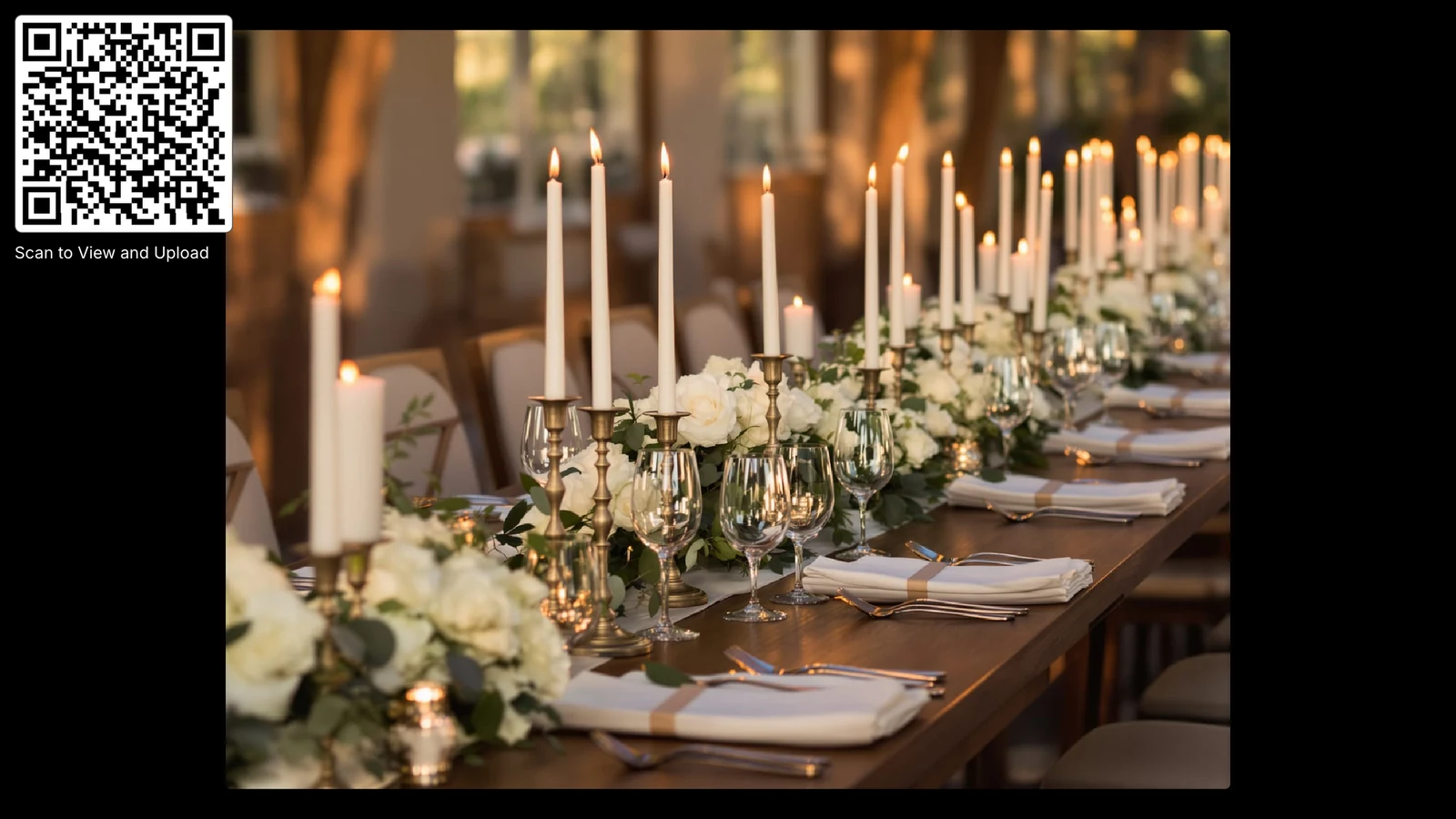
“Once people realized what was going on, everyone wanted their pictures up on the wall and it grew and grew.”Design Studio
Start from a template, or describe your event to the AI Designer. Then change the colours, fonts, header and gallery until it feels like yours.
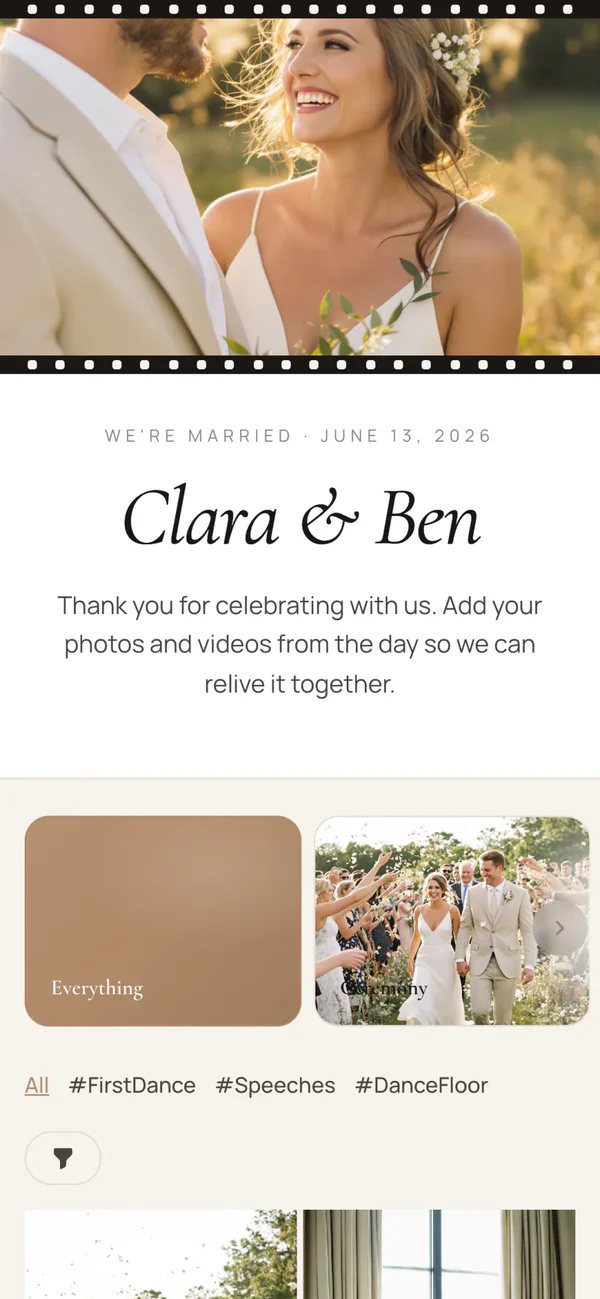
Romantic
Clara & Ben

Black tie
Amara & David
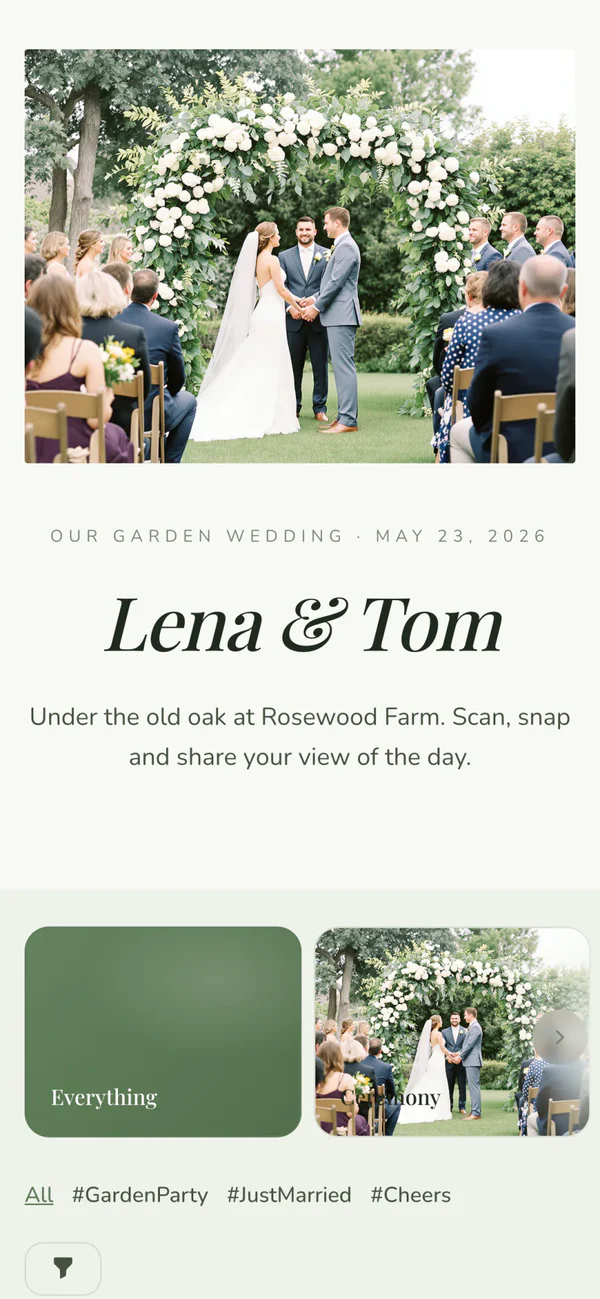
Garden
Lena & Tom
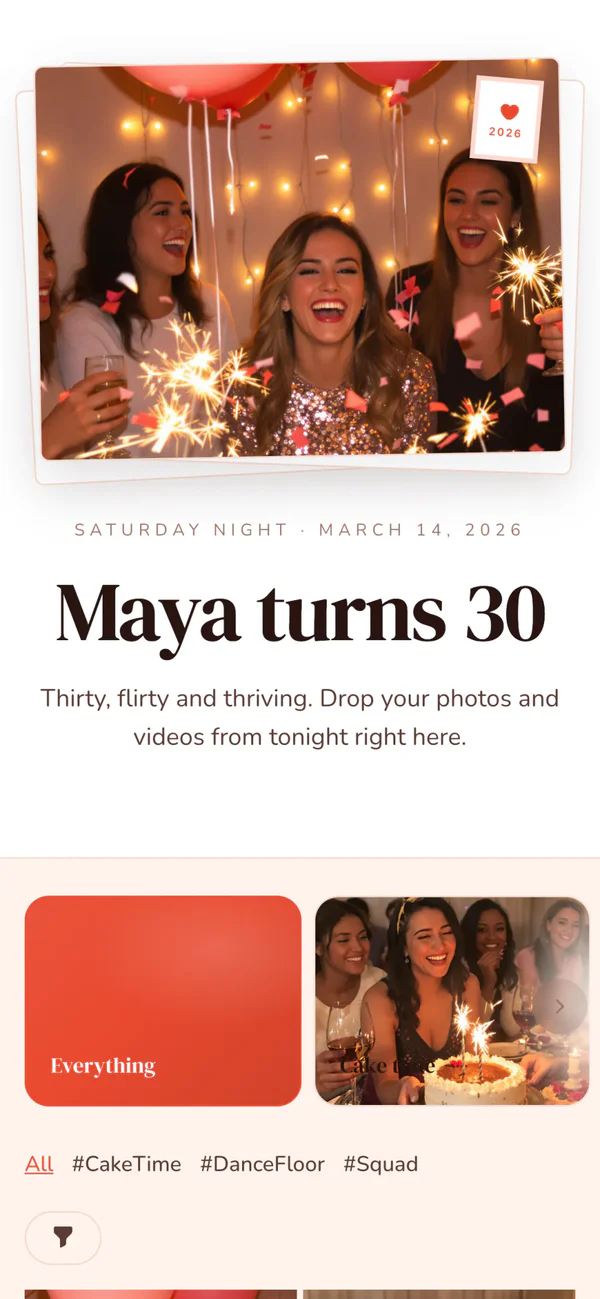
Party
Maya turns 30
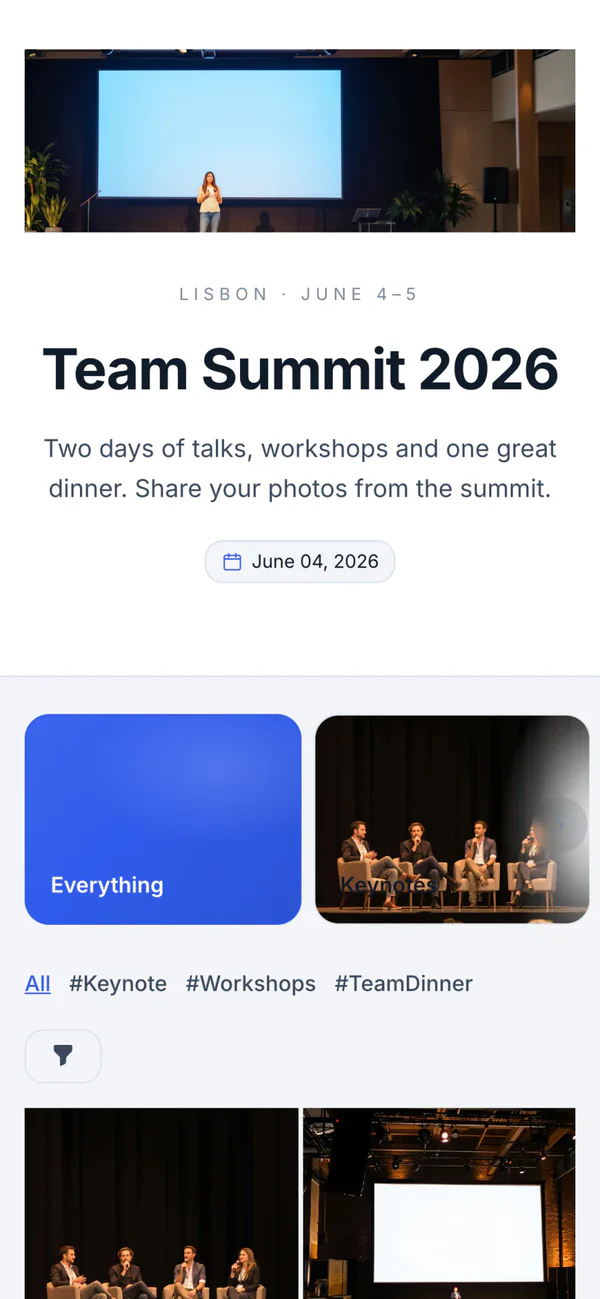
Corporate
Team Summit 2026
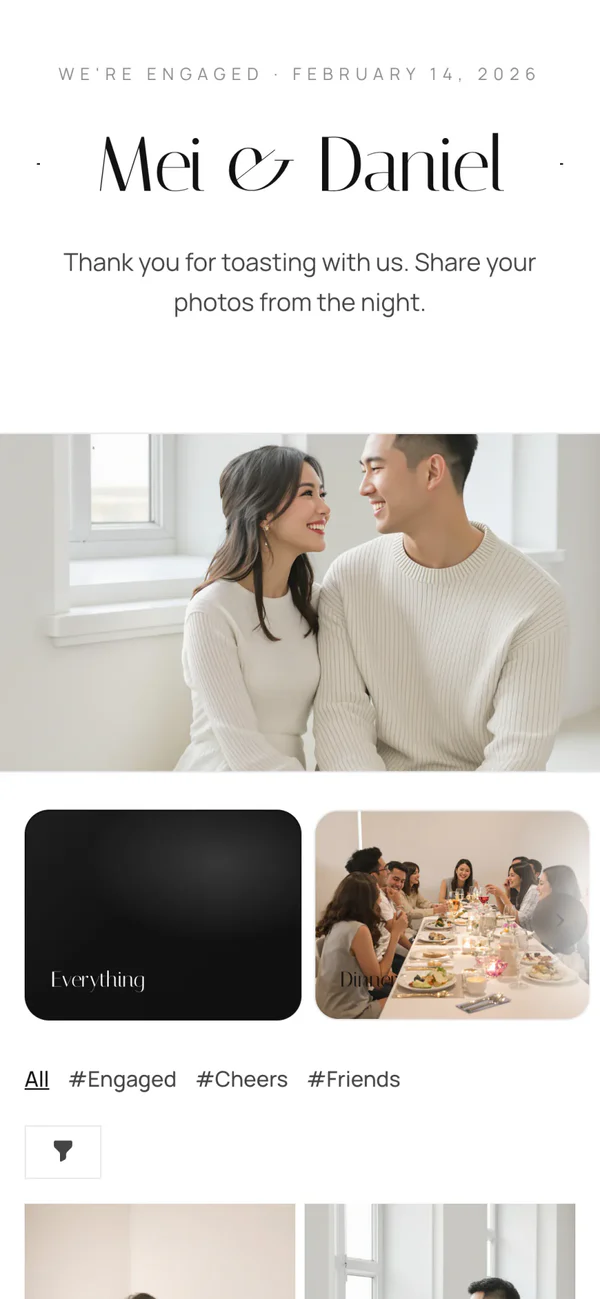
Minimal
Mei & Daniel
For hosts
Run it from your phone or laptop, and invite up to 10 co-hosts to help.
Sort the day into albums like Ceremony and Party, and let guests tag what they share. With a subscription, AI adds the hashtags for you.
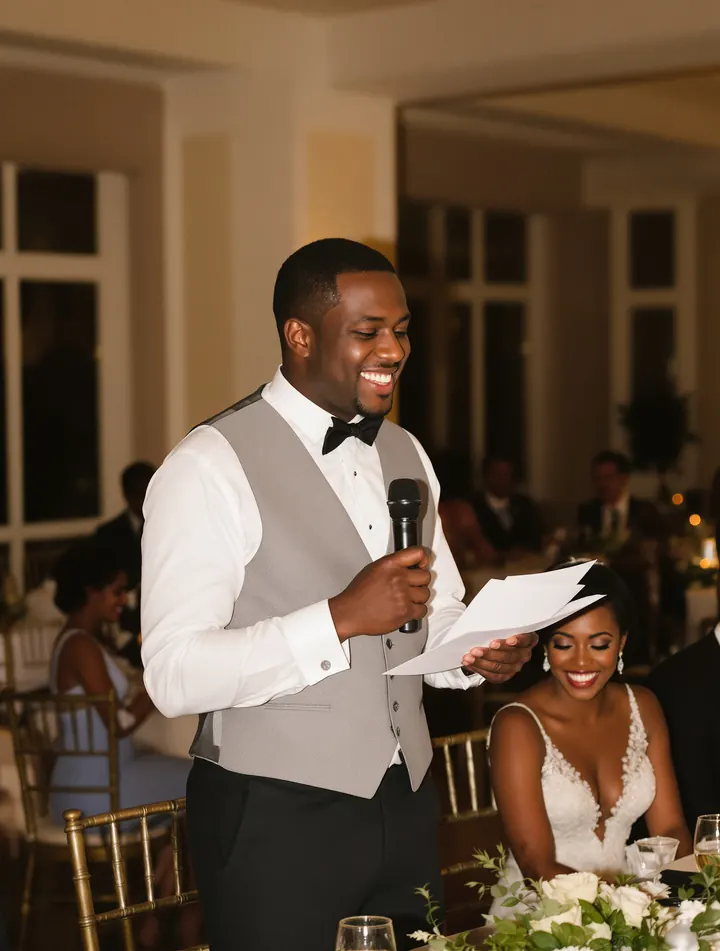 #Speeches
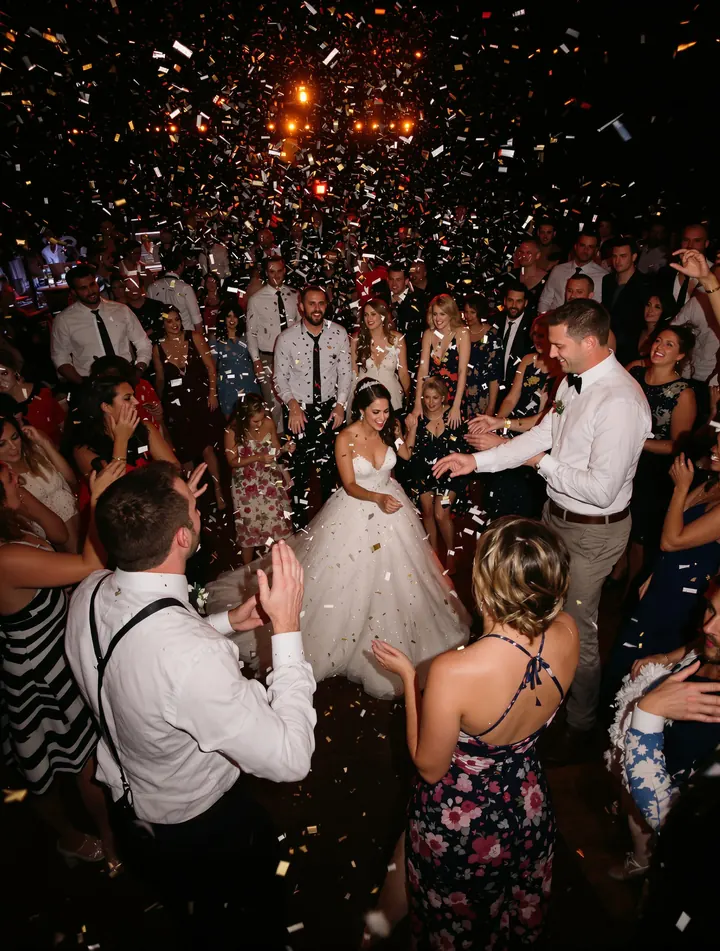 #DanceFloor
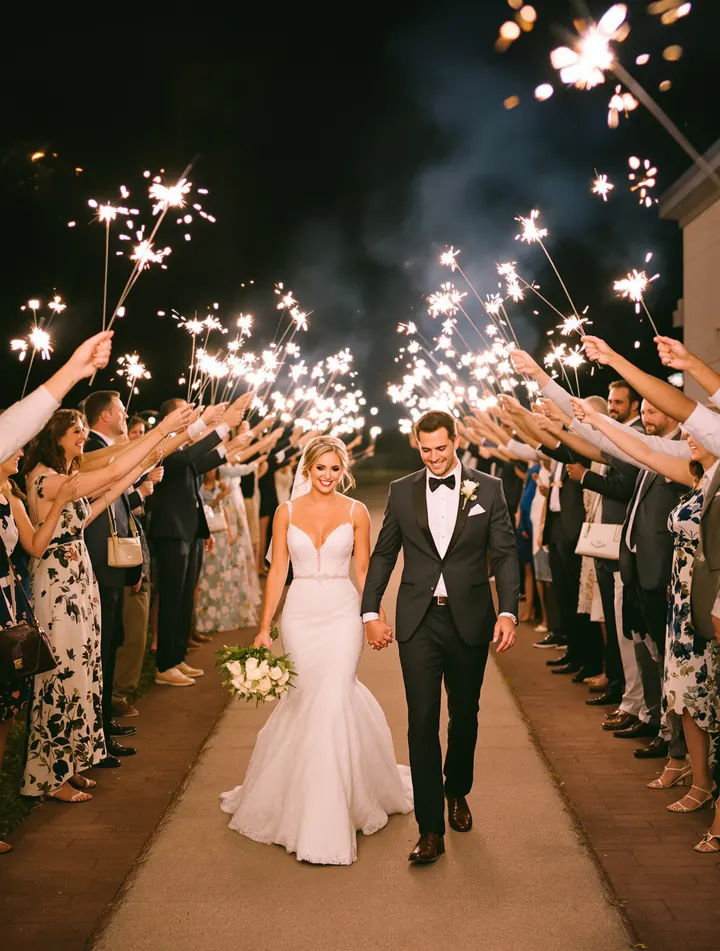 #SendOff
Turn on approval and nothing reaches the gallery or the wall until you've seen it. Comments can wait for you too.
Access Control
Guests leave a message on a colourful note that sits in the album next to the photos.
Congratulations, Amara & David! Save us a dance at the anniversary.
Maya & Tom
So much love in one room. Thank you for having us!
Grace
The vows had the whole table in tears.
Uncle Kofi
We put the archive together in the background and email you the link. Or pick just the files you want.
 to me
to meIt’s Ready!
Your requested archive of uploaded files for Amara & David is now ready for download. Please note that the download link expires in 6 days.
To download your archive, click the button below:
Download Zip#Speeches#DanceFloor#SendOffAccess Control
Congratulations, Amara & David! Save us a dance at the anniversary.
Maya & Tom
So much love in one room. Thank you for having us!
Grace
The vows had the whole table in tears.
Uncle Kofi
to meIt’s Ready!
Your requested archive of uploaded files for Amara & David is now ready for download. Please note that the download link expires in 6 days.
To download your archive, click the button below:
Download ZipPrivacy
It's your album. You decide who gets in, what shows and who takes photos home.
Only guests who know it can open the album, even if the link travels.
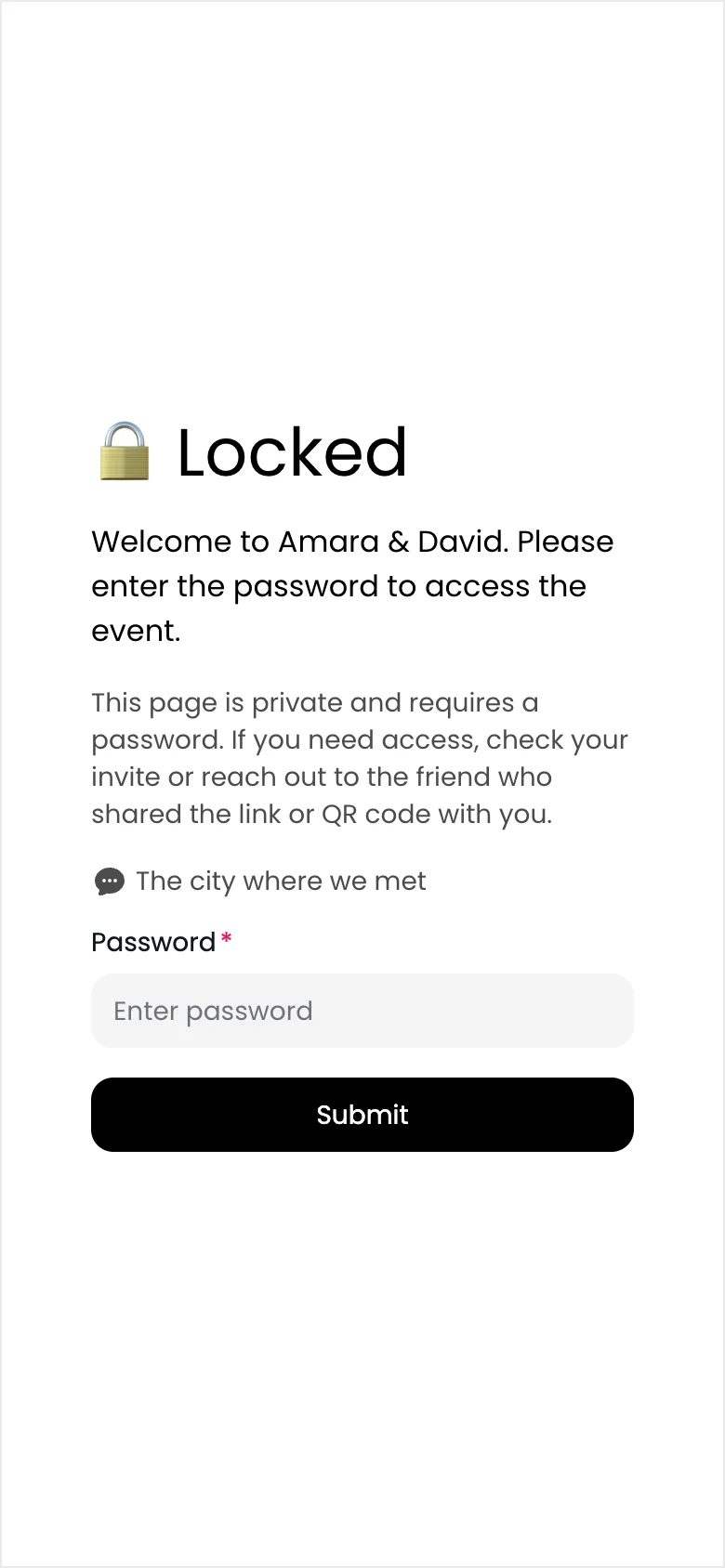
Nothing reaches the gallery or the wall until you've seen it.
Event pages ask search engines not to index them.
Choose whether guests can download, and keep every original yourself.
Reviews
“We had the photo wall up on projectors during the reception and people had no issues uploading their photos and videos. Saved me from having to put up a slideshow that I didn't have time to make haha. I loved that I was able to download all of the media in one go too. Must have for events!”Gets even the lazy guests sharing photos!
“Chivent is super easy to use and requires no app downloads, perfect for getting even the lazy event guests to share photos! … We got so many more lovely memories that our professional photographer didn't catch.”“We used Chivent for my friend’s birthday party and it was the perfect solution to collect and share photos with others. Everyone found it super easy to upload their pictures, and we loved being able to download all the memories in original quality afterward.”Easy to use, affordable, good customer service
“This was the most affordable photo sharing app-website that I found. The team handled an email screwup of mine promptly. the QR code was easy to work with for printout on our welcome packages, and easy to use for us old people at a 55th reunion to upload photos.”Affordable and so easy to use
“This was the perfect solution for our small nonprofit to upload and share images during our summer campaign. Sometimes getting people to send you photos is like pulling teeth, but this made it as easy as possible for us [to] get and share full-size images.”“Great website and impeccable customer service.”“Great tool and great support service!”“had a great time using Chivent. would recommend again and again”Five-star reviews quoted from Google and Trustpilot. “…” marks a cut and [brackets] an added word.
Made for
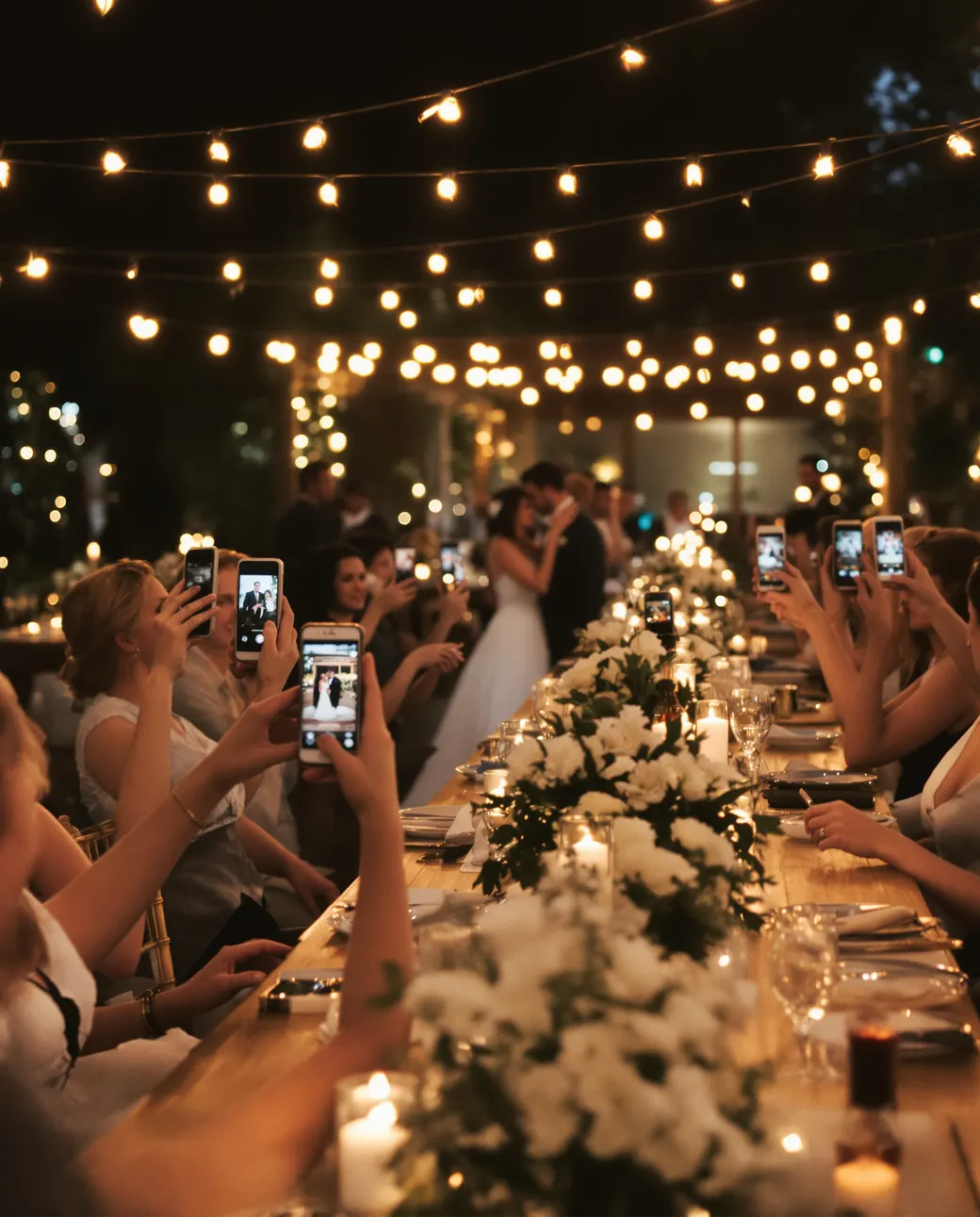
Weddings
From the vows in row twelve to the last dance.

Birthdays and celebrations
Birthdays, anniversaries, baby showers, graduations and reunions.

Company events
Conferences, offsites, launches and team parties.

Holiday homes and venues
One QR code for your place, and a private album for every group.
Add a welcome page, your story, the venue and FAQs, and the album doubles as your event website. See it as a wedding website, birthday event page, corporate event website or memorial website.
Pricing
Try it with up to 20 photos and videos. Then pay once for your event, or subscribe if you host often.
Free trial
$0for 7 days
Downloading everything at once needs a paid plan.
One eventPay once
from$19.00one-time
For example, 6 months, 500 files, 5 albums: $37.00.
Subscription
from$39.99/ month
Prices in US dollars. VAT is added at checkout where it applies.
No. They scan your QR code with their phone camera or tap your link, and the album opens in their browser. They don't need an app or an account.
Yes. The free trial lets you collect up to 20 photos and videos for 7 days, with no credit card. When you're ready, pay once for your event or choose a subscription.
Yes. Guests upload the original files, up to 3 GB each, and you can download everything in full quality.
Yes. You can add a password, approve uploads before they appear, and choose whether guests can view and download. Your album isn't listed in search engines.
Yes. The photo wall shows new photos as they arrive on any TV, projector or laptop, with your QR code on screen so more guests can join.
Download it from your dashboard and print it on table cards, signs or invitations, or send the link by message or email. Free printable templates help you start.
Yes. In the Design Studio you choose the header layout, colours, fonts and gallery style, and you can add pages such as a welcome page. It's included in the free trial.
Yes. Guests can keep adding photos until you turn uploads off, for as long as your plan keeps the album.
More answers in the Help Center(opens in a new tab)
Create your album, print the QR code, and let everyone add their view of the day.