
For weddings
Every photo from your wedding, from every guest.
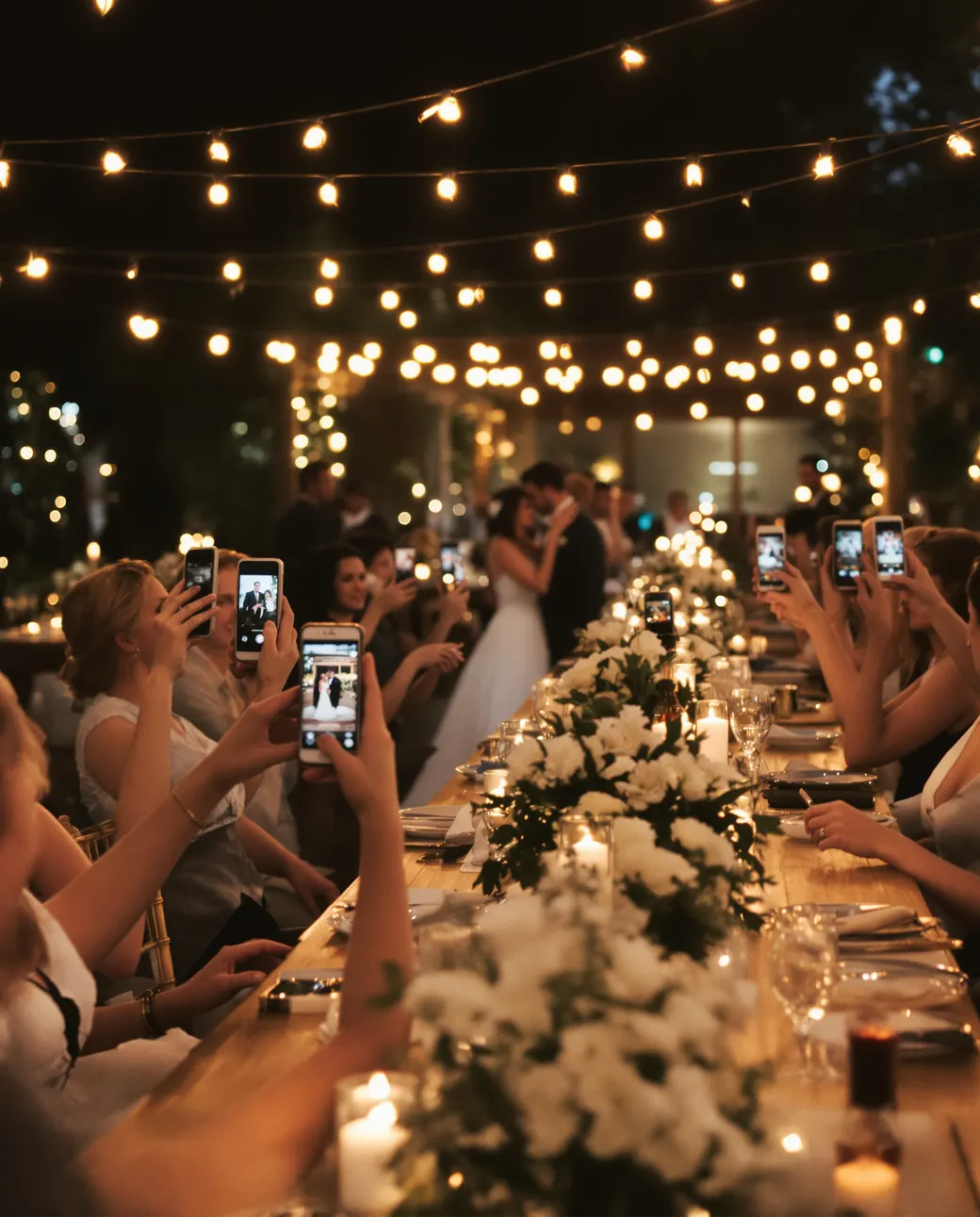
Guests scan the QR code on their table and add photos and videos from their phones. No app, no sign-up, and you keep every file in original quality.
Free for 7 days. No credit card.
As seen in




Watch a wedding from start to finish
From the QR code on every table to every guest's photos in one album the morning after, in 30 seconds.
Your day, through your guests' eyes
Your photographer catches the big moments. Your guests catch everything in between.
- 1:30 pm

Getting ready
The bridal suite, before anyone else is up.
- 4:00 pm
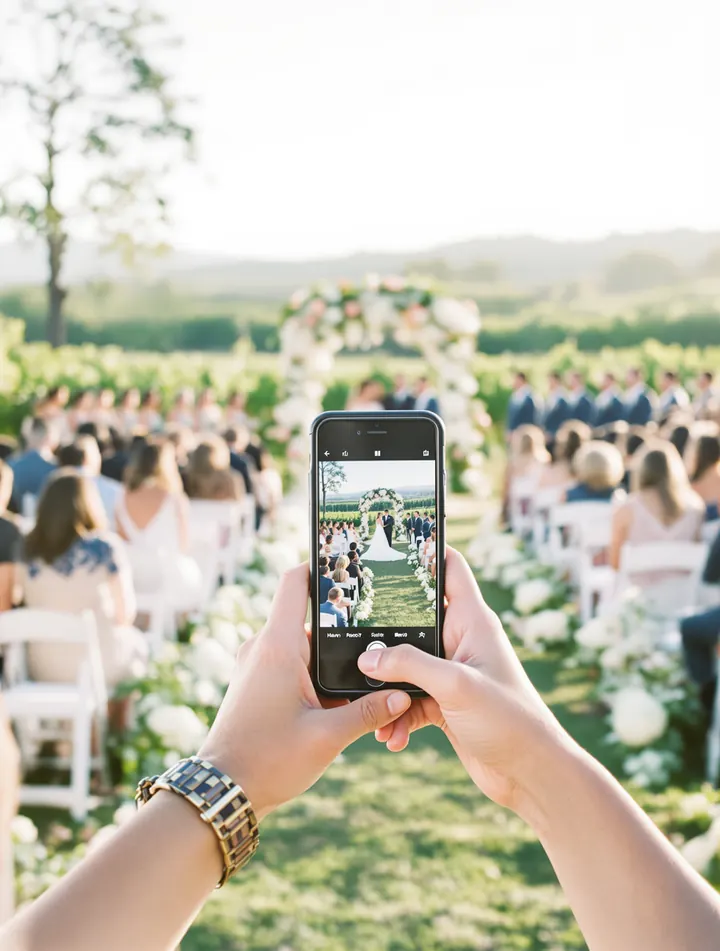
The vows
The ceremony, seen from row twelve.
- 7:30 pm
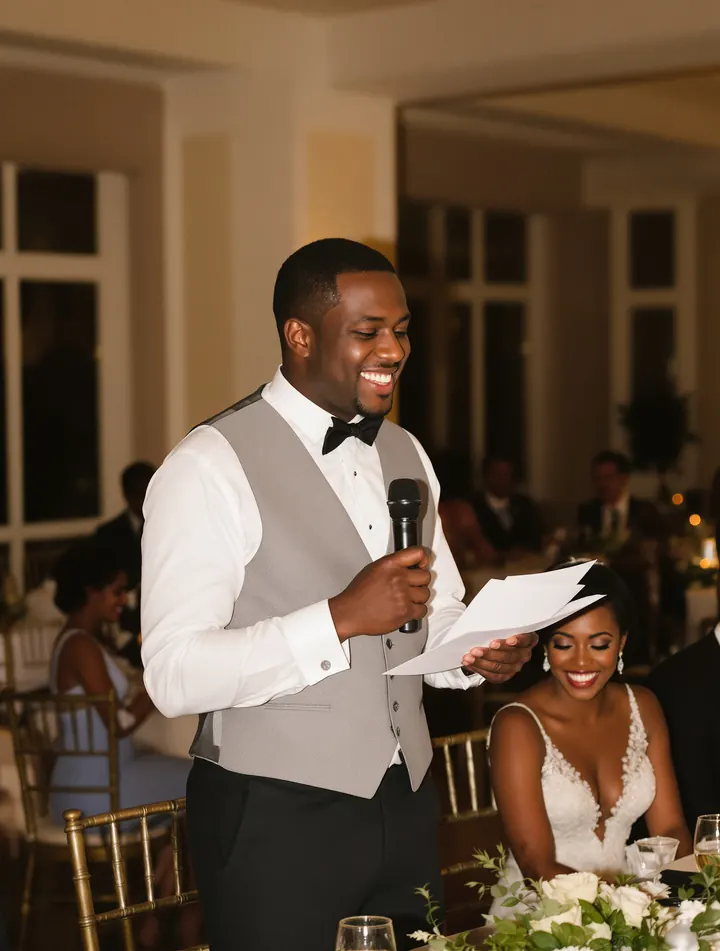
The speeches
Every laugh, from every table.
- 10:00 pm
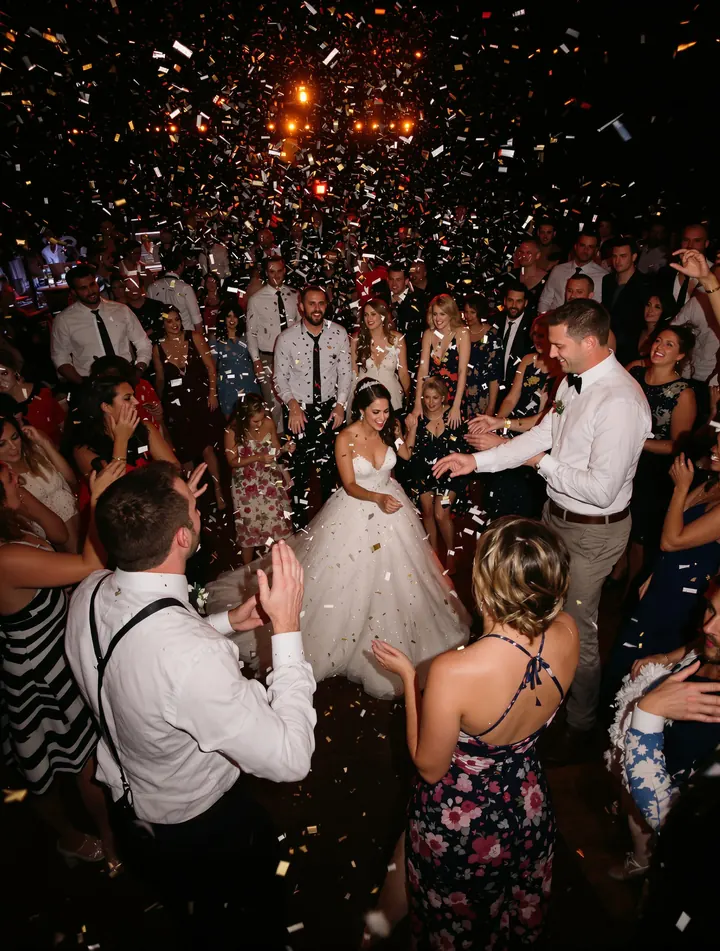
The dance floor
Long after the photographer has packed up.
- 11:45 pm
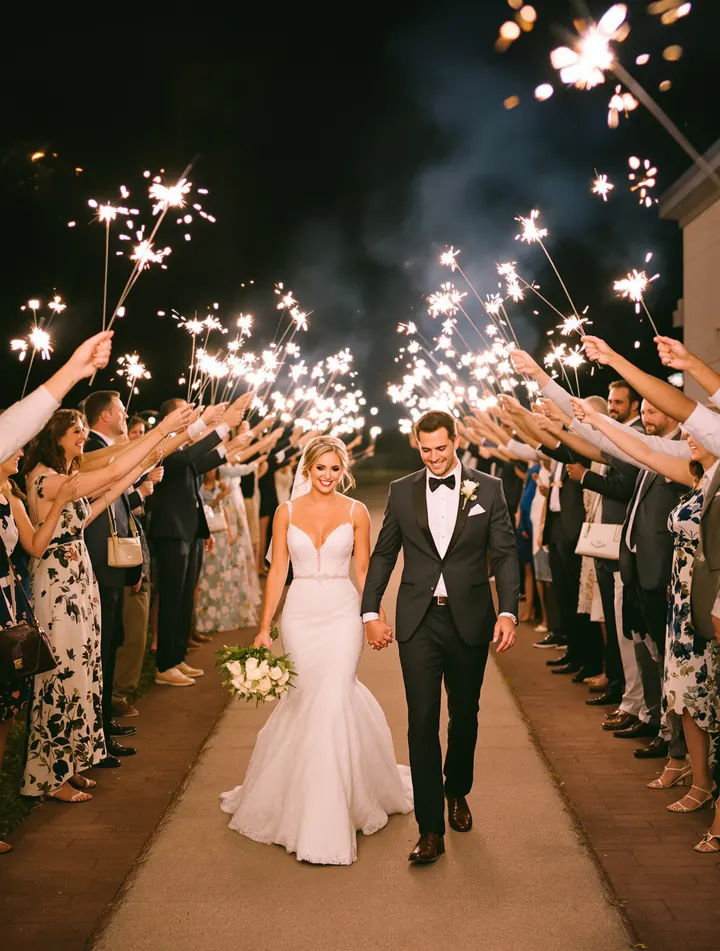
The send-off
Sparklers, and the last photo of the night.
Table cards
It starts with a card on the table
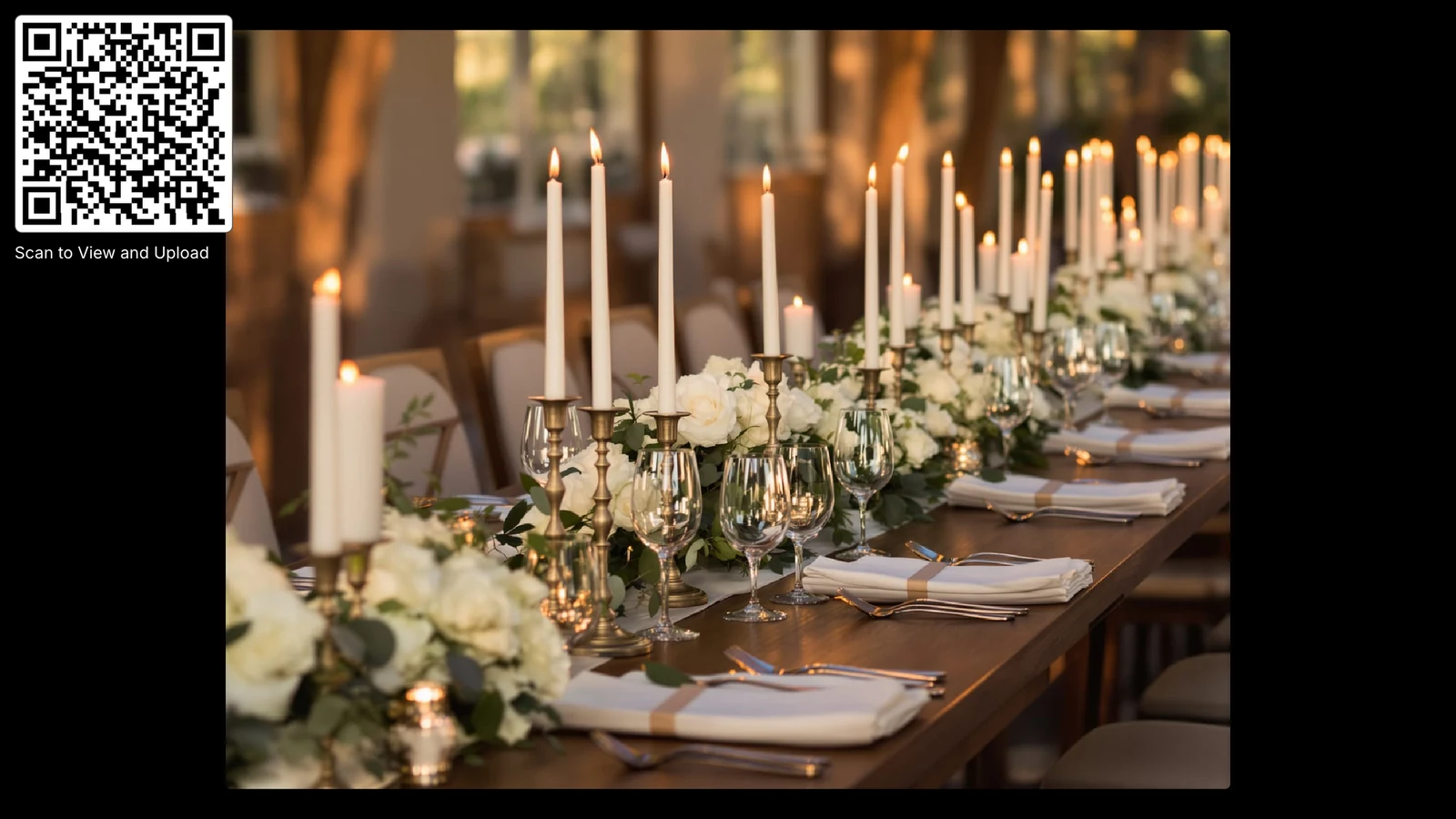
Put your QR code on table cards, signs or the welcome board. Guests scan it with their phone camera, so there's nothing to explain.
- Download your QR code from the dashboard and print it on your own cards and signs.
- Or start from one of our Canva templates for table cards and signs.
- No card? Send the link on WhatsApp, by text or by email, or add it to your wedding website.
The QR code in this photo is real. Scan it to open a demo wedding album, or open it here.
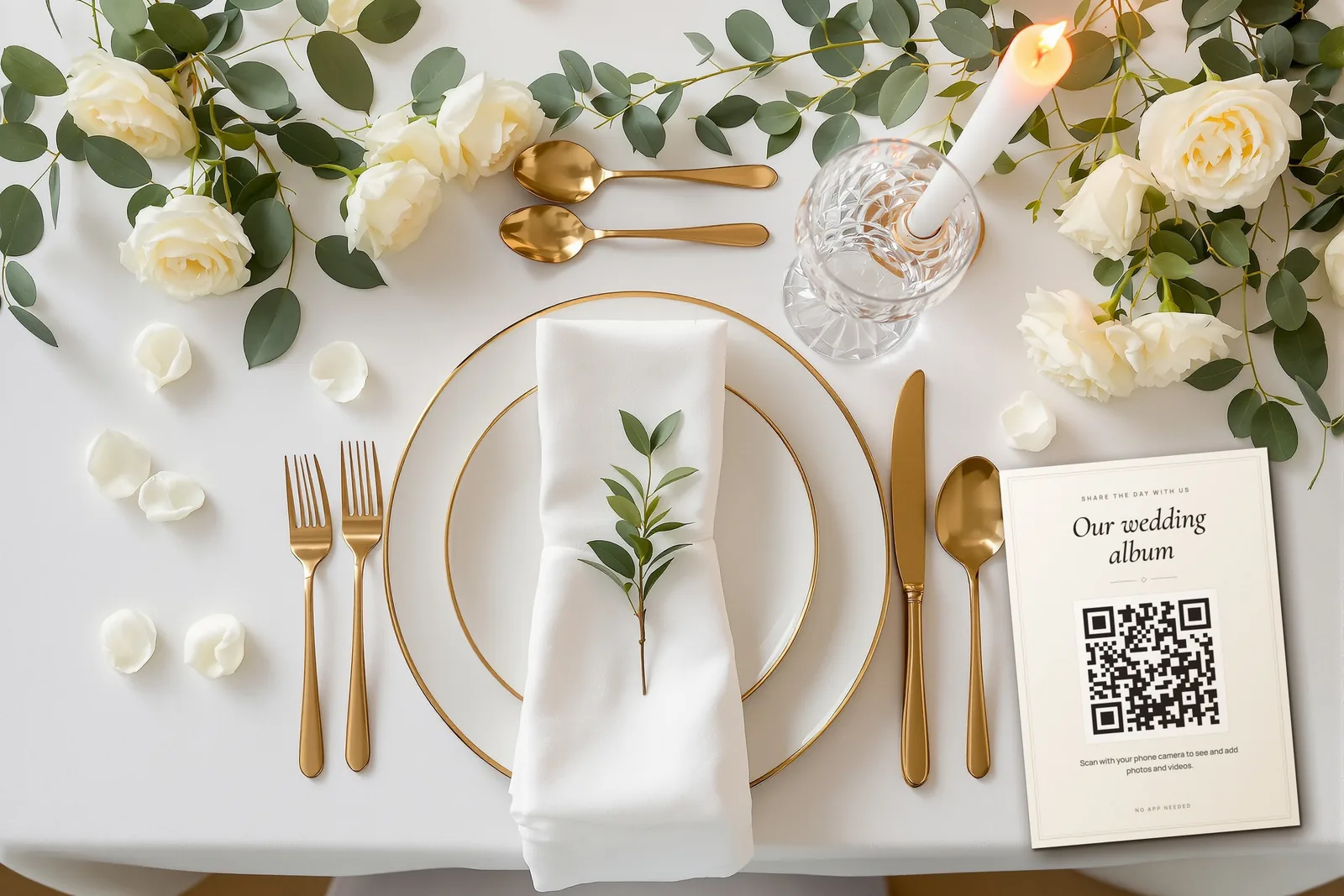
chivent.com/e/amara-and-david It's all in here. Add yours, no app needed!
How guests share their photos
All they need is the camera on their phone.
Scan the card on the table
Guests point their phone camera at your QR code and your wedding page opens. No app to download and no account to make.
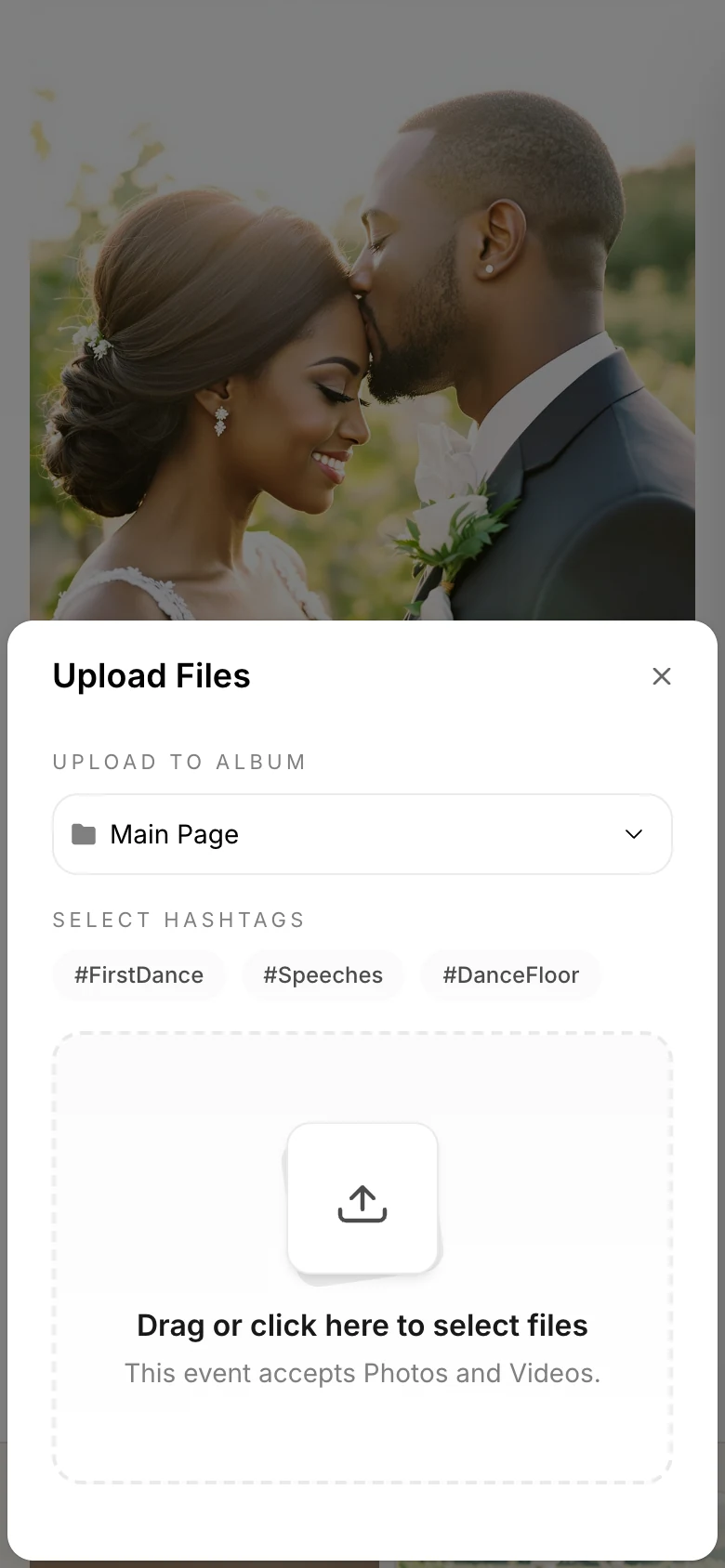
Pick photos and an album
They choose photos and videos from their camera roll, and can file them under an album like Ceremony or a hashtag like #FirstDance.
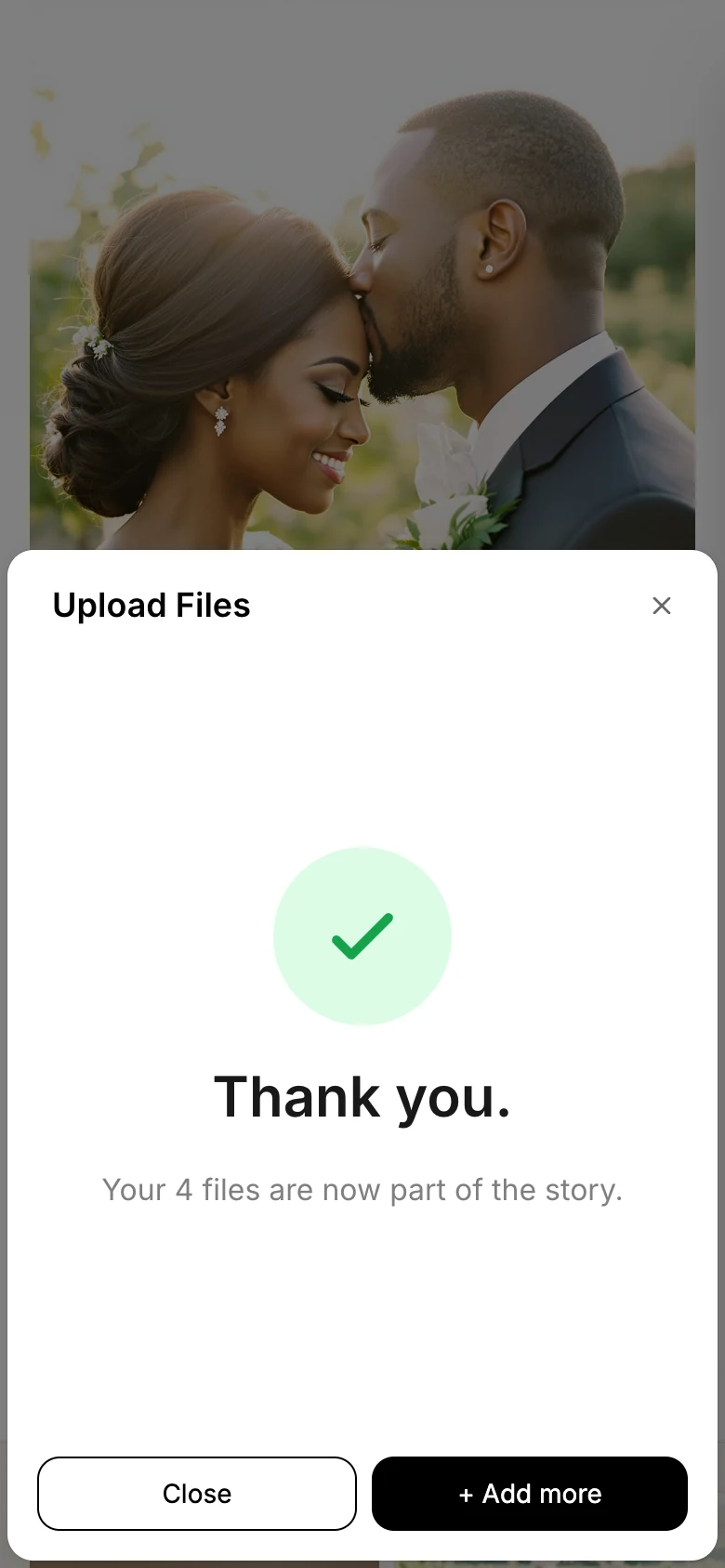
Done in seconds
Files upload in their original quality, and guests can add more whenever they like.
Everyone's photos in one album
The gallery fills up as guests share. Everyone can browse by album or hashtag, and leave hearts and comments if you turn them on.
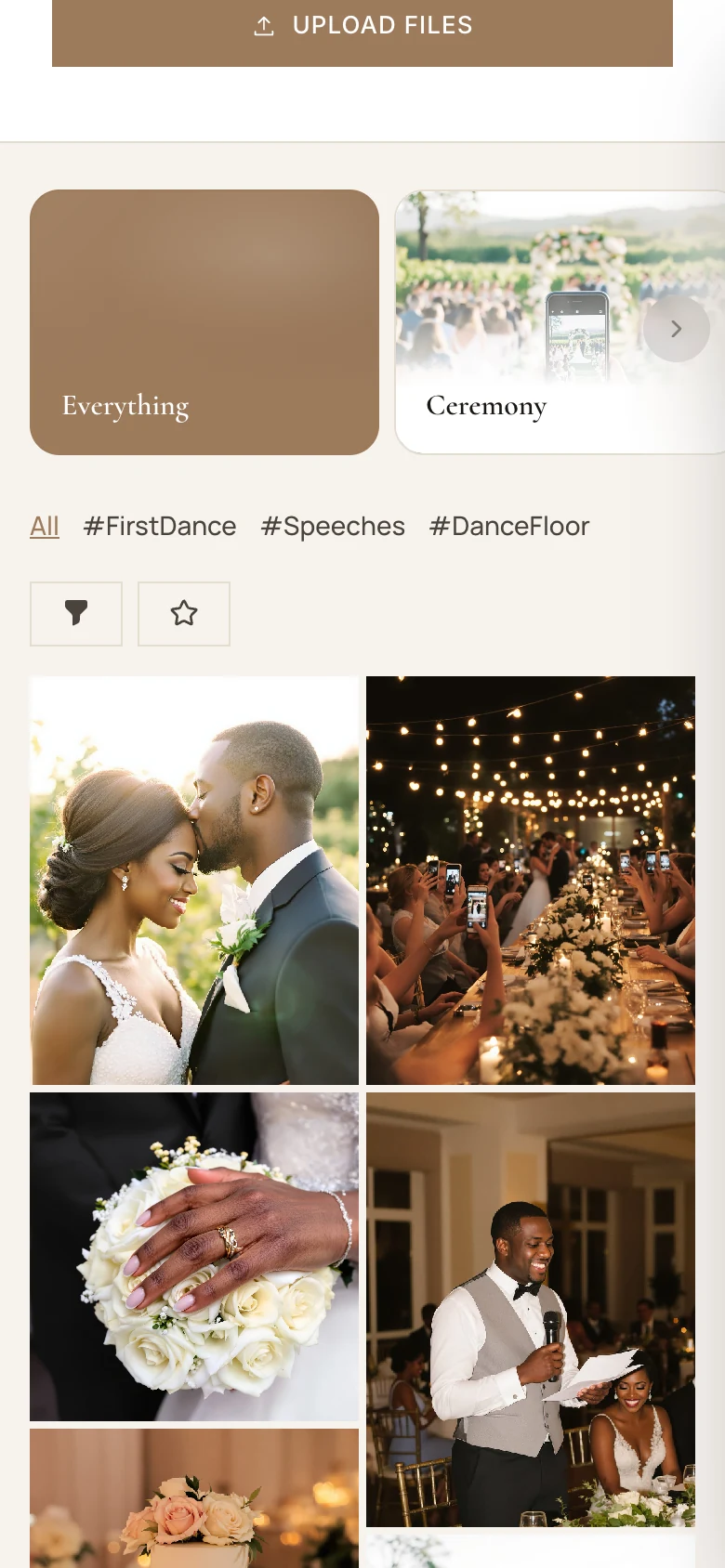
Photo wall
Put it on the big screen
Open the photo wall on any TV or projector with a browser, and the whole reception watches the album fill up.
- New photos appear as guests upload them
- A QR code on screen invites more guests to join
- Show one album or hashtag, like #FirstDance
- Pause, skip or hide the QR code from your phone
- Send your DJ or venue a control link. It needs no account and works for 7 days.
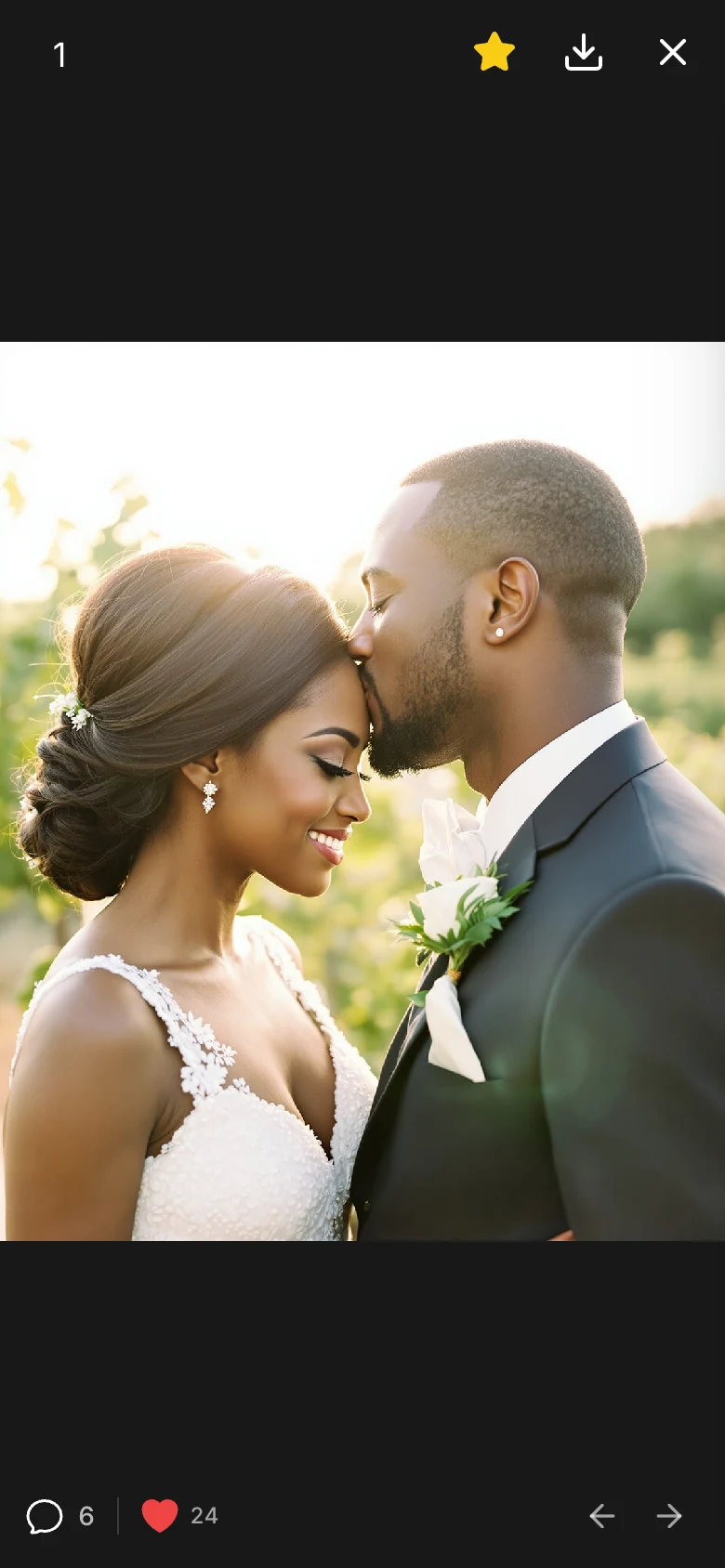
Hearts, comments and favorites
Your album is where guests relive the day together, not just a folder of files.
- Hearts
- Guests tap the heart, or double-tap a photo, to show some love.
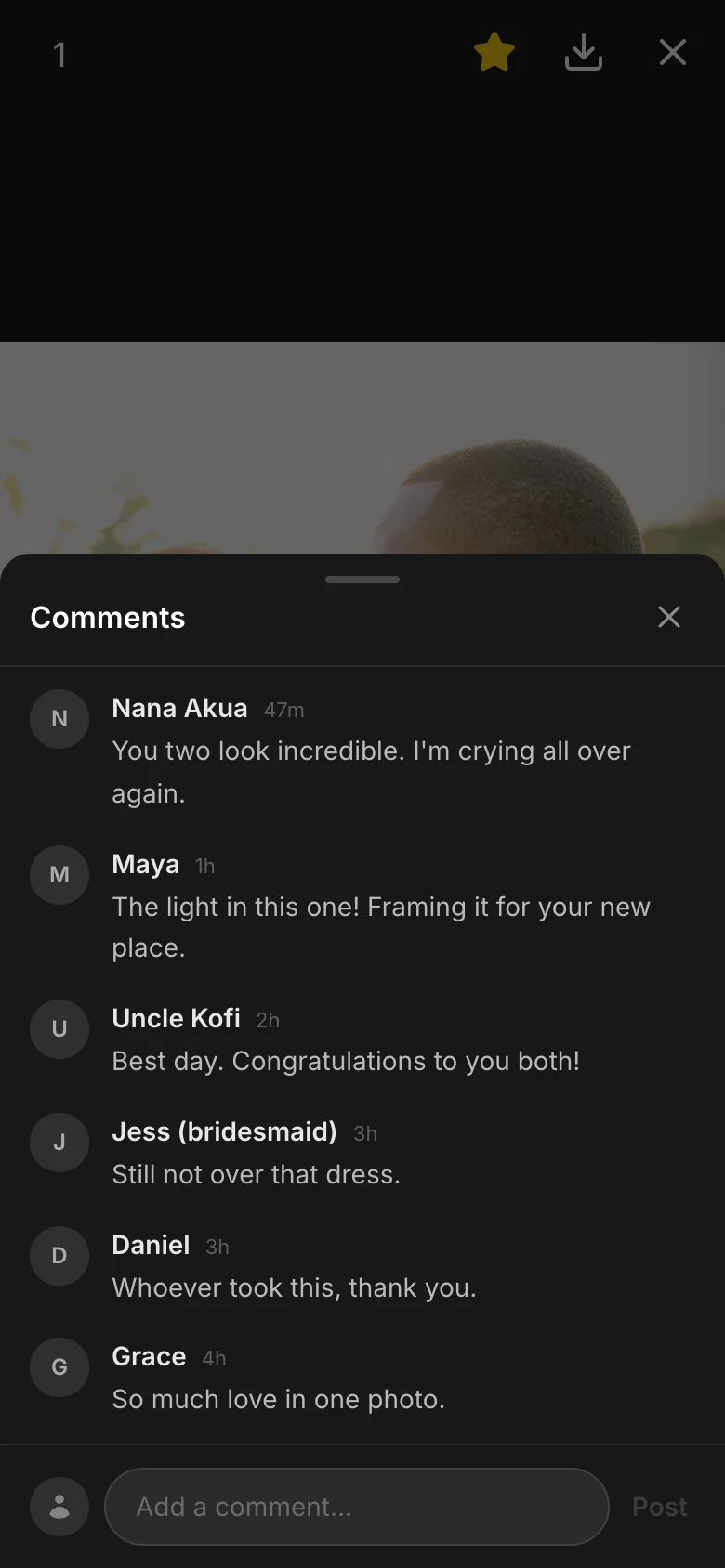
- Comments
- A conversation under every photo, from the speeches to the last dance.
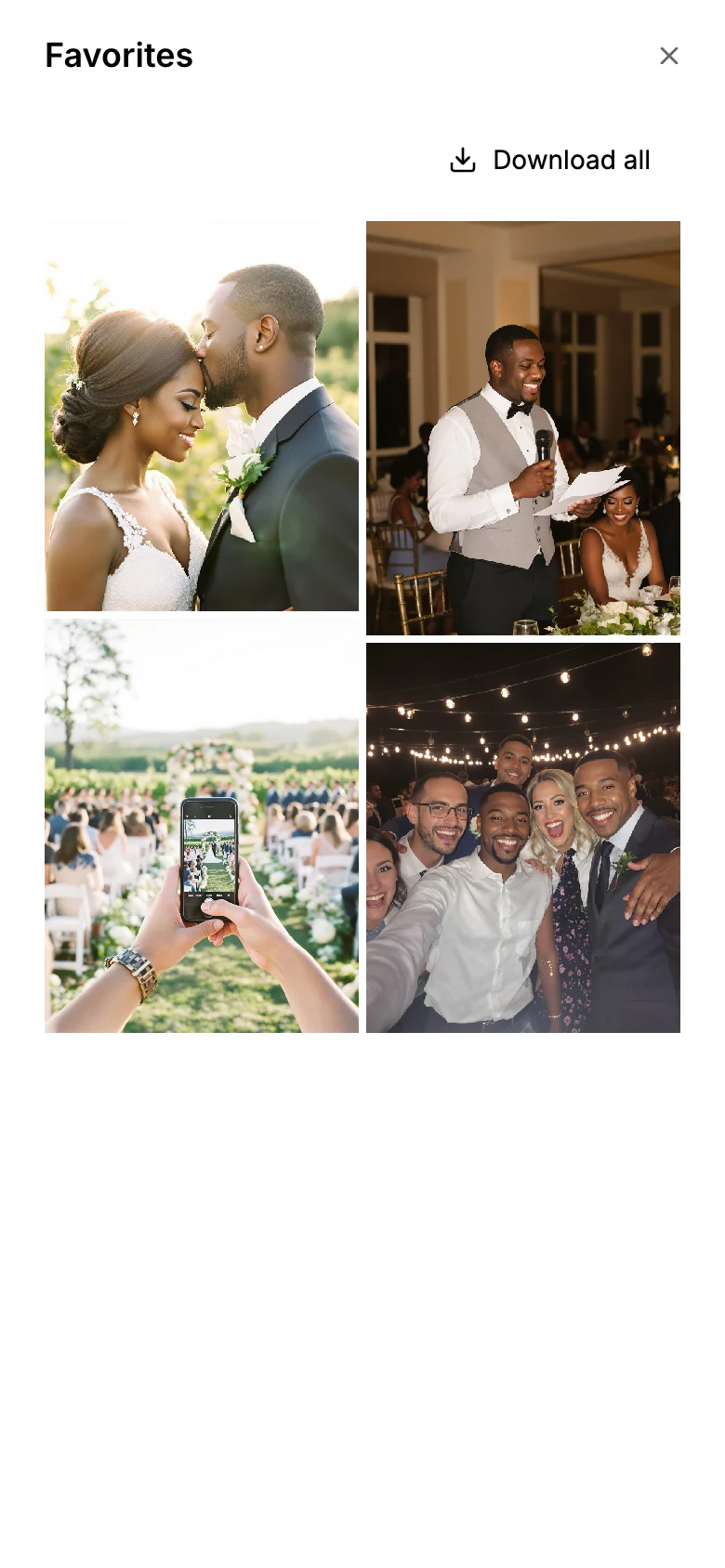
- Favorites
- Guests star the photos they love and download them all as one ZIP.
- Downloads
- Any photo or video, saved in original quality, straight to a guest's phone.
Each of these has its own switch. See what you control
Access
You decide what guests can do
Every setting has its own switch in your dashboard, and you can change them at any time, even on the day.
Who gets in
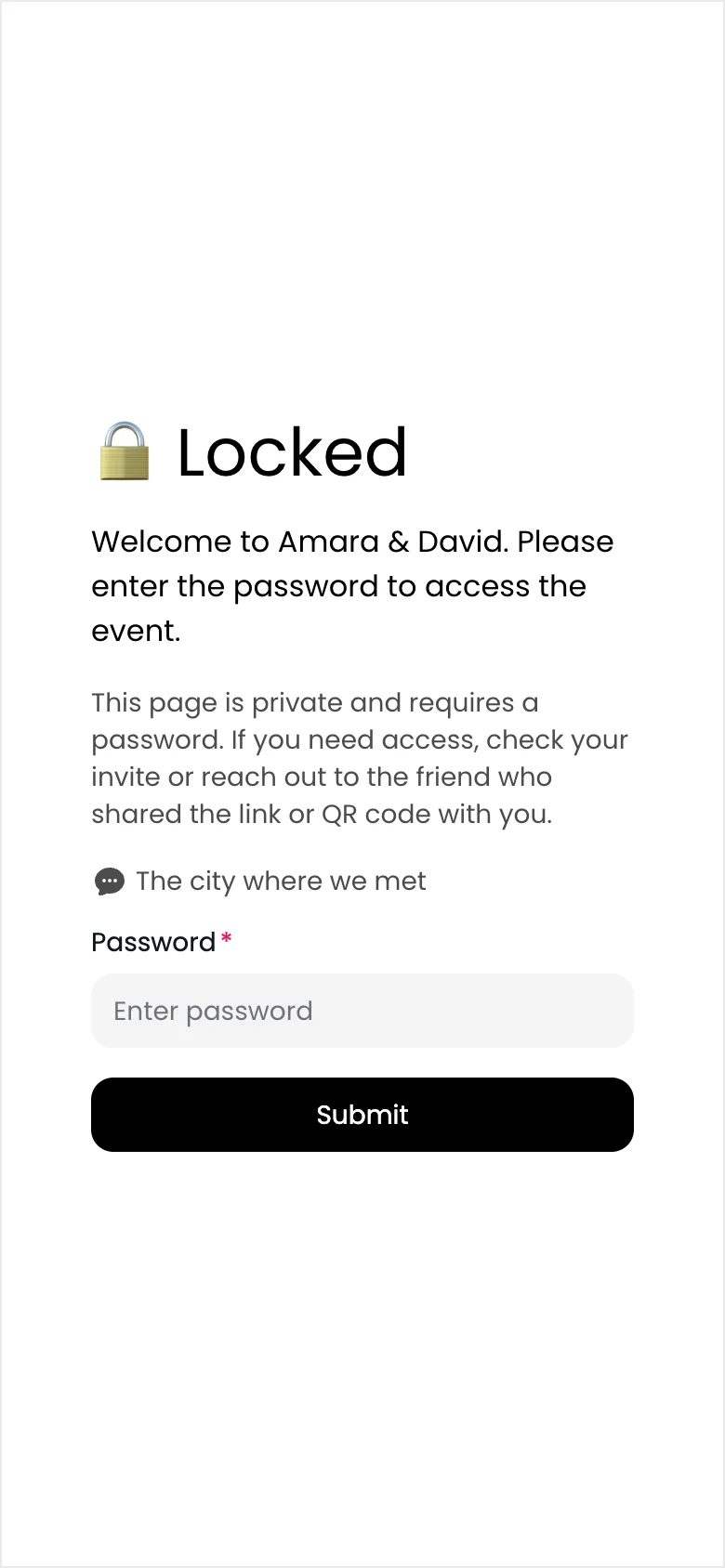
- One shared password, with a hint for guests
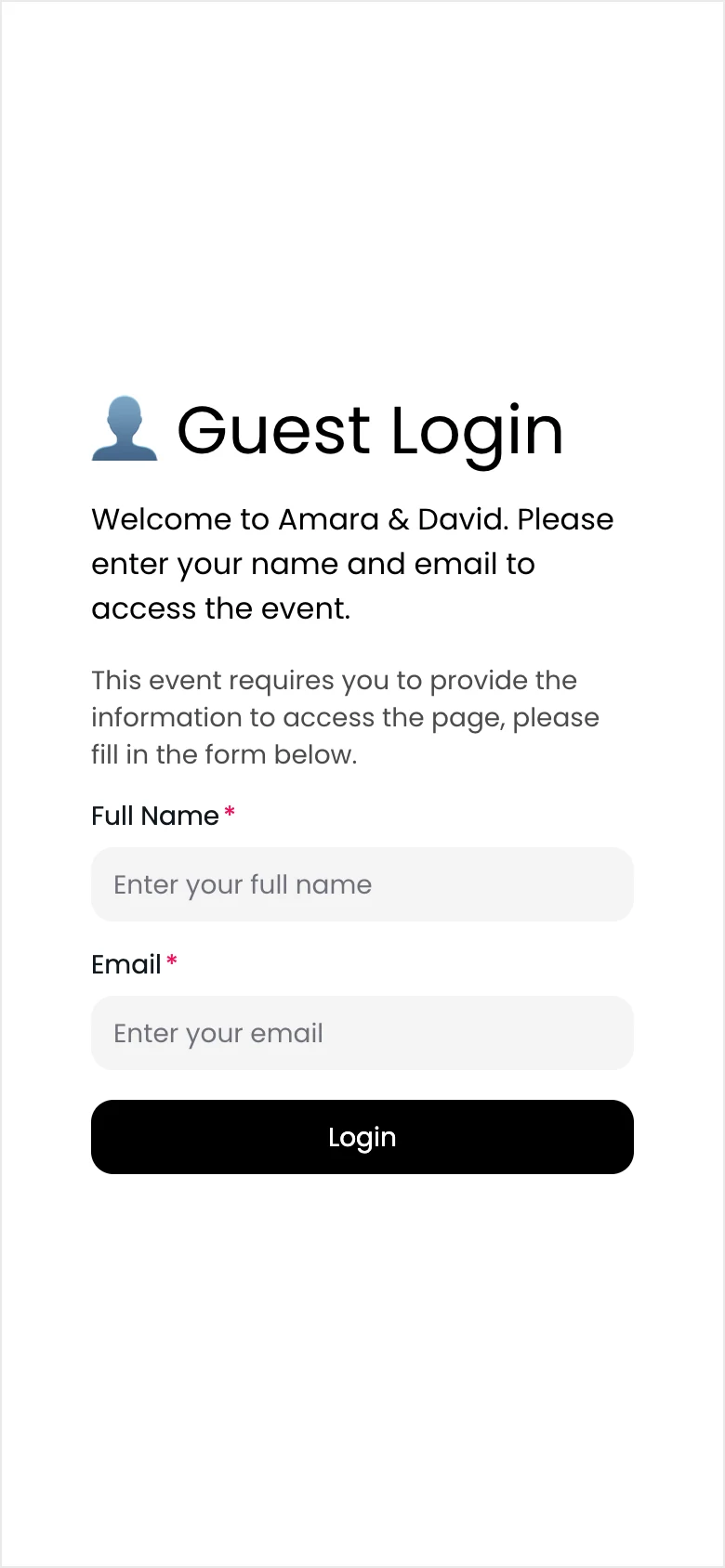
- Guests enter their name and email before they can look around
What guests can do
- Upload to the main page, or only into albums
- See everyone's photos, or only their own
- Download photos and videos in original quality
- Save favorites and download them as a ZIP
- Leave hearts and comments
- Write photo notes and add captions
What shows up
- Approve uploads before anyone sees them
- Approve comments before they show
- Kept out of search engines
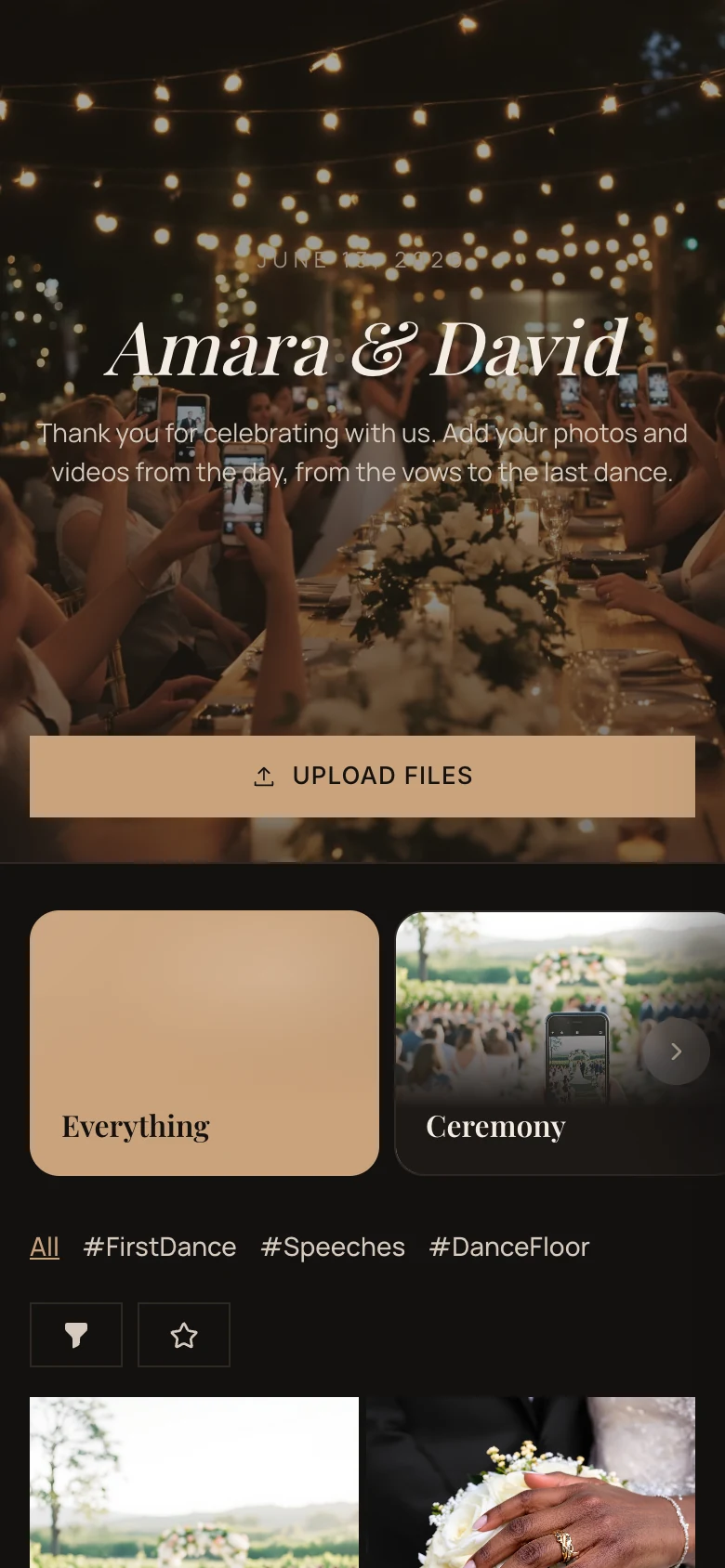
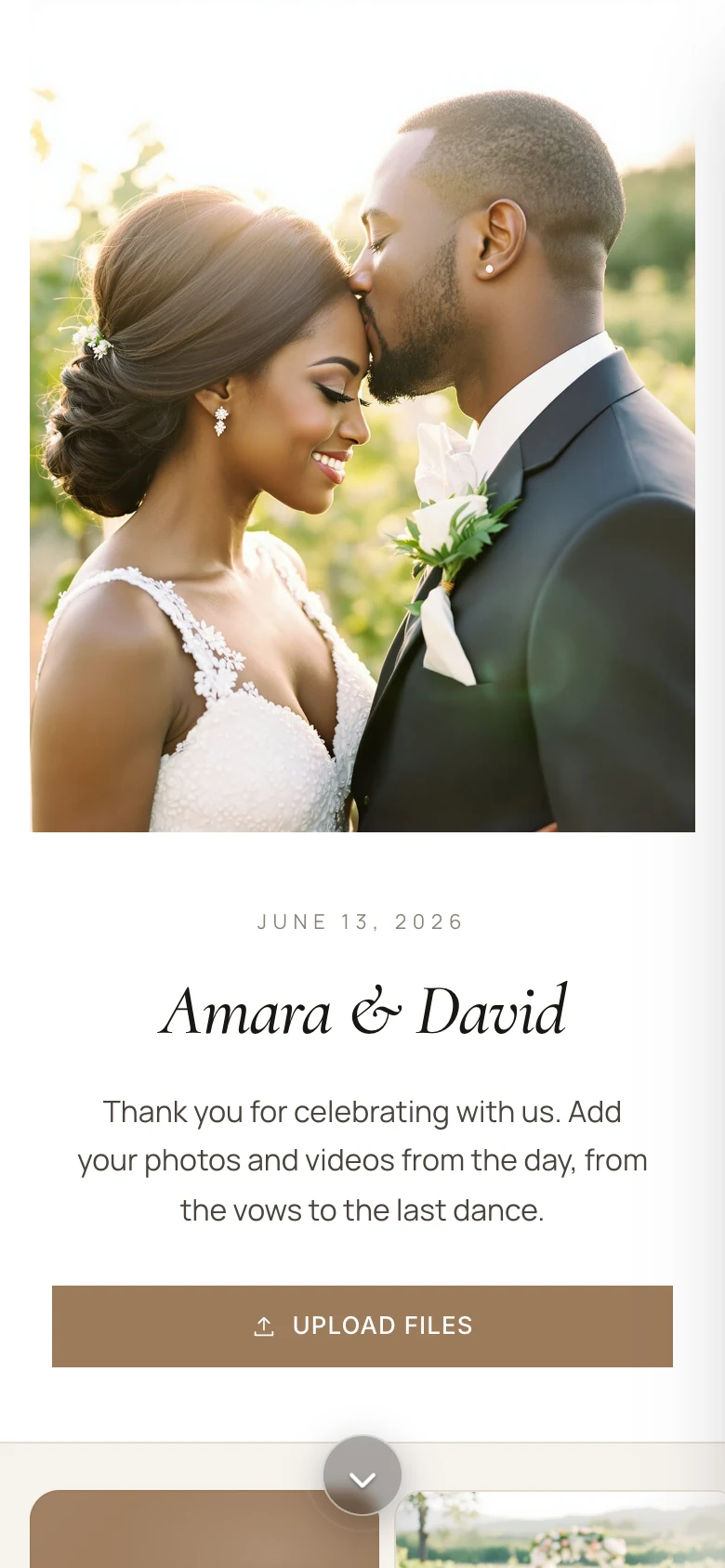
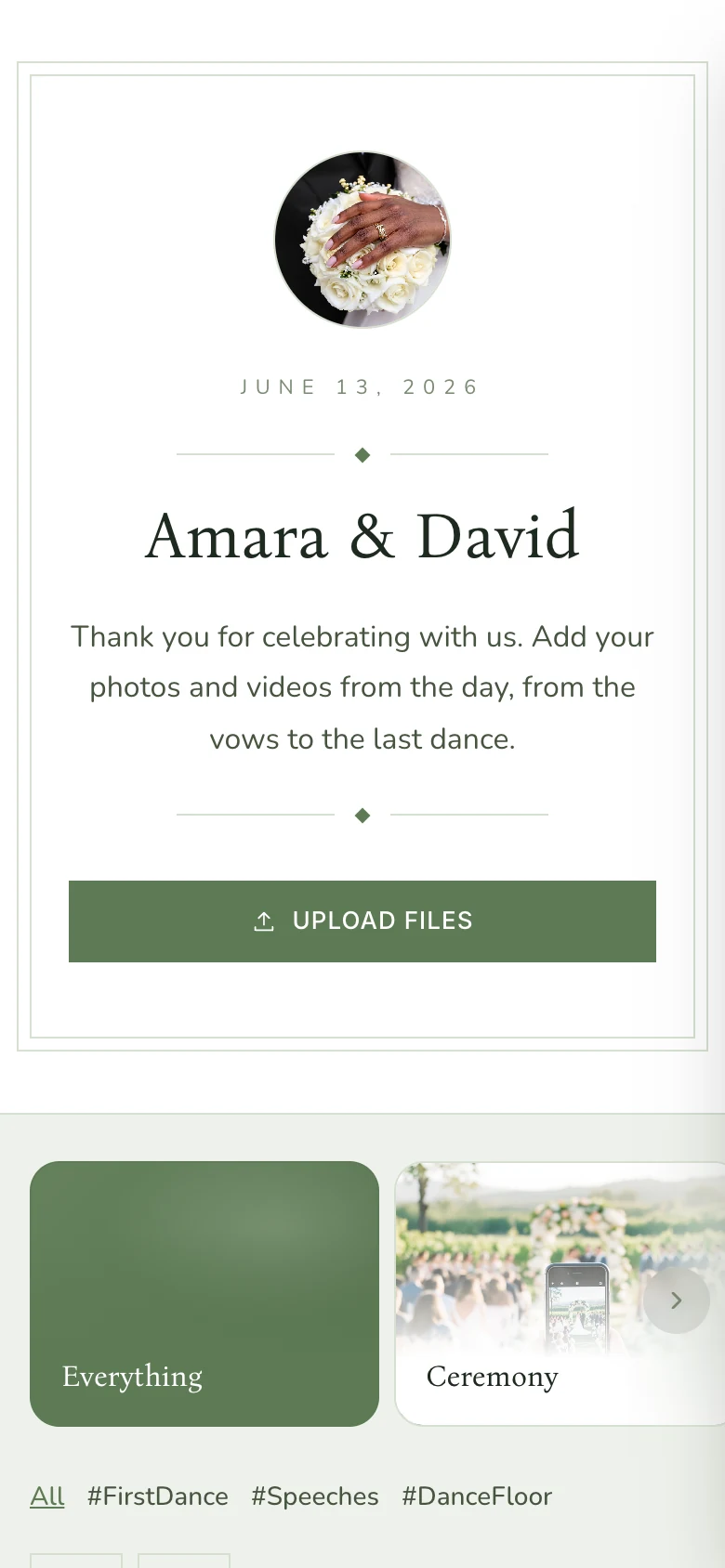
Make it look like your wedding
The same page works as your wedding website before the day and your shared album after it.
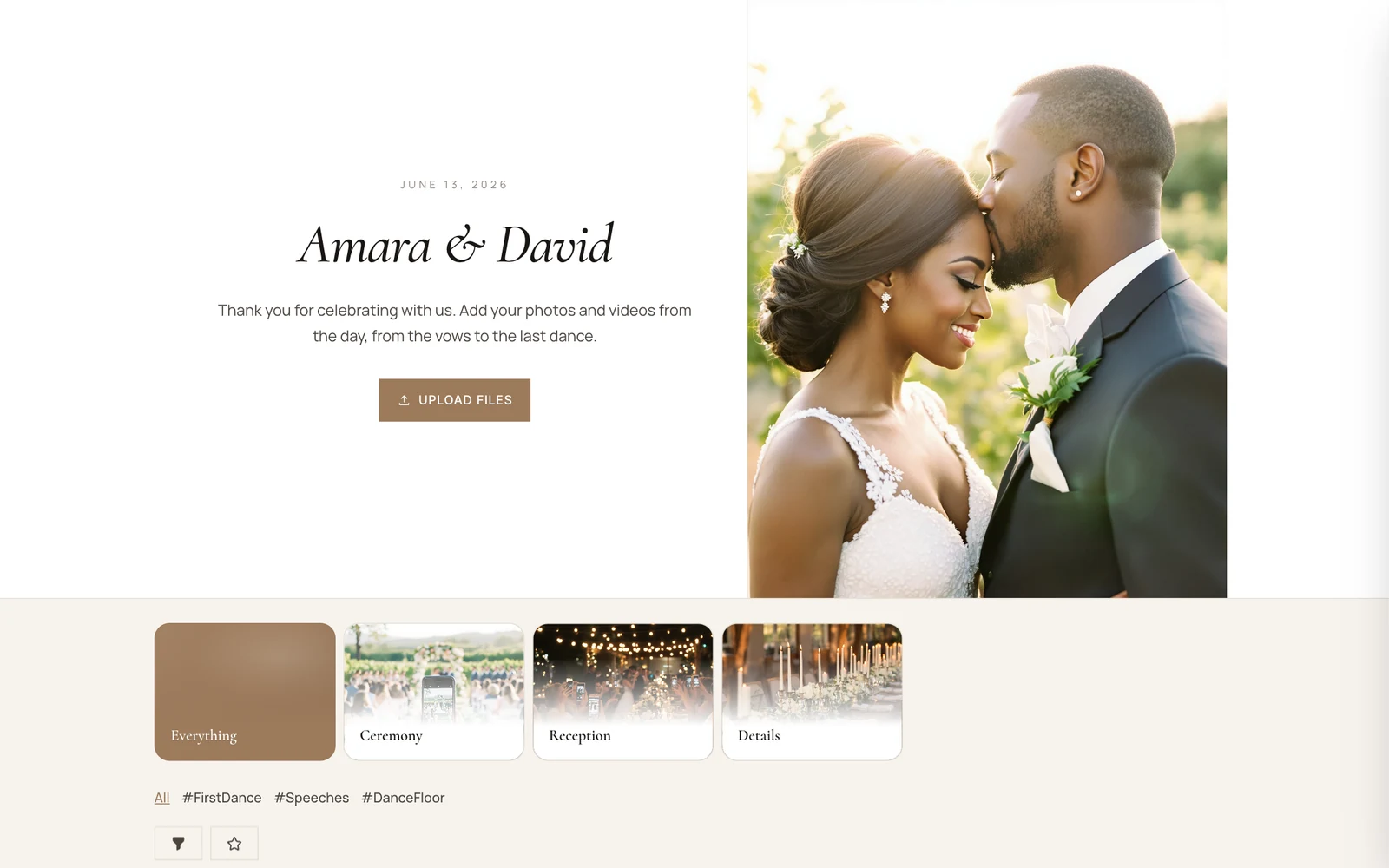
- Your colors, fonts and photo
- Start from a template, then change the header, colors, fonts and layout.
- A welcome page
- Tell your story and add the schedule, locations with a map and an FAQ.
- Save the Date
- Guests add your date to their Google, Apple or Outlook calendar.
- Albums and hashtags
- Ceremony, Reception, #FirstDance: guests file photos where they belong.
After the wedding, it's all there
One album with every photo, video and note your guests shared.
Every file, in original quality.
Download all photos and videos as one ZIP, in the quality your guests uploaded them. Included in every paid plan.

A guestbook, too.
Guests can leave written notes that show up in the gallery next to the photos, so their wishes stay with the album.
Your planner can help.
Add up to 10 co-hosts to look after uploads and the photo wall with you.
Ready before the invitations go out
Four steps, and most of them take minutes.
Create your album
Sign up with Google, Apple or your email and start a free 7-day trial. No credit card.
Make it yours
Add your names, the date and a photo, then pick a template, colors and fonts.
Print the QR code
Put it on table cards and signs. Use one of our Canva templates or your own design.
Keep every photo
After the wedding, download everything in original quality.
Pricing
Start free, pay once for the wedding
Try it free with up to 20 photos and videos, then pay once for your wedding. Planners who run many weddings can subscribe.
Free trial
$0for 7 days
- Up to 20 photos and videos
- Guest uploads, gallery and photo wall
- No credit card needed
Downloading everything at once needs a paid plan.
One event
from$19.00one-time
- Open for 1 to 12 months
- 100 to unlimited photos and videos
- Download everything in original quality
- Hide Chivent branding
- Up to 10 co-hosts
For example, 6 months, 500 files, 5 albums: $37.00.
Subscription
from$39.99/ month
- Unlimited events
- 50 GB or 250 GB of shared storage
- AI photo tagging and design help
- Your own event link
- Cancel anytime
Prices in US dollars. VAT is added at checkout where it applies.
Questions couples ask
More answers in the Help Center.
Do guests need to download an app?
No. Guests scan your QR code with their phone camera, or open the link, and upload in the browser. They don't need an account either.
Do photos keep their original quality?
Yes. Files are stored the way guests upload them. On a paid plan you can download everything as one ZIP in original quality.
What can guests upload?
Photos (JPEG, PNG, HEIC and WebP) and videos (MP4 and MOV), up to 3 GB per file.
Can we keep the album private?
Yes. Add one shared password, ask guests for their name and email first, approve uploads before they show, or let guests see only their own photos. Wedding pages are also hidden from search engines.
Can guests download or save photos?
Yes, if you allow it. Guests can download any photo or video in original quality, and star their favorites to download them all as one ZIP. Favorites are kept for 30 days.
Can guests like and comment on photos?
Yes. Guests can leave hearts and comments on every photo. You can turn either off, or approve comments before they show.
Can we show the photos at the reception?
Yes. Open the photo wall on any TV or projector with a browser. New photos appear as guests upload them, with a QR code on screen so more guests can join.
How long does the album stay open?
On a one-time plan you choose 1 to 12 months. The free trial lasts 7 days and holds up to 20 photos and videos.
Can our planner or maid of honor help?
Yes. On a paid plan you can add up to 10 co-hosts who manage the album with you.
Can it be our wedding website too?
Yes. Add a welcome page with your story, the schedule, locations with a map and an FAQ, plus a Save the Date with add-to-calendar links. You can also run it as a website only and open the gallery later.
Give every guest a way to share your day.
Create your album in a few minutes, print the QR code and keep every photo.