
Templates
Free Canva templates.Dress up your QR code.
Signs, table cards and photo challenges for weddings, birthdays and parties. Open one in Canva, add your album's QR code, then print it or share it.
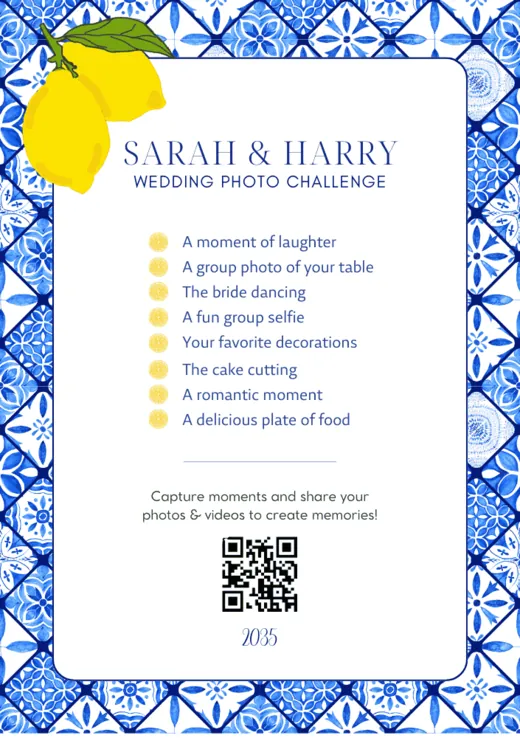
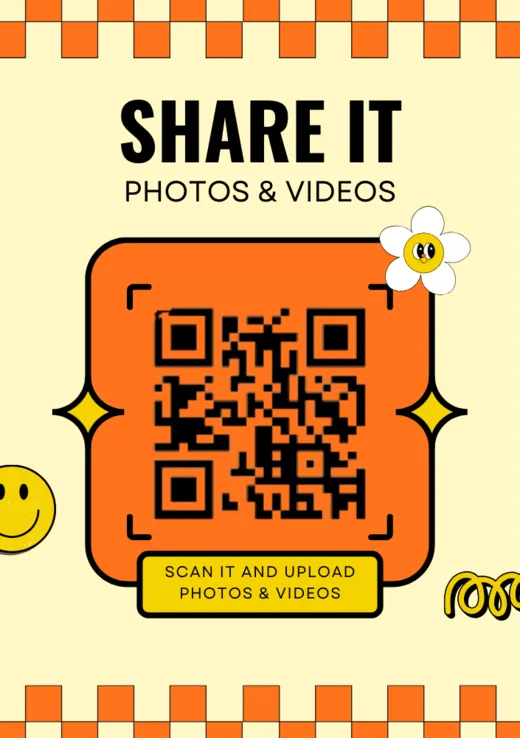
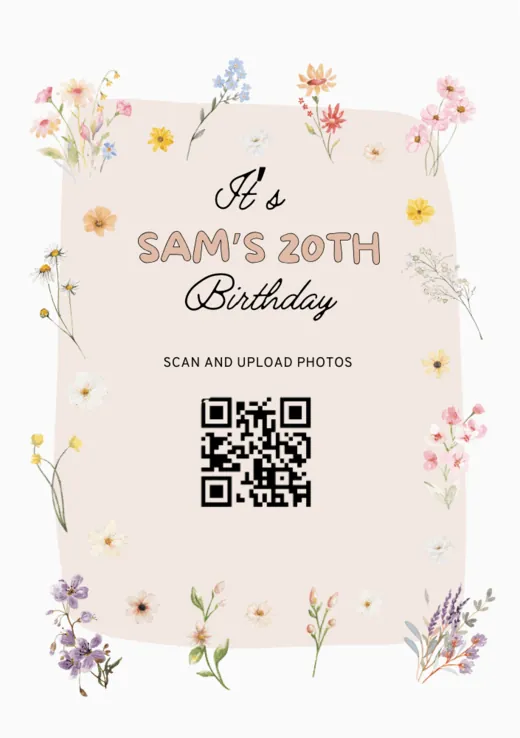
Find one for your event. They're all free.
Each design has a spot for your QR code. Open one to see it up close.
- Edit in Canva: Valentine's photo challenge (opens in a new tab)
- Edit in Canva: Wedding photo challenge, minimal (opens in a new tab)
- Edit in Canva: Wedding sign, line-drawn arch (opens in a new tab)
- Edit in Canva: Wedding sign, lemons (opens in a new tab)
- Edit in Canva: Wedding photo challenge, monogram (opens in a new tab)
- Edit in Canva: Birthday party, confetti (opens in a new tab)
- Edit in Canva: Birthday photo challenge, blue sky (opens in a new tab)
- Edit in Canva: Birthday photo challenge, blush (opens in a new tab)
- Edit in Canva: Kids' birthday, teddy and balloons (opens in a new tab)
- Edit in Canva: Birthday party, pink bows (opens in a new tab)
- Edit in Canva: Valentine's party invitation (opens in a new tab)
- Edit in Canva: Wedding sign, eucalyptus (opens in a new tab)
- Edit in Canva: Wedding photo challenge, blue tiles (opens in a new tab)
- Edit in Canva: Gallery opening (opens in a new tab)
- Edit in Canva: Dinner party invitation (opens in a new tab)
- Edit in Canva: Wedding sign, classic (opens in a new tab)
- Edit in Canva: Night party (opens in a new tab)
- Edit in Canva: Scan me (opens in a new tab)
- Edit in Canva: Share it, playful (opens in a new tab)
- Edit in Canva: Share with me, bold (opens in a new tab)
- Edit in Canva: Wedding photo challenge, contour lines (opens in a new tab)
- Edit in Canva: Wedding sign, wildflowers (opens in a new tab)
- Edit in Canva: Birthday sign, wildflowers (opens in a new tab)
How it works
From Canva to the table.
- 1
Pick a design
Find one for your event and open it in Canva. Change the names, the date, the words and the colors.
- 2
Add your QR code
Your album's QR code is on your event's dashboard. Download it and place it on the design.
- 3
Print it or send it
Set it out on tables, at the entrance and by the guestbook, or share it with your invitations and in group chats.
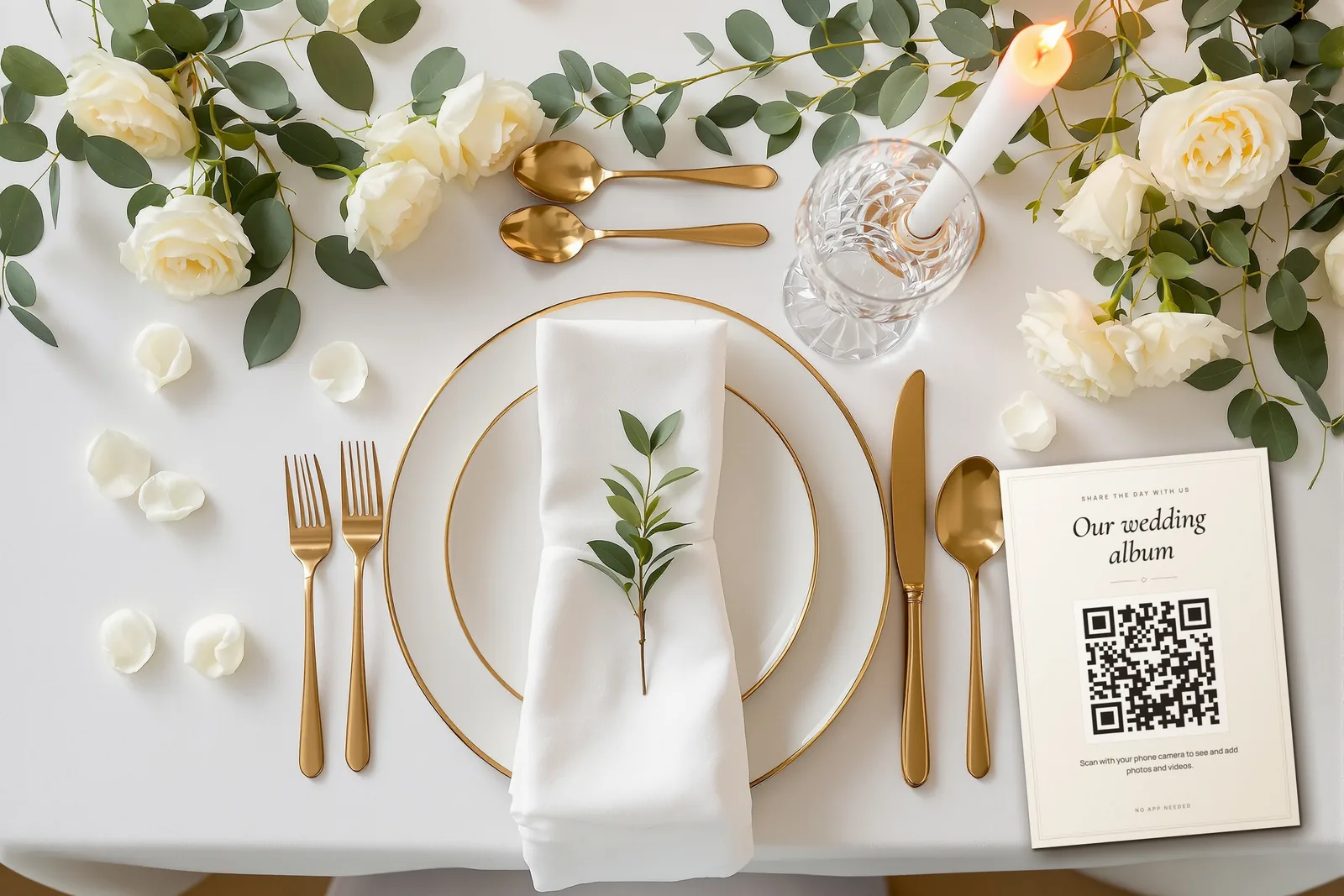
Also from Chivent
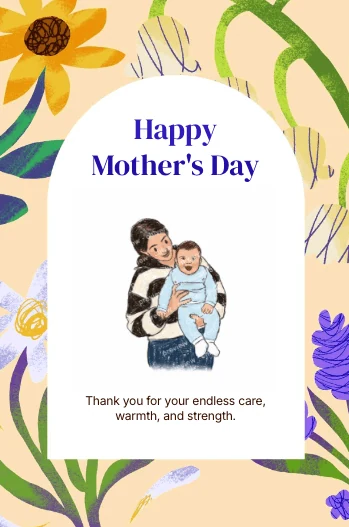
Chivent Cards. A card drawn from your photo.
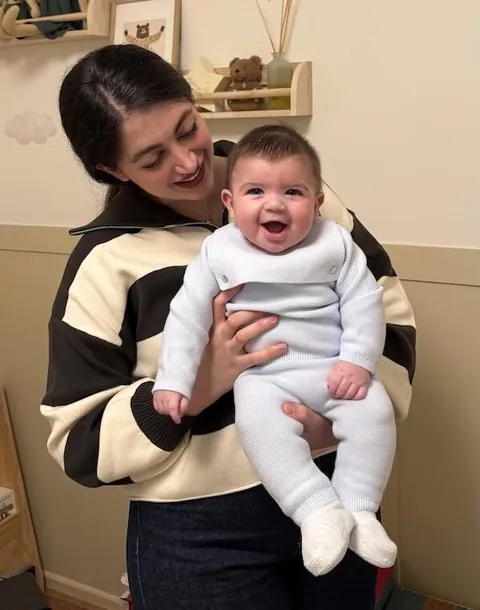
Pick a card for a birthday, a wedding or a thank-you and add a photo. Choose a style like watercolor, ink or crayon, and AI redraws it as art in seconds. Pay once and send it as a private link by text, WhatsApp or email.
Make a card at chivent.cards (opens in a new tab)They open it in the browser, with no app or account.
No album yet? Create one free.
Every album comes with its own QR code for these templates. Free for 7 days, no credit card needed.
