
Chivent for venues
A shared photo album for every event at your venue. Guests just scan the QR code.
Put each event's QR code on the tables, the welcome sign and your screens. Guests add photos and videos from their phones, with no app, and afterwards you hand the whole album to your client. One subscription covers every event.
From $39.99 a month. Unlimited events, cancel anytime.
Where guests find it
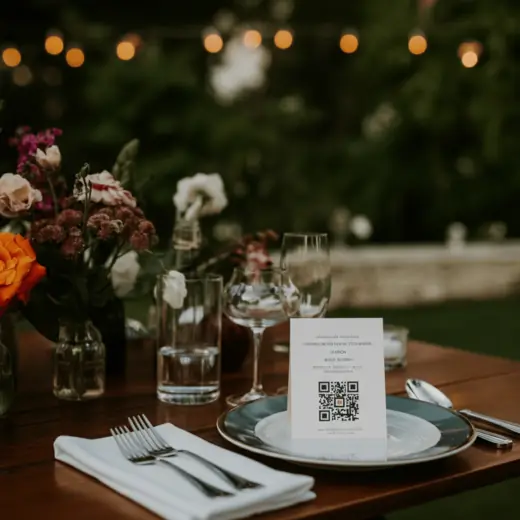
On every table
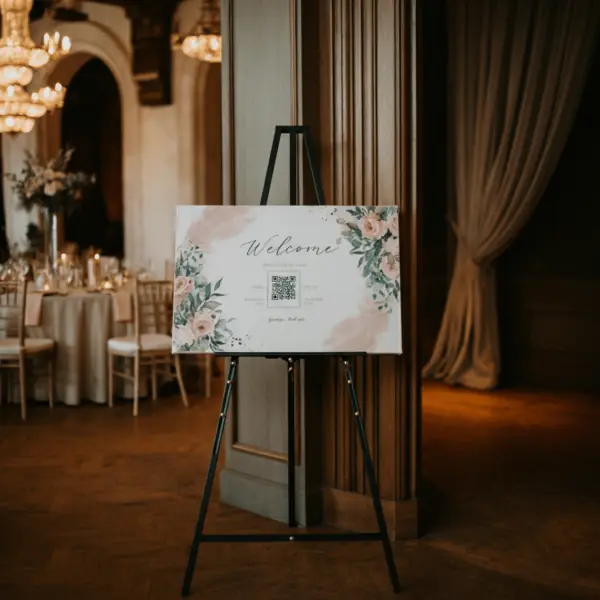
At the entrance
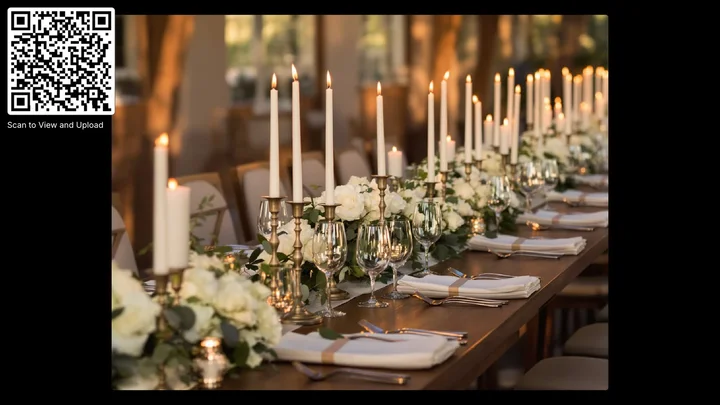
On your screens
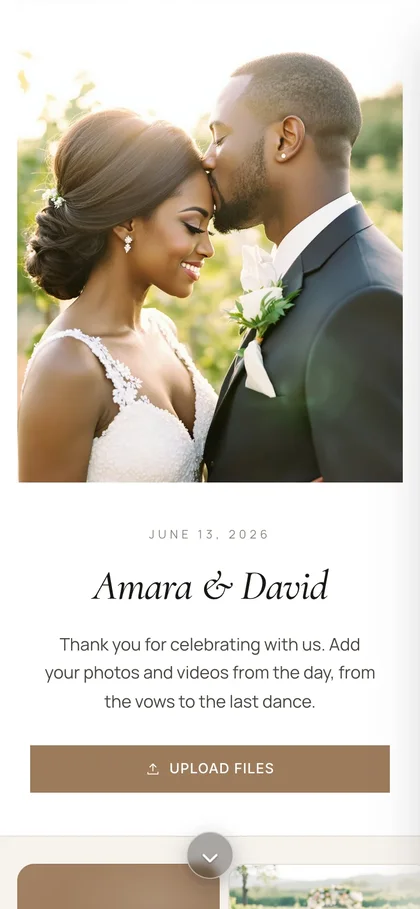
On every guest's phone
Print the signs from 20 ready-made Canva templates, or add the QR code to your own designs.
One subscription
As many events as you host. All in one dashboard.
Each wedding, birthday and company party gets its own album, QR code and link. Your events share one pool of storage, and you can give any event a limit of its own.
- Unlimited events
- A QR code and link for each event
- 50 GB or 250 GB of shared storage
- A storage limit per event, if you want one
- AI photo tagging and design help
- Priority support
Your events
14 events
 Amara & DavidSubscriptionSat, Jun 13, 2026 · WeddingSubscription
 Maya turns 30SubscriptionFri, Jun 19, 2026 · PartySubscription
 Northwind summer partySubscriptionThu, Jun 25, 2026 · Company eventSubscription
 Sofia & LucaSubscriptionSat, Jun 27, 2026 · WeddingSubscription
- Create an event
Before the event
Make every album feel like theirs.
Start from a design, then add your client's names, a photo and their colors. A welcome page can hold the day's schedule, directions to your venue and answers to guests' questions.
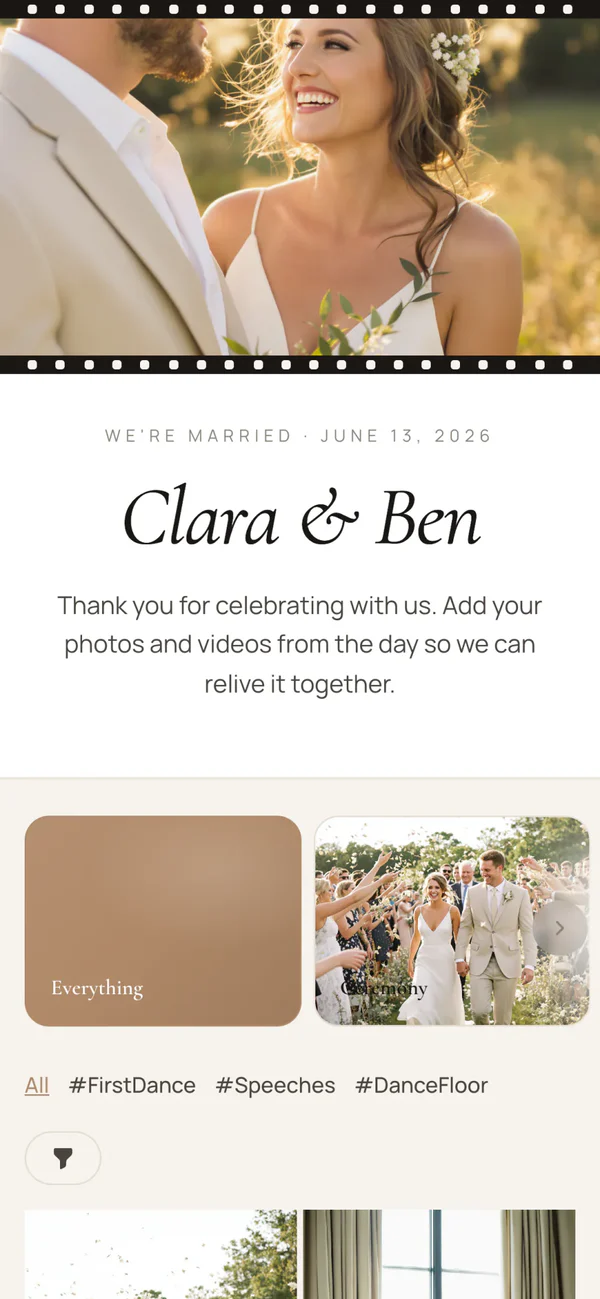
Clara & Ben
Romantic

Amara & David
Black tie
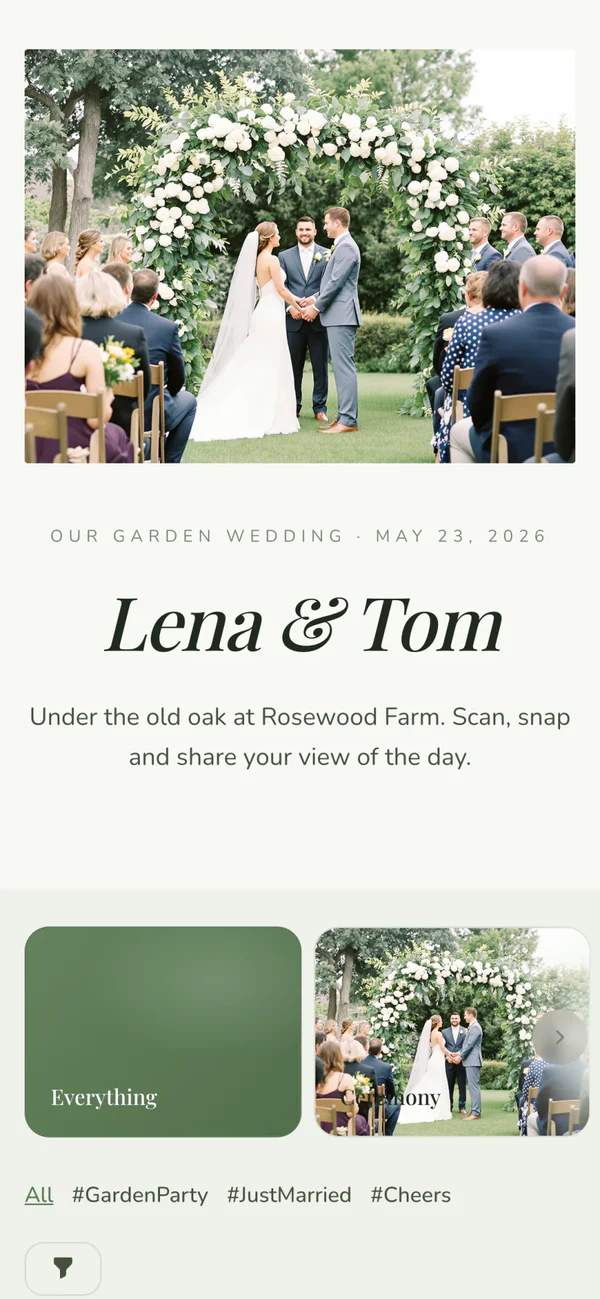
Lena & Tom
Garden
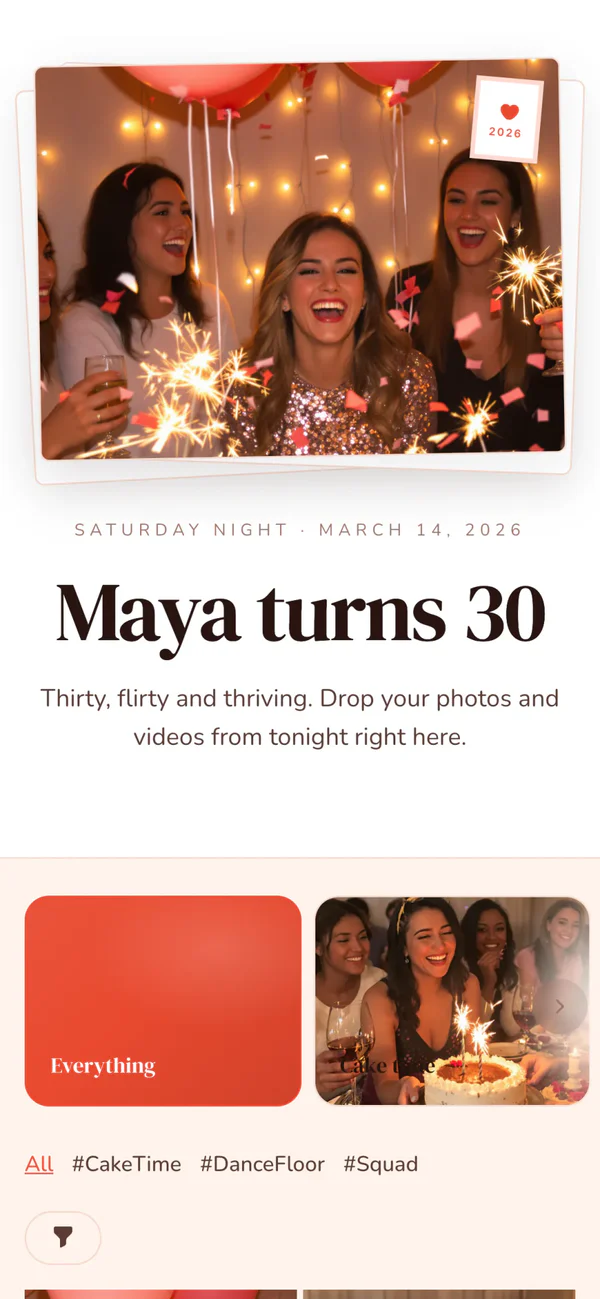
Maya turns 30
Party
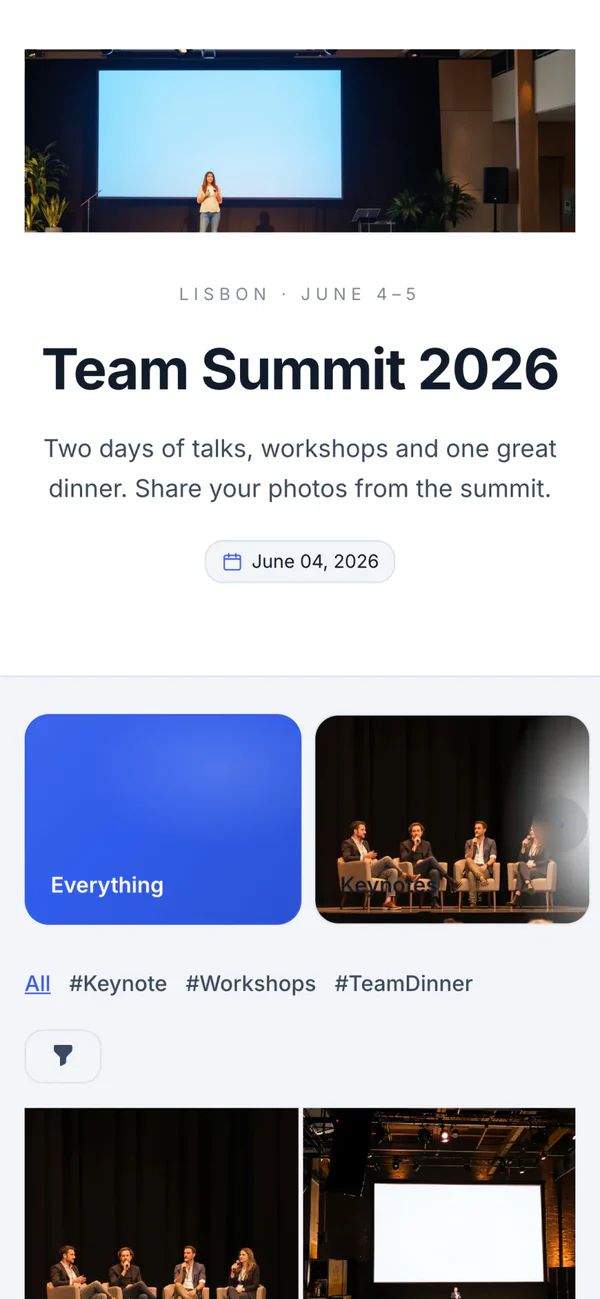
Team Summit 2026
Corporate
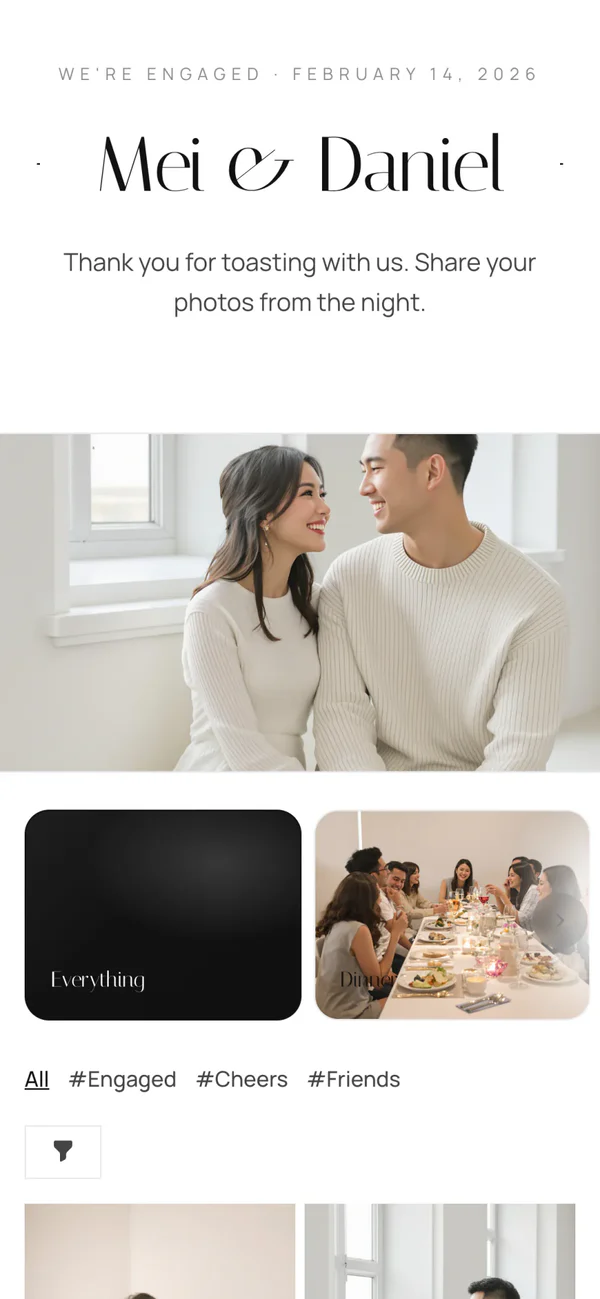
Mei & Daniel
Minimal
- No Chivent branding
- Their own link, like chivent.com/e/amara-and-david
- Guest pages in 12 languages
- 20 Canva templates for table cards and signs
Run it together
Invite your client as co-host. You keep the keys.
Add the couple, or whoever is in charge, to their event. They manage it from their own dashboard, and it costs them nothing.
They make it their own
Co-hosts can change the design, write the welcome page, sort photos into albums, approve uploads and run the photo wall.
You stay the owner
Only you can delete the event, change the billing or add and remove co-hosts, and you can take someone's access away at any time.
Bring in their planner and photographer
Each event takes up to 10 co-hosts, so a planner can help with the details and the photographer can add the professional shots.
Invite a co-host
Co-hosts can help you manage this event from their own dashboard. We'll email them an invitation.
Email address
2 of 10 co-hosts used
Co-hosts
- AAmara Okaforamara@example.comJoined Apr 2, 2026Active
- ddavid@example.comInvited Apr 3, 2026Pending
On the night
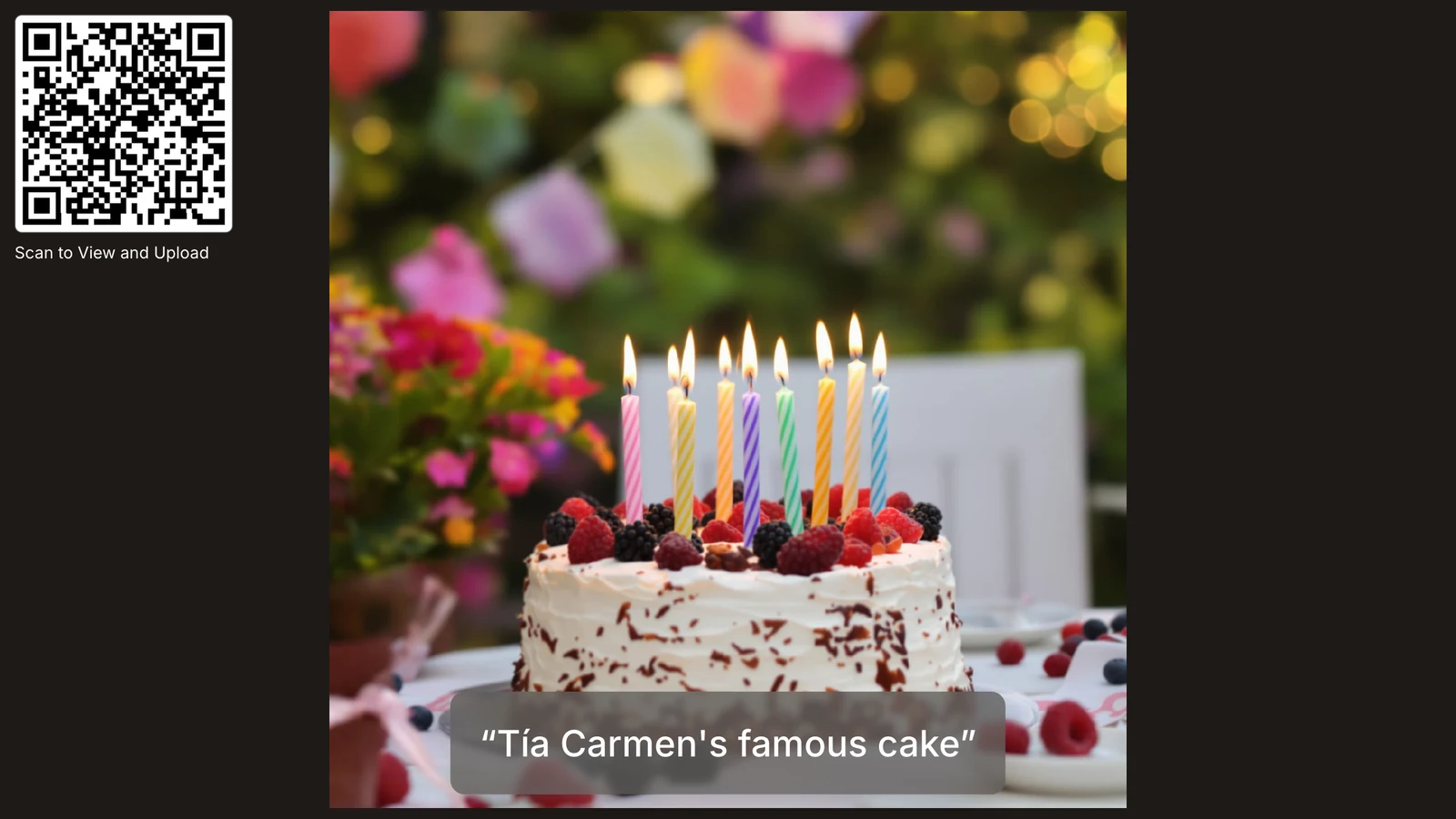
Photos go up on your screens while the party is still going.
Put the photo wall on any TV or projector. New photos appear as guests share them, with the QR code in the corner so more people join in. Run it from your phone, or send the remote link to someone on your team.
- No app or account for guests
- Photos and videos in original quality
- A live slideshow on any screen
- Approve photos before they show, if you like
After the event
Hand over every photo. In full quality, in one go.
When the night is over, download the whole album as one ZIP. Or forward your client the download page from our email: it shows their event, needs no account and works for 7 days.
Everything in one ZIP
Every photo and video, in the quality it was taken in.
A download page in their colors
Forward it to your client. They don't need an account.
Or they download it themselves
Clients who are co-hosts can download from their own dashboard.
Then free up the space
Delete the event, and its storage is yours again within minutes.

412 photos and 18 videos · 3.9 GB
Download all filesAvailable until June 22, 2026
- It's a big file, so use Wi-Fi if you can.
- On iPhone, you'll find it in the Files app, under Downloads.
Also in your subscription
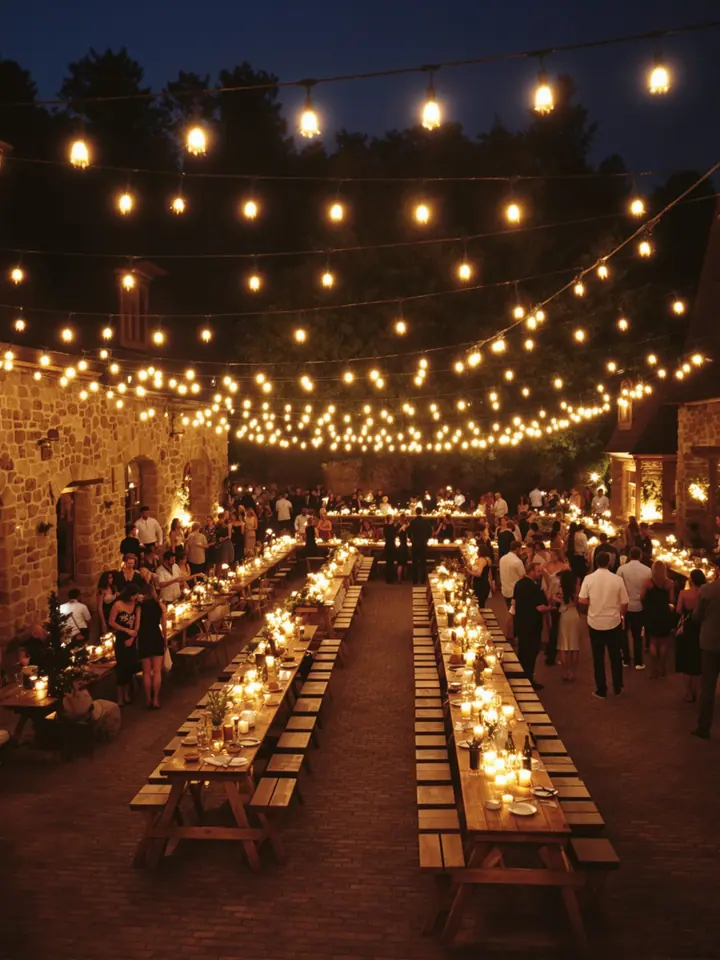
One QR code for the venue itself
For smaller parties and walk-in groups, print one permanent code. Every group that scans it starts its own private album and gets the photos by email when their visit ends.
How place QR codes workPricing
One monthly price. No fee per event.
Choose the storage that fits how often you host. Both plans include unlimited events and everything on this page.
- Unlimited events
- Up to 10 co-hosts per event
- Your design, their own link, no Chivent branding
- Download everything in original quality
- Photo wall, AI tagging and design help
- Place QR codes for the venue
- Priority support
Questions from venues
How many events can I create?
As many as you like. Each event gets its own album, QR code and link, and they all share your plan's storage. You can also give any event a storage limit of its own.
Do my clients or their guests pay anything?
No. Their event is part of your subscription. Clients you invite as co-hosts sign in with a free account, and guests just scan the QR code or open the link, with no app or account.
What can my client do as a co-host?
Almost everything you can: edit the design and the welcome page, sort and approve photos, run the photo wall and download the album. Only you can delete the event, change the billing or manage co-hosts.
How do I give my client their photos?
Download the album as one ZIP in original quality. We email you a link to a download page in the event's design, which you can forward: it needs no account and works for 7 days. Clients who are co-hosts can also download from their own dashboard.
Can the albums look like part of our service?
Yes. Hide the Chivent branding, choose the colors, fonts and photos for each client, and give each album its own link, like chivent.com/e/amara-and-david. For the tables, print the QR code with one of 20 Canva templates.
How much does 50 GB hold?
Roughly 10,000 photos, or about a dozen weddings with their videos. Once you've handed an event over, delete it and its storage frees up within minutes. If you host often or run big weddings, choose 250 GB.
What happens to the albums if I cancel?
They stay open until the end of the month you've paid for. Then they close, and their photos are deleted 4 days later, so hand everything over first. Subscribe again within those 4 days to keep them.
Can I try it before I subscribe?
Yes. When you sign up, your first album is a free 7-day trial with up to 20 photos and videos. Set it up, scan it with your phone and see what your clients and guests will see. Once you subscribe, the events you create are covered by it.
Can guests use it in their own language?
Yes. The album and upload pages come in 12 languages, and each guest sees the language their phone is set to.
We host a lot of events. Can we get a custom offer?
Write to us at contact@chivent.com with roughly how many events you host a month, and we'll work out an offer.
More answers in the Help Center(opens in a new tab)
Give every client the photos from their day. Taken by every guest, kept in one album.
Set up your first album in a few minutes, scan it with your phone and see what your guests will see.
