Features
One QR code for your guests. Everything else for you.
Guests share photos and videos from their browser, in original quality. You get the event page, a live photo wall, albums with AI tags and every original in one download.
Free for 7 days, no credit card needed.
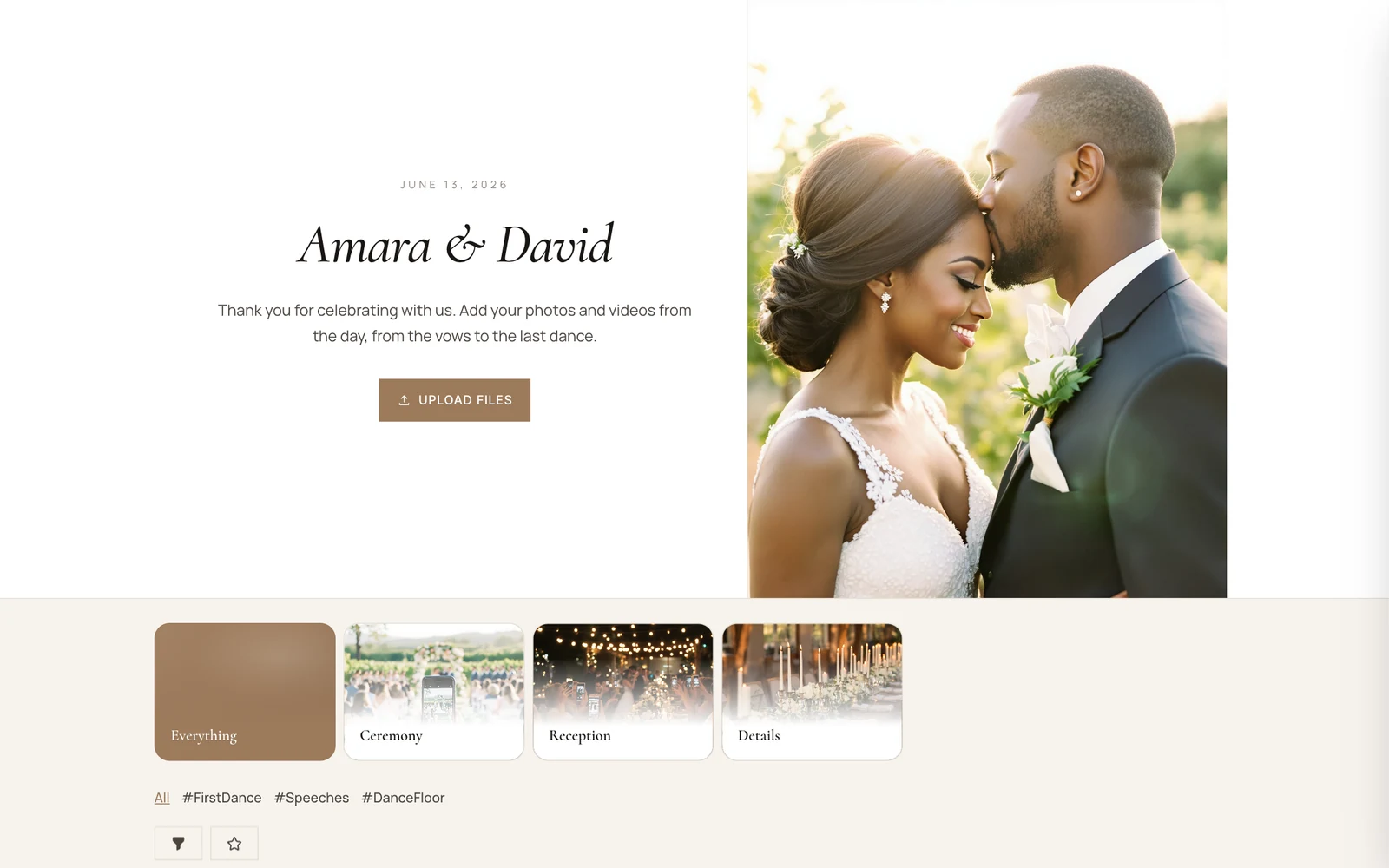
- Live photo wall
- 12 languages
- Original quality
Guests share in seconds
All they need is the camera on their phone.
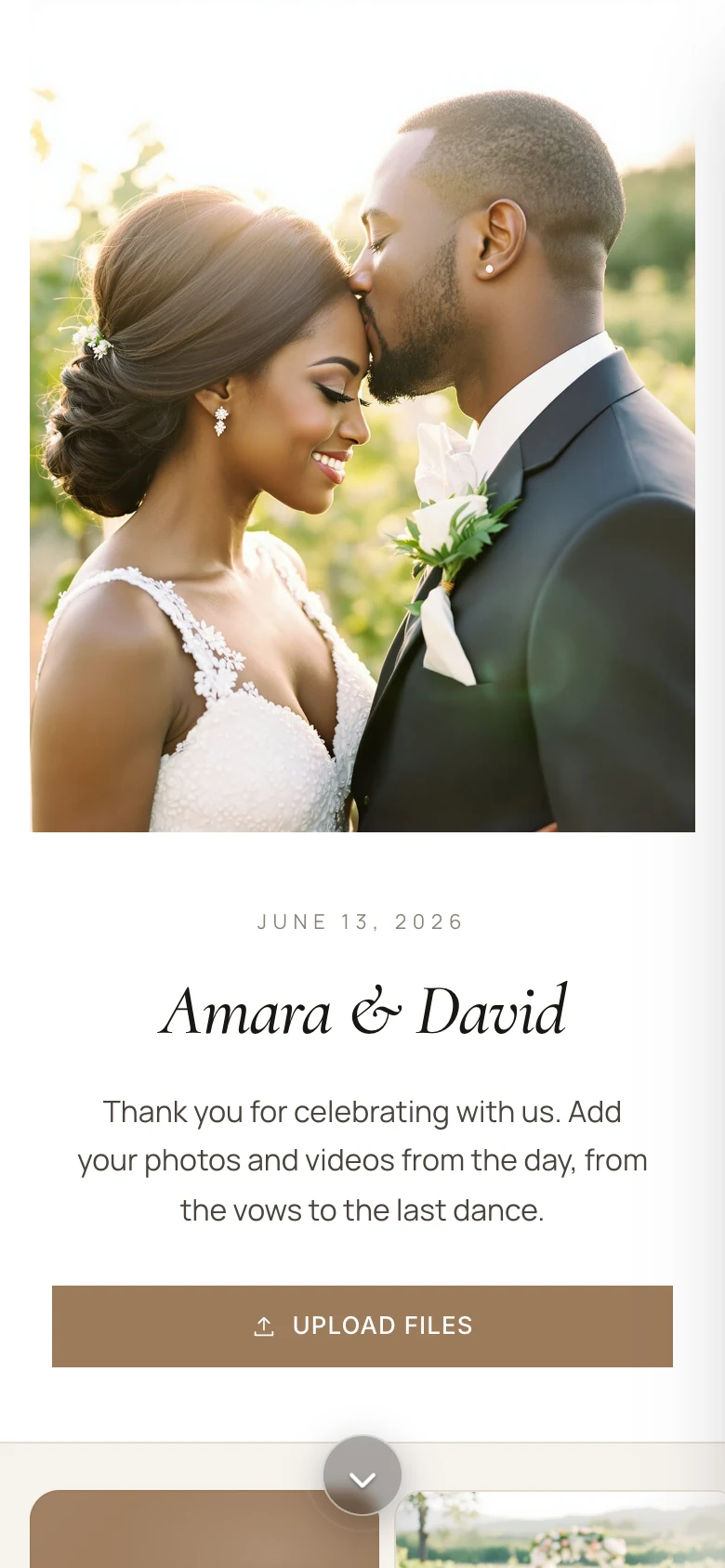
Scan, no app
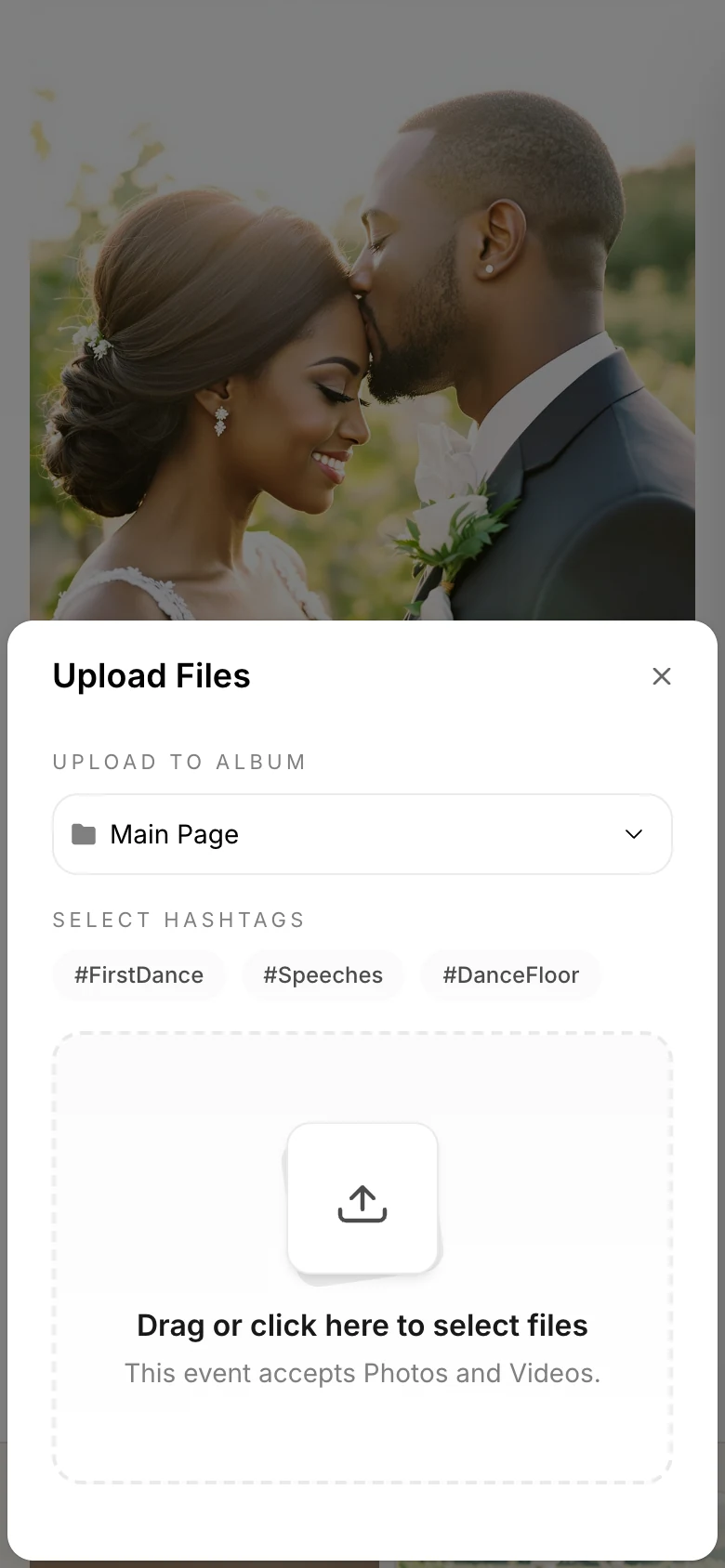
Guests scan your QR code or open your link, and the event opens in their browser. No app to install, no account to make.
Share in original quality
Photos and videos straight from the camera roll, up to 500 at a time and 3 GB per file, into the albums and hashtags you set up.
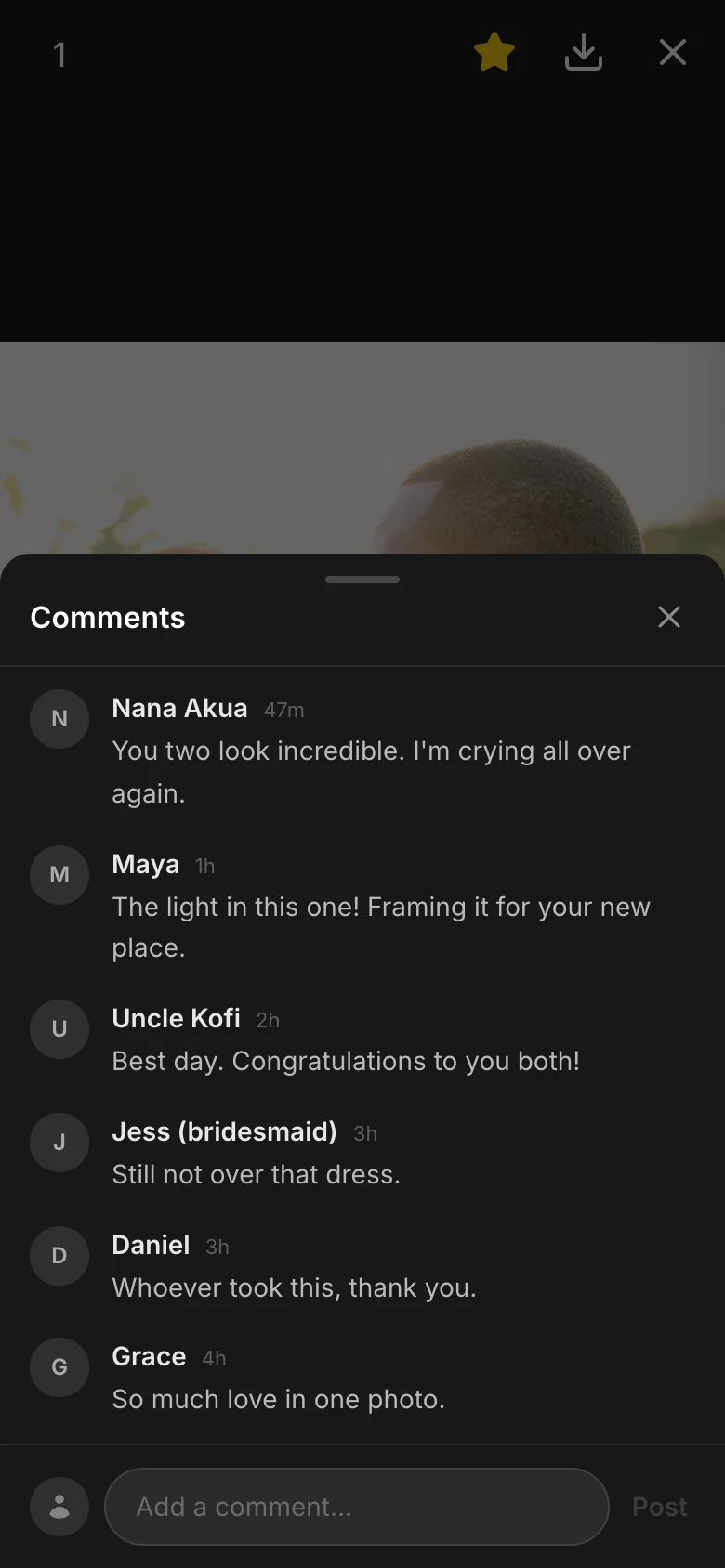
Hearts, comments and captions
Everyone can heart a photo, comment on it or add a caption. You can approve comments before they show.
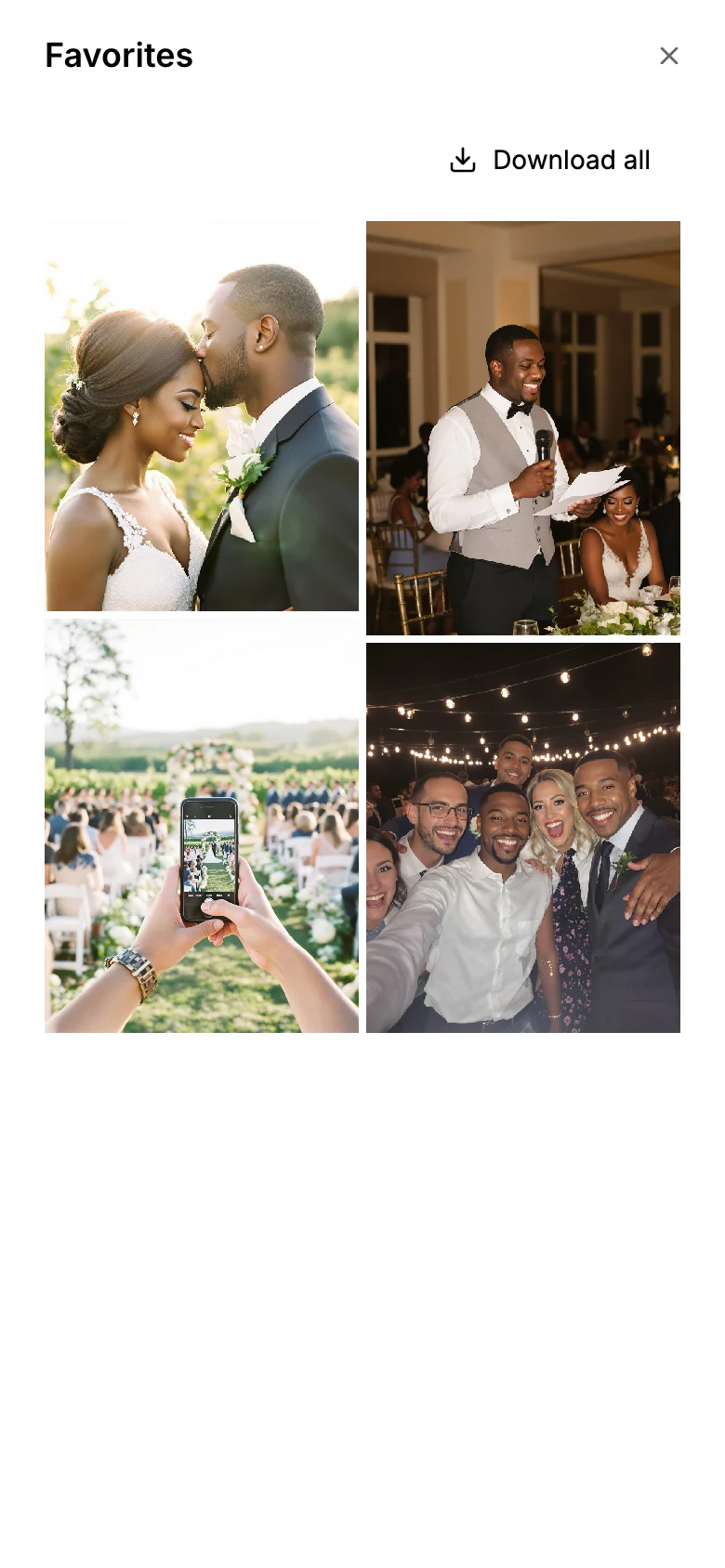
Favorites to take home
If you allow it, guests star the photos they love and download them together.
For guests
More than photos
Messages, names and their own language, all in the same album.
Photo Notes
A guestbook in the album. Guests write a message, pick a color and a font, and send it with their photos.
Congratulations, Amara & David! Save us a dance at the anniversary.
Maya & Tom
So much love in one room. Thank you for having us!
Grace
The vows had the whole table in tears.
Uncle Kofi
Names, if you want them
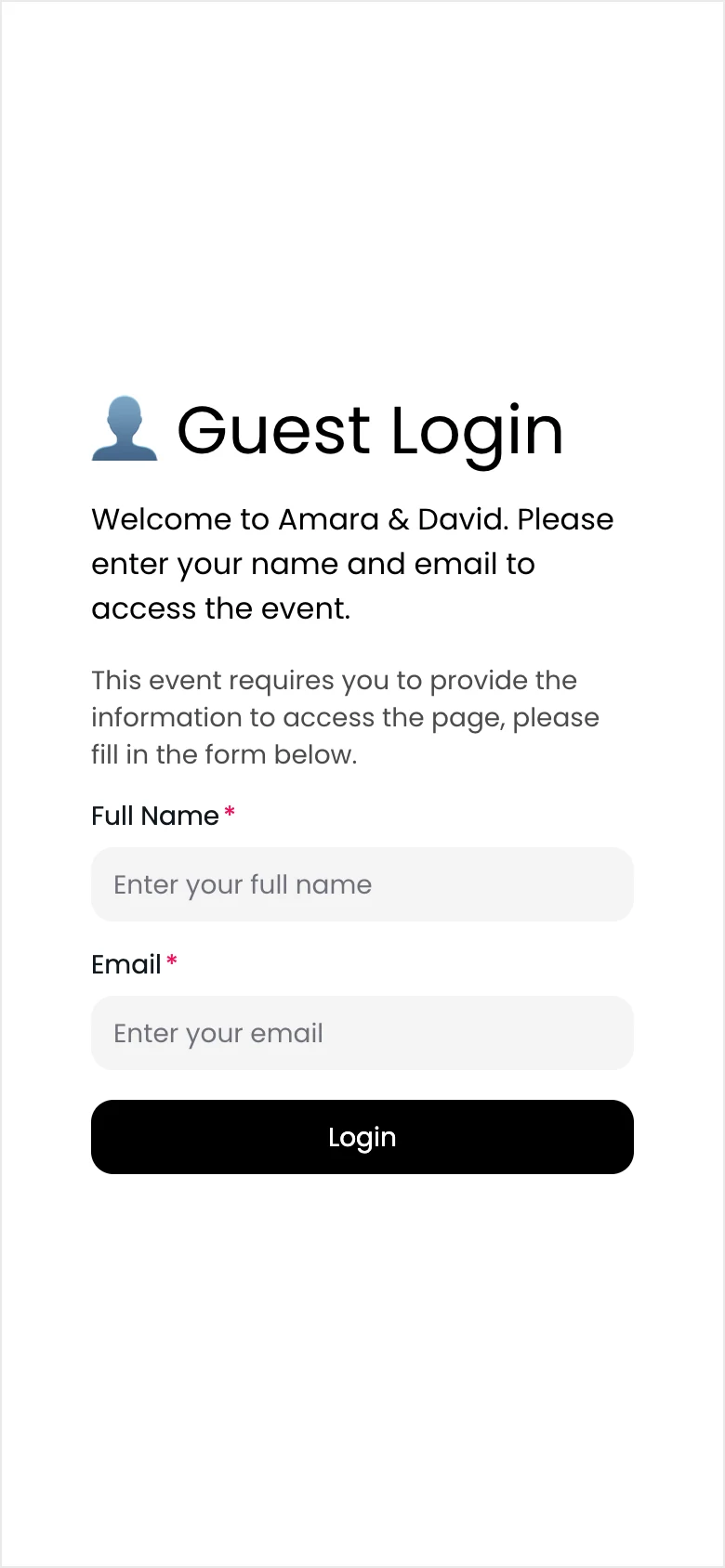
Ask for a name and email before guests upload, or let them share without one.
12 languages
Share a link or QR code in the language your guests read.
- English
- Deutsch
- Nederlands
- Svenska
- Français
- Italiano
- Español
- Português
- Türkçe
- עברית
- 日本語
- 한국어
Photo wall
Put the album on the big screen
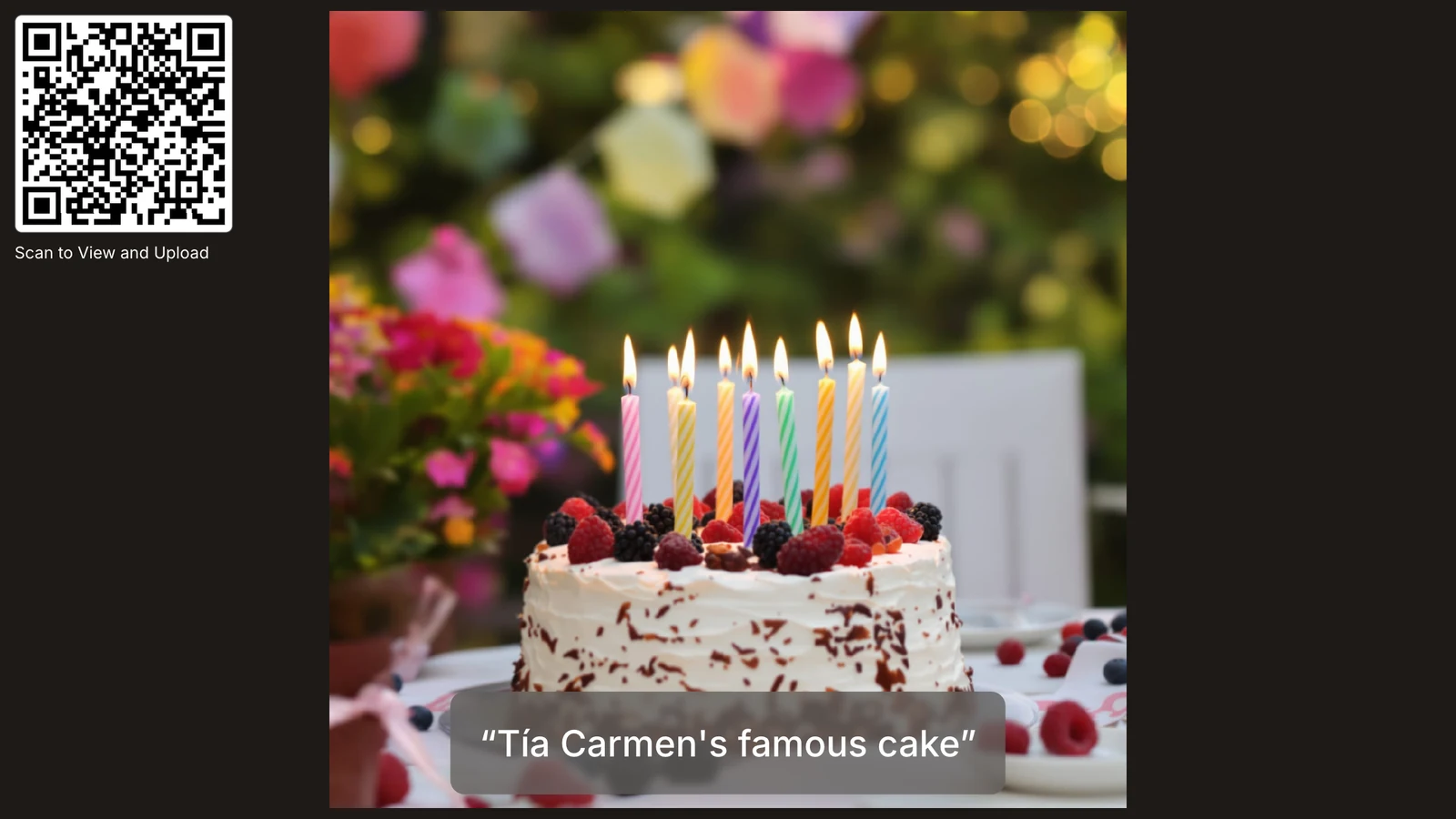
Open the photo wall on any TV or projector with a browser. New photos and videos appear as guests upload them.
Live Control
- QR Code
- Comments
- Reactions
- Captions
The room can join from the screen
A QR code sits on the wall, so anyone can scan it and add theirs.
Captions, hearts and comments
Show them next to each photo, or keep the wall to the pictures.
Your settings
Show one album or hashtag, set the speed and the background, or hide videos.
A remote in your pocket
Run the wall from your phone, or send a controller link to a friend. It works for 7 days and you can switch it off.
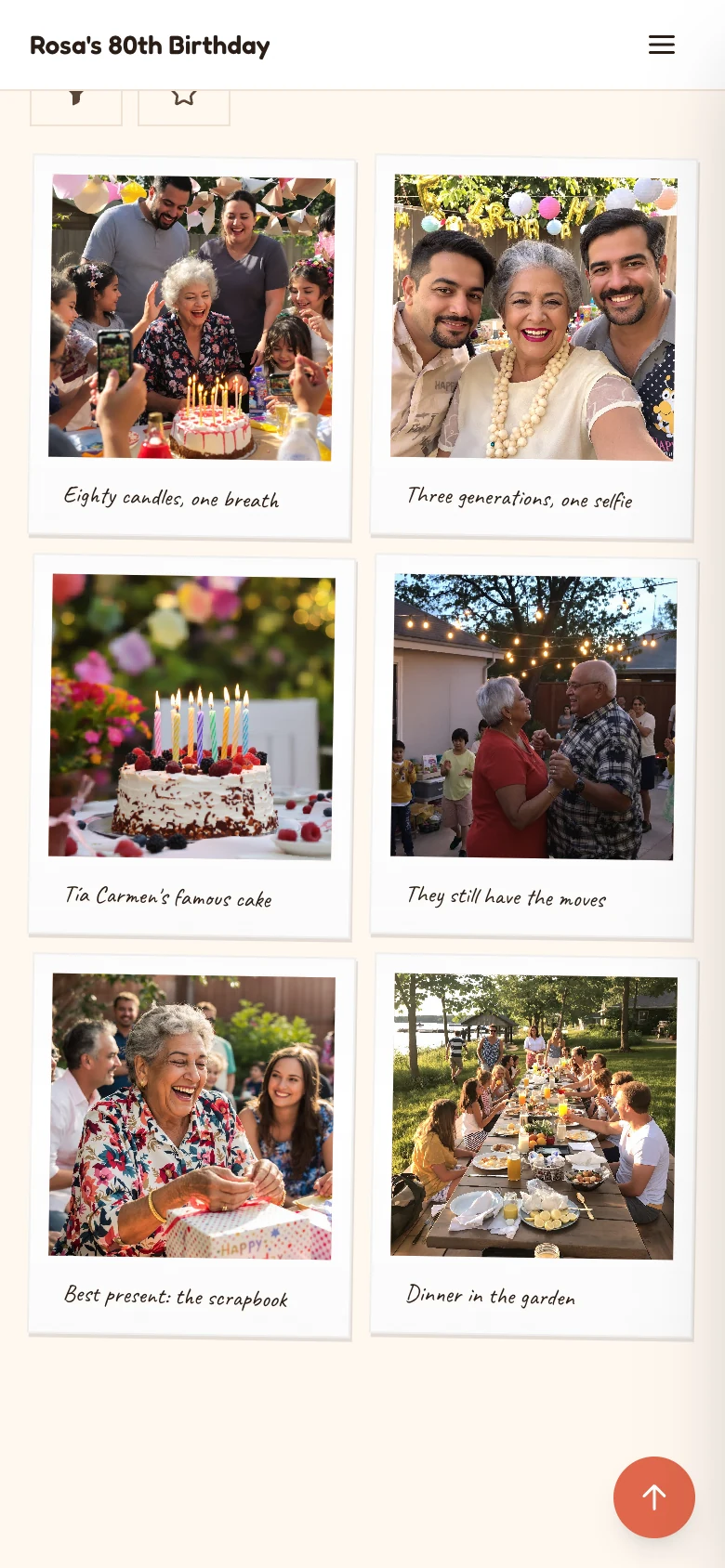
Instant Frames
A gallery layout that shows photos as instant prints, with their captions written underneath.
Approve before it shows
Turn on approval and nothing reaches the gallery or the wall until you've seen it.
A countdown
Keep the album closed until your event starts, with a countdown on the page.
Design Studio
Make it look like your event
Start from a template, then make every part of the page yours.
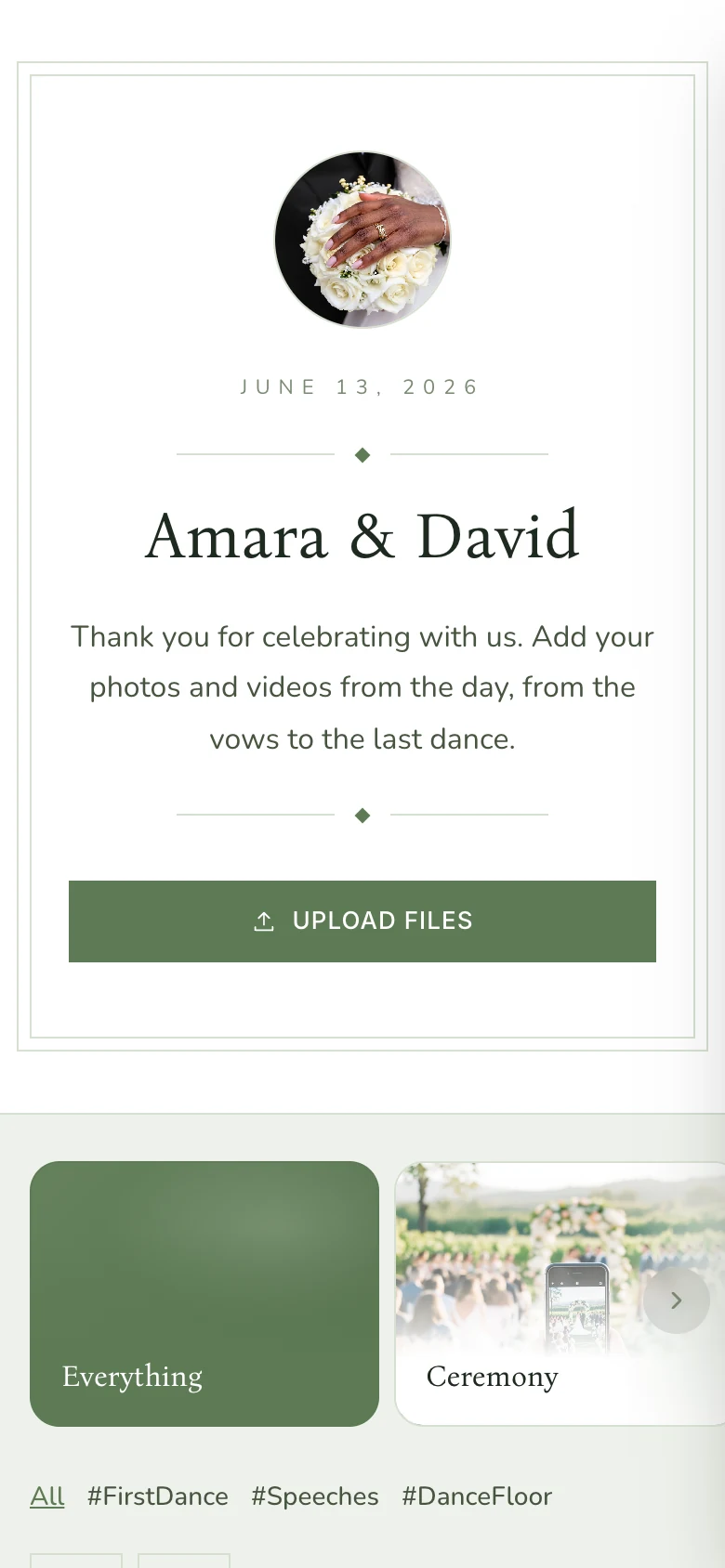
Wedding, Sage
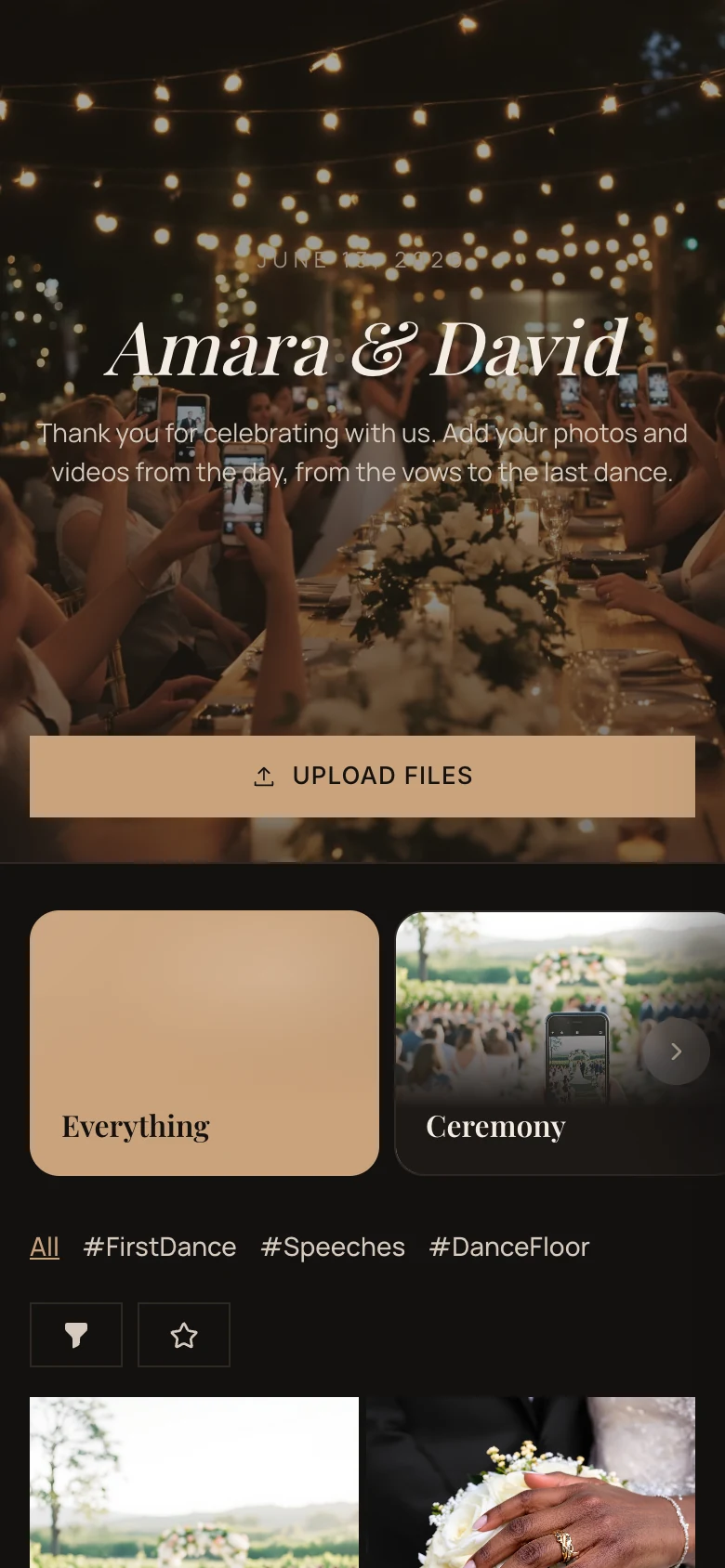
Wedding, Noir
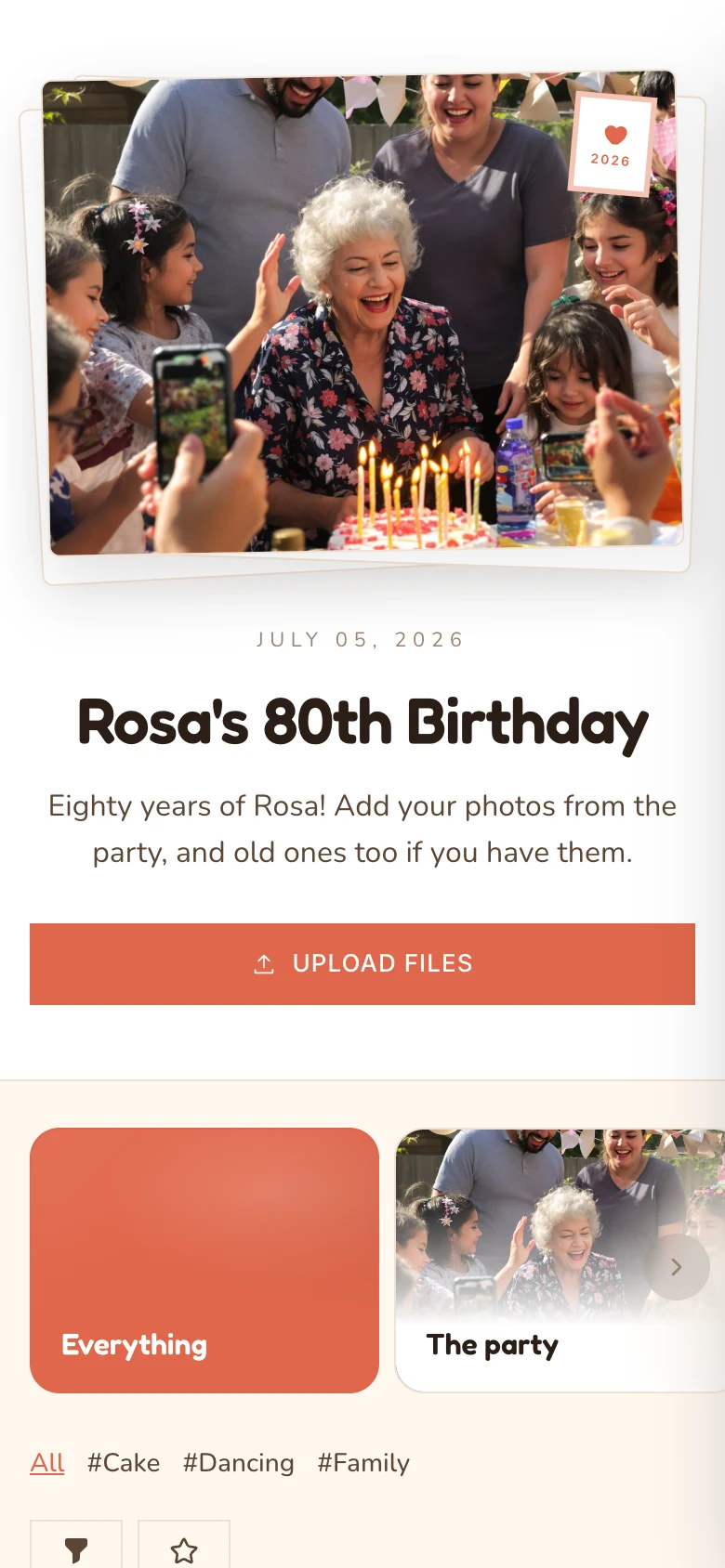
80th birthday
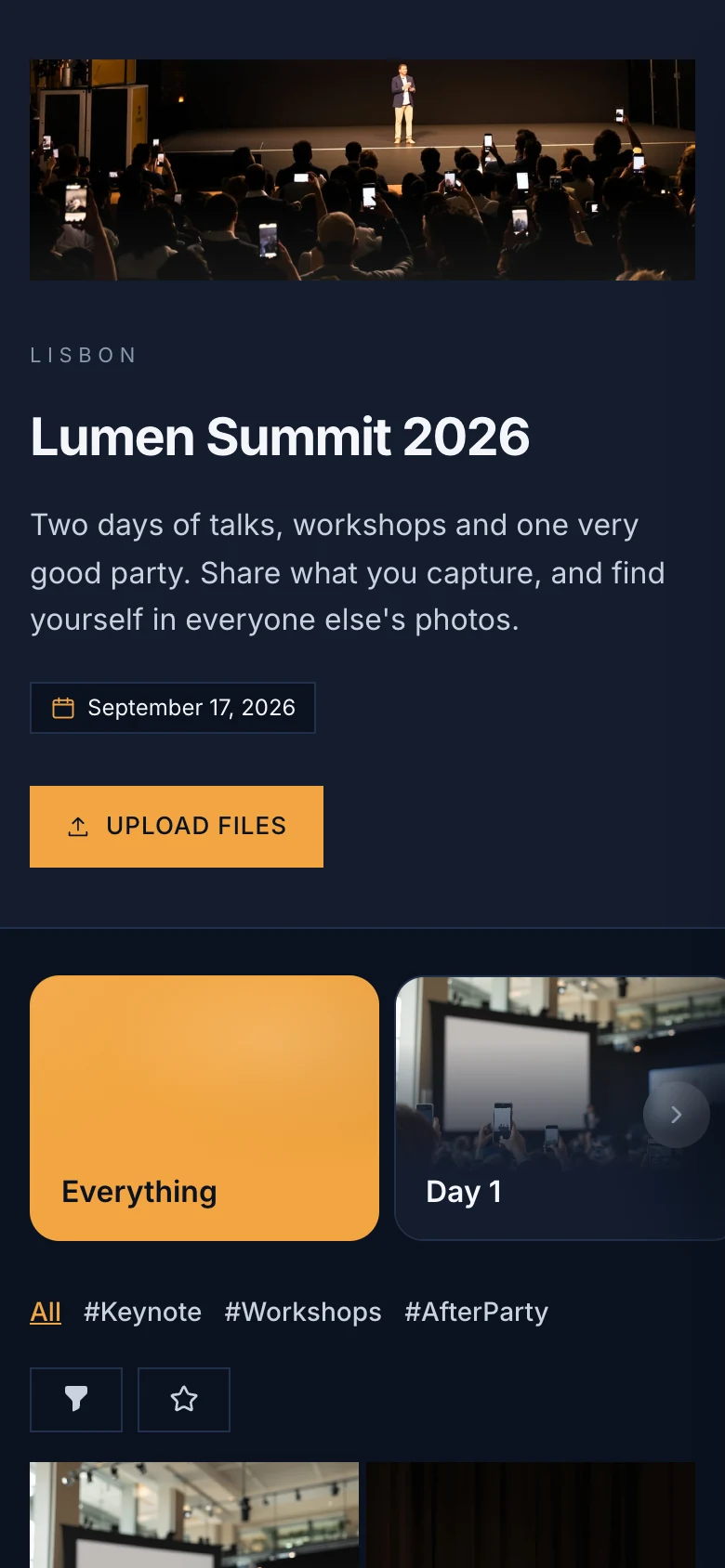
Conference
Colors, fonts and textures
Pick a palette and fonts, add a paper or linen texture, and style the buttons and menu.
13 header layouts
Put your photo and names on top, with an overlay, black and white or duotone.
Four gallery layouts
Grid, Masonry, Mosaic or Instant Frames.
Template library
Search ready-made designs and filter them by tag.
AI DesignerAI add-on
Describe your event and get a theme to start from.
Your own words
Rename buttons like Upload Files and Send Note.
Event pages
Add a welcome page
Tell your story and answer what guests ask: a timeline, locations with a map, an FAQ and a Save the Date they add to their calendar.
- Story
- Highlights
- Details and timeline
- Locations with a map
- FAQ
- Save the Date
- Buttons
- Image
- Note
Start from one of nine welcome page templates. You can also hide the gallery and use the page as your event website.
Save the Date
Saturday
June 13
Add to CalendarChoose a calendar
Google Calendar
Apple Calendar
Outlook
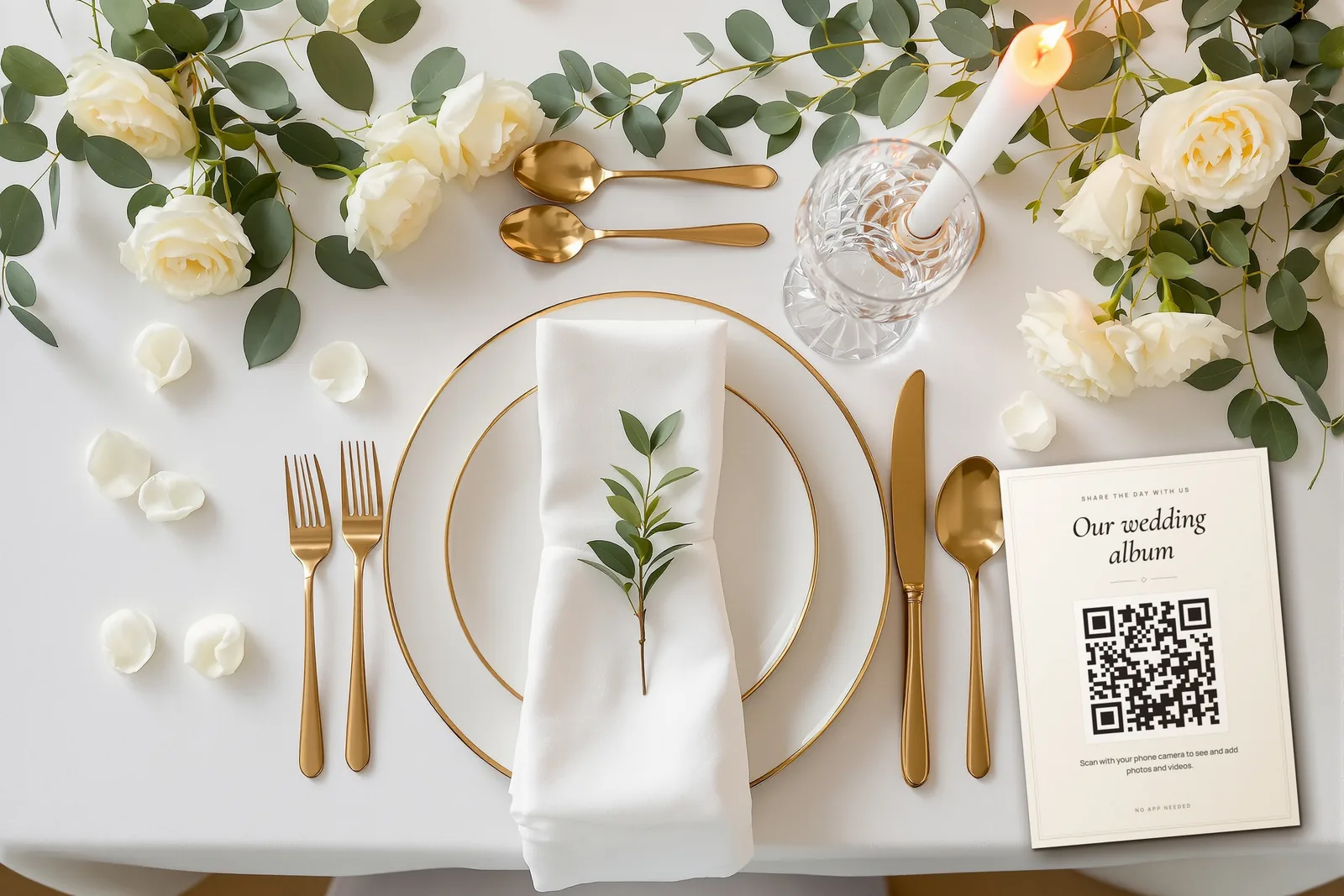
Print the QR code
Download your QR code, or start from one of our free Canva templates for table cards and signs.
Albums and AI
Everything in its place
Guests file their photos as they share them, and AI sorts the rest.
Albums and hashtags
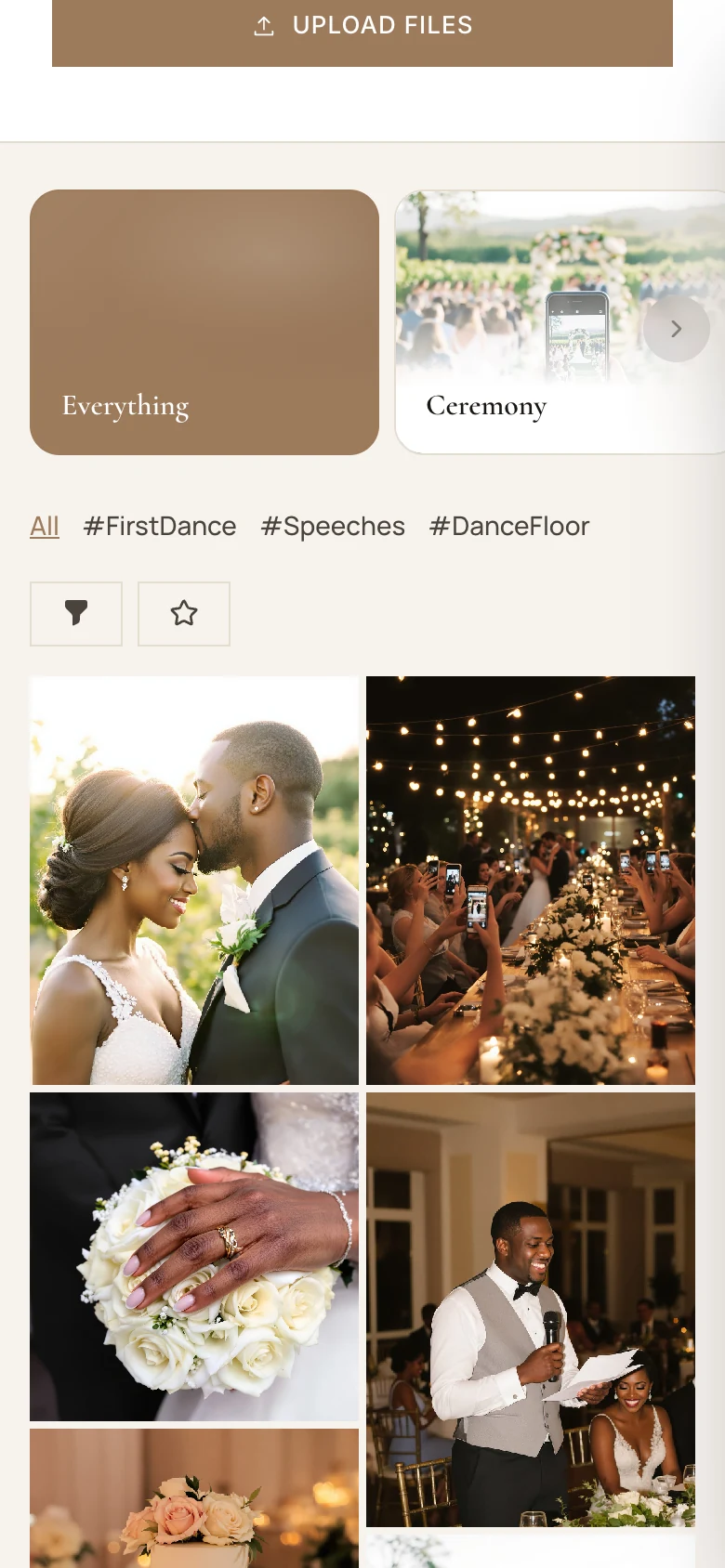
Albums for each part of the day, and hashtags guests pick as they upload.
Smart TaggingAI add-on
AI looks at each new photo and files it under the hashtags you created.
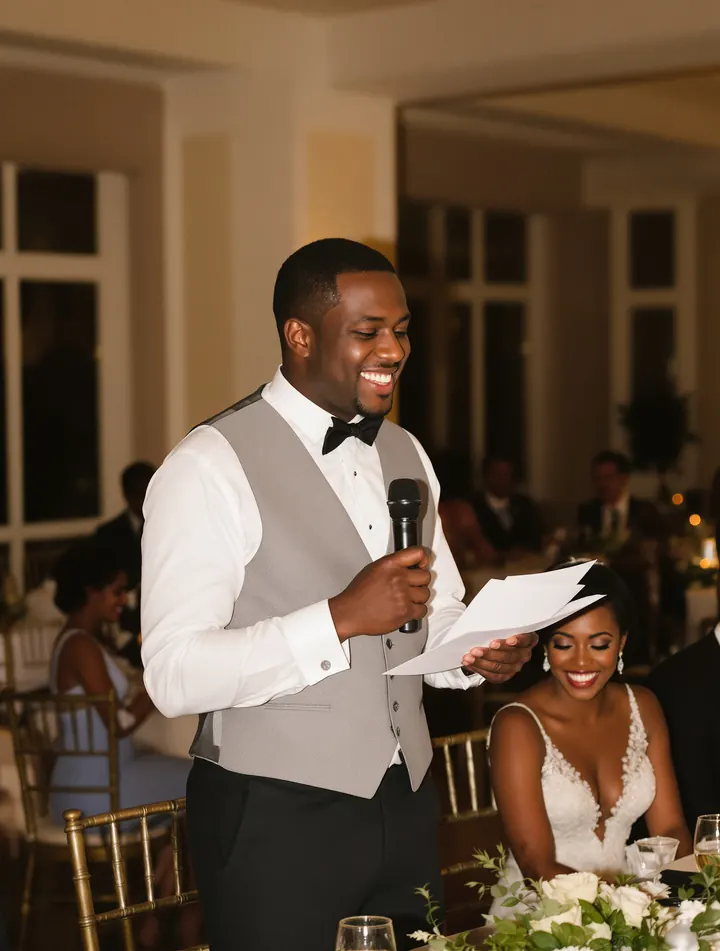 #Speeches
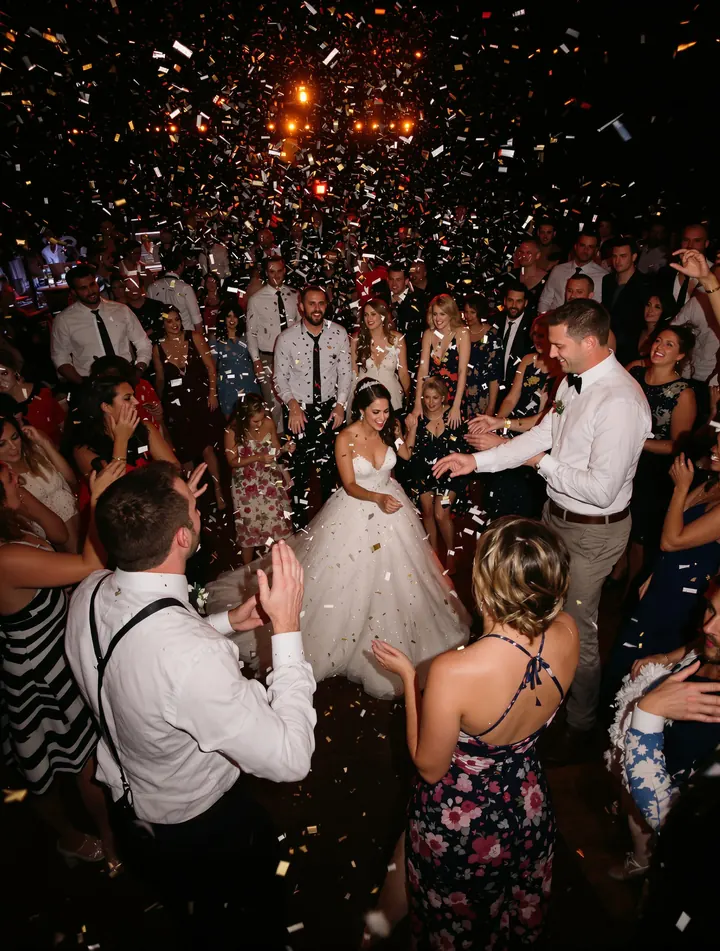 #DanceFloor
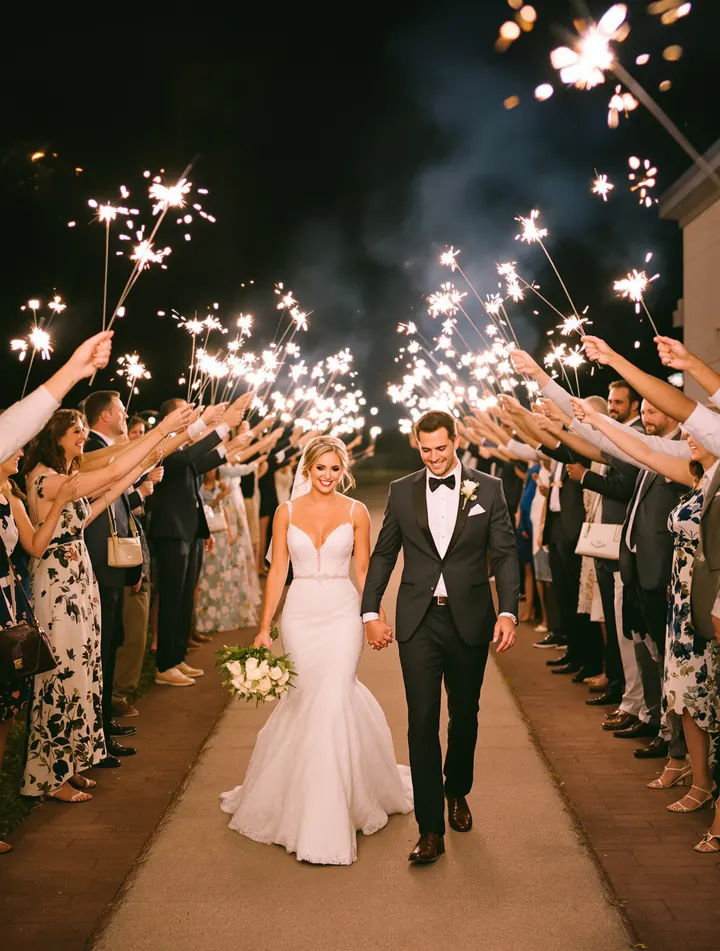 #SendOff
Your order
Pin the best shots to the top, sort newest or oldest first, or drag photos into your own order.
Co-hosts
Invite up to 10 people by email to help run the album.
Paid plans
 to me
to meIt’s Ready!
Your requested archive of uploaded files for Amara & David is now ready for download. Please note that the download link expires in 6 days.
To download your archive, click the button below:
Download ZipDownloads
Keep every original
Everything guests share stays in its original quality, and you can take it all home at once.
One ZIP of everythingPaid plans
We put the archive together in the background and email you the link.
Or just the ones you pick
Select files in your dashboard and download them.
Guests can keep theirs
Single files or their favorites, in original quality, if you allow it.
Stored where you choose
Europe, West or East North America, or Australia.
Privacy and control
Your event, your rules
Decide who gets in, what they see and what appears.
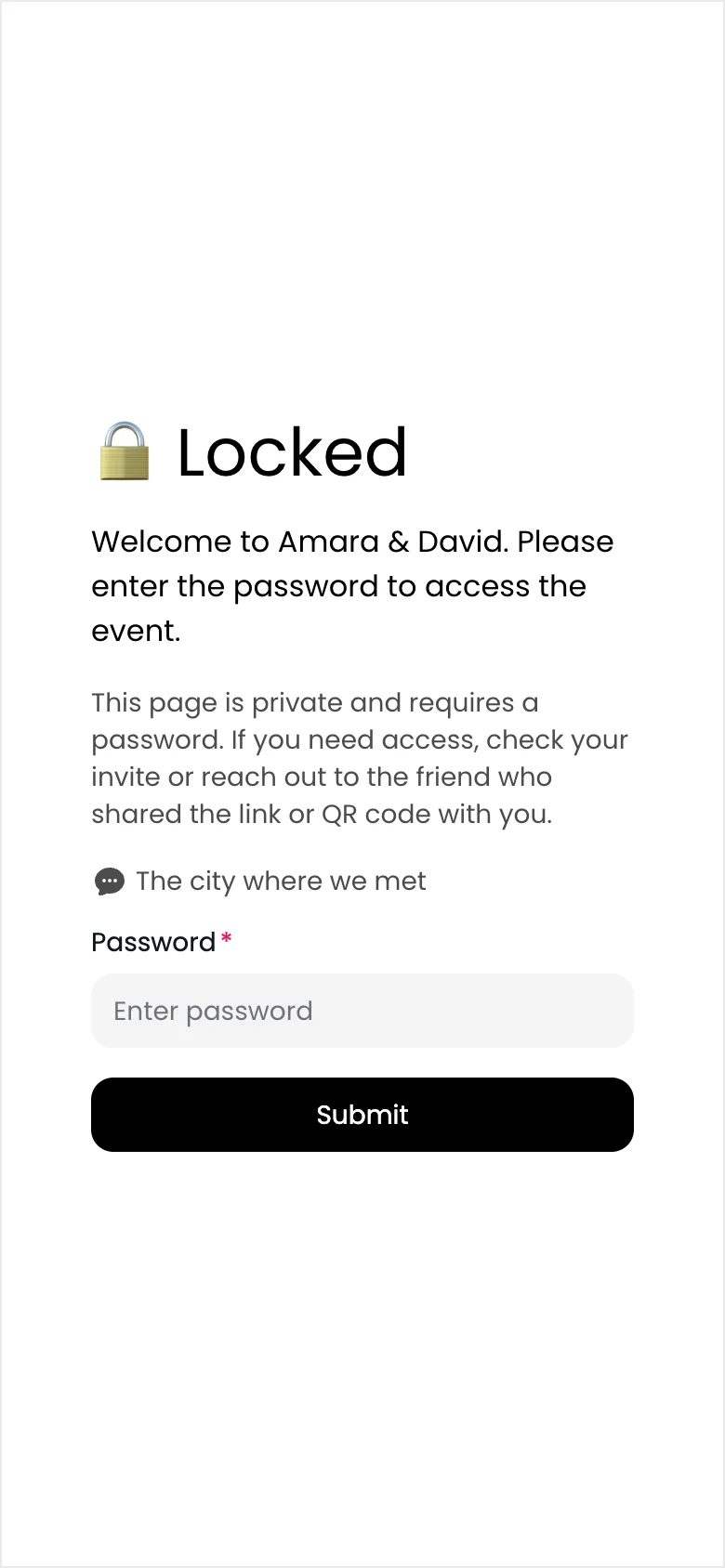
A password, with a hint
Only people who know it get in.
Names and emails
Ask guests to sign in with both, or keep it optional.
Approval first
Check uploads and comments before anyone sees them.
Their own photos only
Guests can upload without seeing everyone else's.
Kept off search engines
Event pages ask Google and others not to index them.
Your link, your brandPaid plans
A custom URL, without the Made with Chivent badge.
Access Control
- Allow guests to upload
- Require approval before visible
- Allow guests to view files
- Guests see only their own files
- Allow guests to download files
- Allow comments on files
- Require comment approval
Made for every event
See it at your kind of event



Hosting events every week?
A subscription from $39.99 a month covers unlimited events with 50 GB or 250 GB of shared storage, with the AI features and custom URLs included.
Pricing
Start free, then pick a plan
Try it free for 7 days with up to 20 photos and videos. Pay once for an event, or subscribe if you host many.
Free trial
$0for 7 days
- Up to 20 photos and videos
- Guest uploads, gallery and photo wall
- No credit card needed
Downloading everything at once needs a paid plan.
One event
from$19.00one-time
- Open for 1 to 12 months
- 100 to unlimited photos and videos
- Download everything in original quality
- Hide Chivent branding
- Up to 10 co-hosts
For example, 6 months, 500 files, 5 albums: $37.00.
Subscription
from$39.99/ month
- Unlimited events
- 50 GB or 250 GB of shared storage
- AI photo tagging and design help
- Your own event link
- Cancel anytime
Prices in US dollars. VAT is added at checkout where it applies.
Questions about features
More answers in the Help Center.
Do guests need an app or an account?
No. They scan your QR code or open your link and use the album in their browser. You can ask for their name and email before they upload, or let them share without one.
How many guests can join?
As many as you like. Anyone with the link can upload. In the free trial, up to 20 guests can register with their name and email.
Which files can guests upload?
Photos (JPEG, PNG, HEIC and WebP) and videos (MP4 and MOV), up to 3 GB per file. Files are kept in their original quality.
Does the photo wall update during the event?
Yes. New photos and videos appear on the wall as guests upload them, with their captions, hearts and comments if you choose to show them.
What's included in the free trial?
For 7 days you can collect up to 20 photos and videos with guest uploads, the gallery and the photo wall. Downloading everything as a ZIP, the AI features, a custom URL and hiding the Chivent branding come with paid plans.
Which languages do guest pages speak?
English, German, Dutch, Swedish, French, Italian, Spanish, Portuguese, Turkish, Hebrew, Japanese and Korean. You pick the language for each link and QR code.
Will my album show up on Google?
No. Event pages ask search engines not to index them, and you can add a password on top.
Can I use Chivent for many events?
Yes. A subscription from $39.99 a month covers unlimited events with shared storage, and includes the AI features, custom URLs and place QR codes.
Everything your guests capture, in one album.
Create your event in a few minutes, print the QR code and watch the photos come in.