
Free tool · No sign-up
Wedding shot list builder with everyone's names on it
Tick the photos you want, add the names for the family photos, and print your list or send your photographer a link.
Your list stays in your browser. We never see the names you add.
Your names
They go on the list instead of “bride” and “groom”.
Family photos
Add the names, and the groups appear in a good order for the day, so your photographer can call people by name.
Someone who knows both families and rounds up each group. A cousin or a friend, not one of you.
Other groups
Friends, the wedding party, anyone else you want a photo with.
Your family photos
Add a few names and your groups appear here.
The rest of the day
The usual shots are ticked. Untick what you don't need, star the ones you'd hate to miss, and add your own.
Details5 of 10
Getting ready: Partner 15 of 11
Getting ready: Partner 25 of 11
First lookIf you see each other before the ceremony.0 of 6
Ceremony12 of 22
Wedding party6 of 8
Couple portraits6 of 14
Reception8 of 17
Dancing and the send-off2 of 9
Notes for your photographer
Anything they should know on the day.
Using your list
How to use a shot list with your photographer
- 01
Send it two weeks before
Your photographer has time to plan the timing, find the spots and ask about anything unclear.
- 02
Keep the must-haves short
Photographers take most of these without being asked. Star the few you'd hate to miss and leave room for the moments nobody planned.
- 03
Name a family helper
Someone who knows both families calls the next group while the photographer shoots. It saves more time than anything else on the day.
- 04
Plan time for the family photos
Allow about two minutes a group, and tell your families where and when the photos happen, so nobody is at the bar.
Your guests' photos
Your photographer has the list. Your guests have the rest.
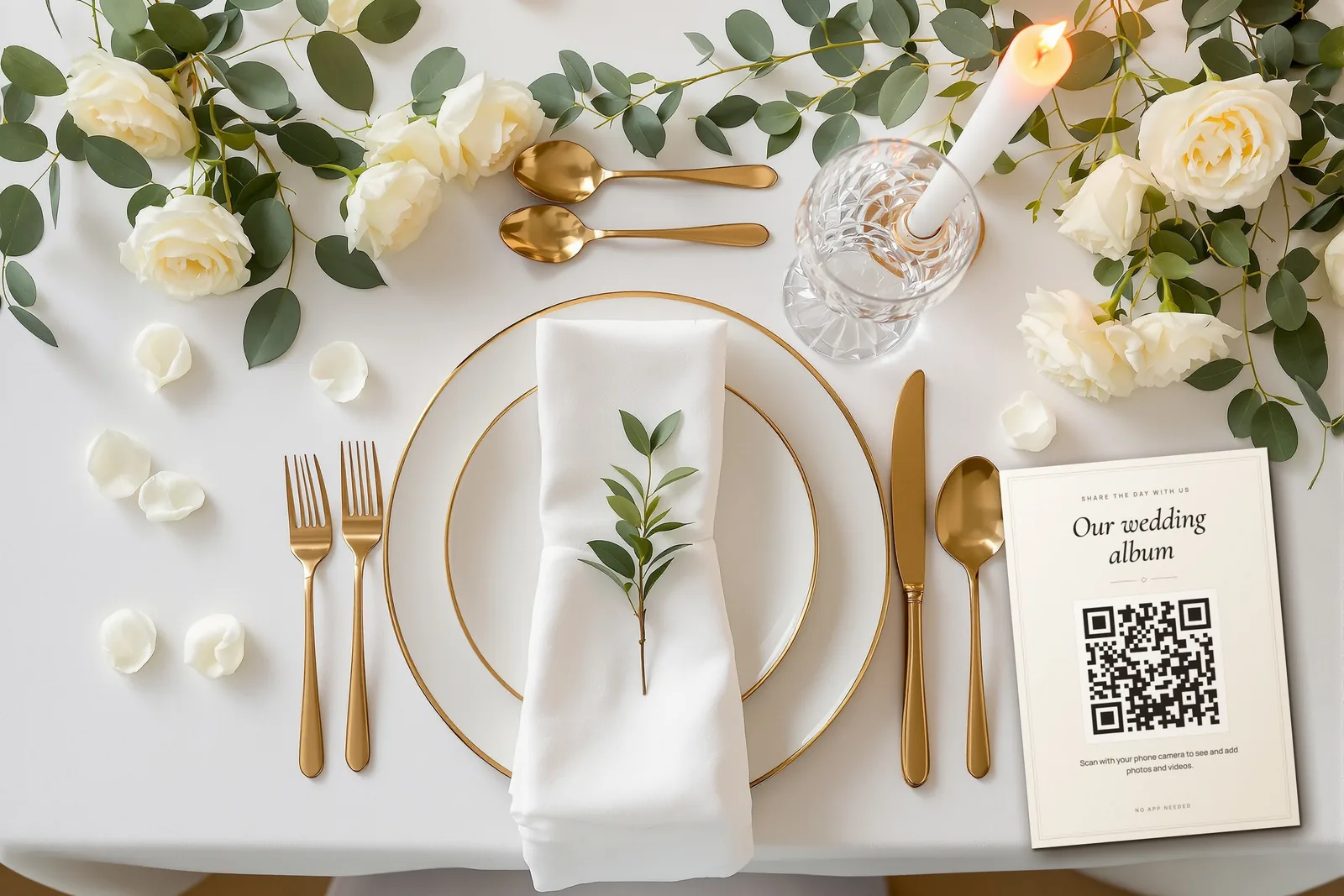
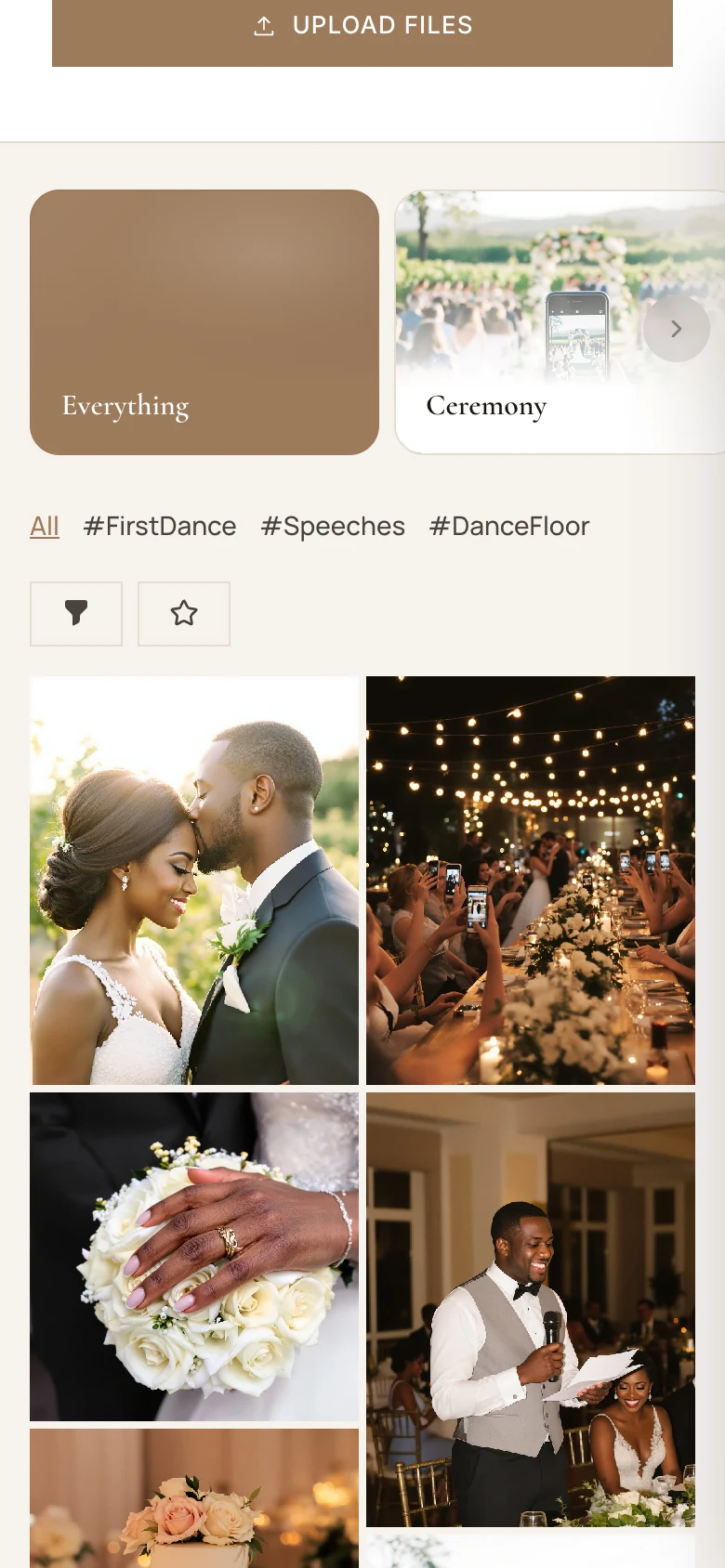
Guests scan a QR code on the tables and add their photos and videos to one album. No app, no sign-up for them.
- One QR code for the whole day, on the tables or the welcome sign
- Photos land in the album as guests take them
- Download everything in full quality after the wedding
Wedding shot list questions
What is a wedding shot list?
A list of the photos you want from your wedding day, given to your photographer before the day. The most useful part is the family photos: who is in each group, in what order, and what everyone is called.
Should I give my photographer a shot list?
Yes, but keep it short. Photographers take the classic moments without being asked, so a long list mostly slows them down. Give them the family groups with names, the few shots you'd hate to miss, and anything they can't know, like a grandparent flying in or a ring that belonged to someone.
How long do family photos take at a wedding?
About two minutes a group is the usual rule of thumb, as long as someone is rounding people up. Fifteen groups take about half an hour. The builder adds up the time as you go.
What order should family photos go in?
Start with both families together while everyone is there, then the grandparents, so they can sit down. Then go through each side from the biggest group to the smallest. The builder puts the groups in this order, and you can move any of them.
How do we handle divorced or separated parents?
Tick “They're separated” and each parent gets their own photos, with their partner if you add one. Nobody has to stand next to someone they'd rather not.
Do you keep my list or the names on it?
No. Your list is saved in your own browser. A share link carries the list itself, after the # in the address, and browsers don't send that part to our servers, so we never store the names.
How do we get our guests' photos too?
With Chivent, guests scan a QR code and add their photos and videos to one album, no app needed. Your photographer follows the list, and your guests catch everything around it. You can start free.
More answers in the Help Center(opens in a new tab)